Participant
July 14, 2020
Answered

How do I change the perspective of a photo?

  • July 14, 2020
  • 2 replies
  • 882 views

Hi there,

I am wanting to place a photo of my website onto a stock photo I have purchased (styled scene of an office environment) As the shot isn't angled straight on, the photo I want to place onto the Mac screen in the styled shot doesn't have the right angles. (Hope that makes sense)

Please see the stock shot here:
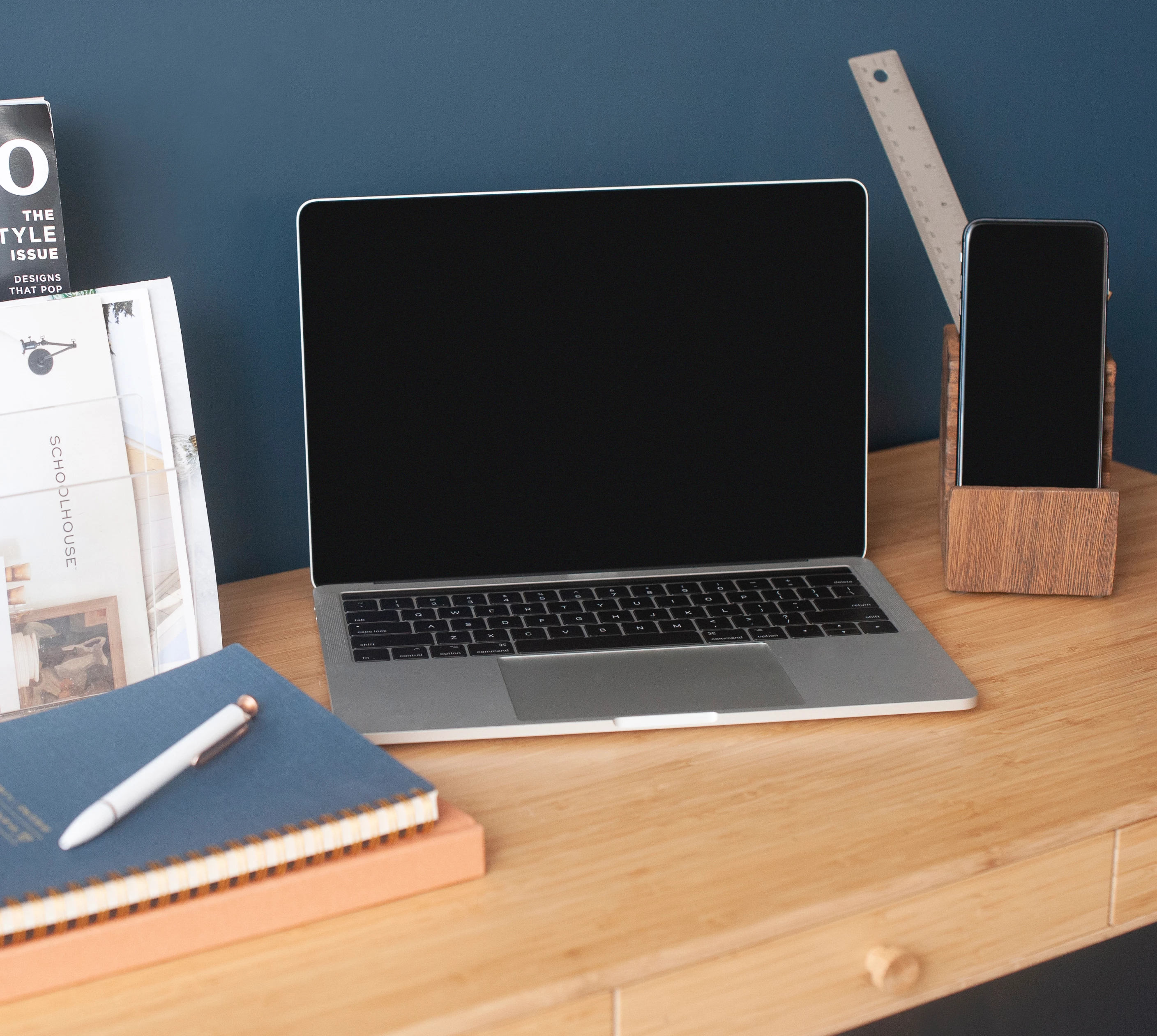
 

I've searched so many tutorials but can't seem to be able to manipulate the photo so that it mirrors the angle lines of the computer screen seamlessly and doesn't look like its been cut and pasted on.


Can anybody help?


Many Thanks!

Lauren.

This topic has been closed for replies.
Correct answer lambiloon

Hi the best and easy option for this is photoshop and its perspective warp option in few clicks you can get it....regards

2 replies

lambiloon
Community Expert
lambiloonCommunity ExpertCorrect answer
Community Expert
July 14, 2020

Hi the best and easy option for this is photoshop and its perspective warp option in few clicks you can get it....regards

Ali Sajjad / Graphic Design Trainer / Freelancer / Adobe Certified Professional
Participant
July 14, 2020

Thank you so much for your help. I have figured it out now in pohotshop, you are correct by far much easier! Thanks so much for taking the time to respond to my query. Very much appreciated!

Doug A Roberts
Community Expert
Community Expert
July 14, 2020

Embed your screenshot image. Draw a shape with the pen tool that matches the outline of the computer screen. Select both this shape and the screenshot and use Object > Envelope Distort > Make with Top Object.


This is simpler to do in Photoshop, especially as you are editing two photos. Does Illustrator need to come in to this for any reason?