andreaf23600721
Known Participant
June 23, 2019
Question

how do i combine the text and the vector

  • June 23, 2019
  • 2 replies
  • 1630 views

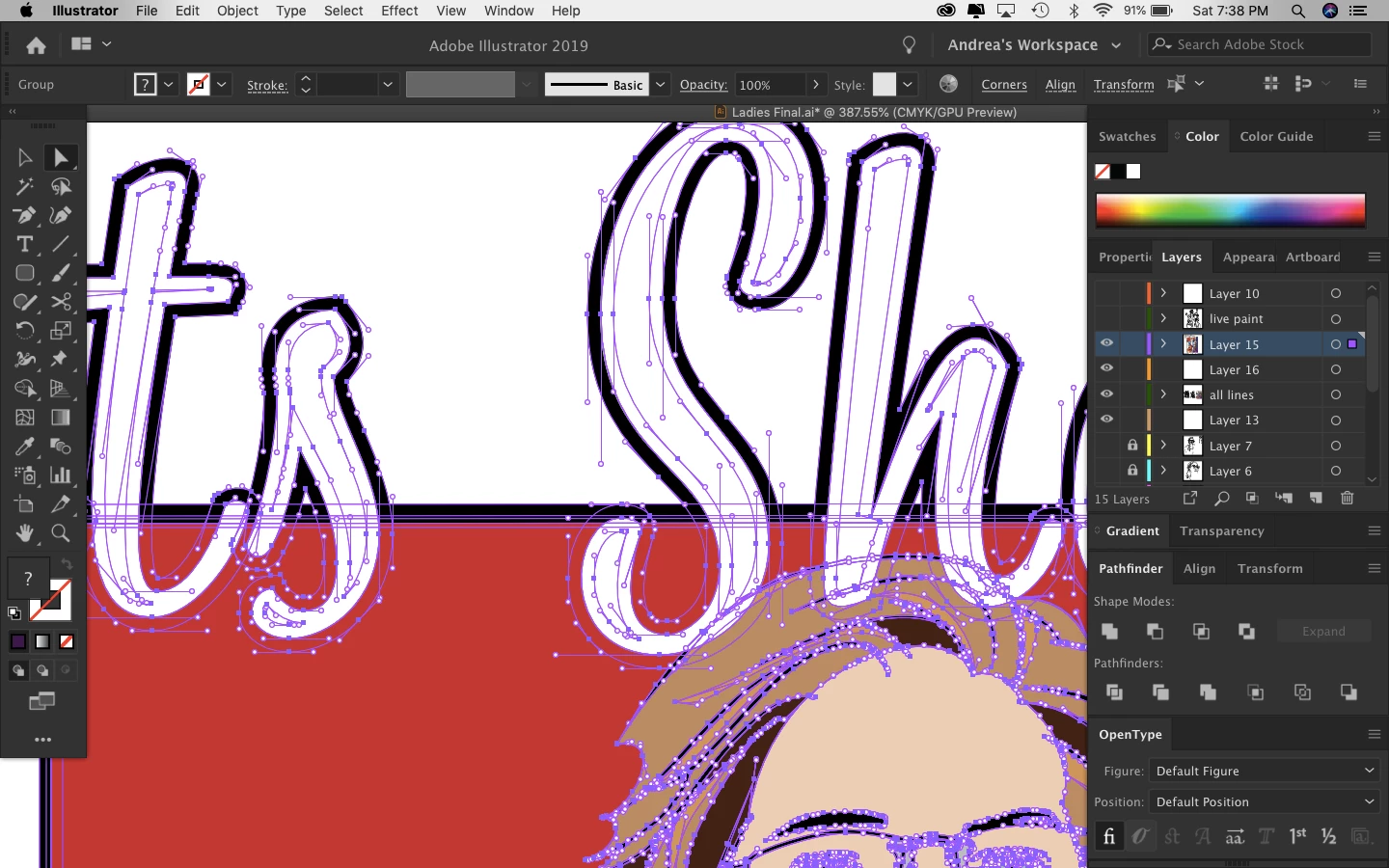
I am at the tail end of the design and I am trying to figure out what I need to finish up and I can not for the life of me finalize this.PLEASE help me!!!!

I am a newb....

This topic has been closed for replies.

2 replies

ceyhun_akgun
Brainiac
June 24, 2019

I have a solution that requires experience. You may need to use the appearance panel. No need to linearize your writing. By grouping a vector object with your writing, you can design by giving linear backward thicknesses. I share a link via Youtube. See examples like this.

Adobe Illustrator Appearance Panel and Effects Part 1 - YouTube

Create Comic Book Text in Illustrator - YouTube

Graphic Designer Educator / PrePress Consultant
andreaf23600721
Known Participant
June 24, 2019

Thank you for the video. I will check it out. Have a good day everyone. Wish me luck!!!

tromboniator
Adobe Expert
June 23, 2019

Andrea,

Please be lots more specific. From what you've posted I have no clear idea of what your problem is.

Peter

andreaf23600721
Known Participant
June 23, 2019

Thank you for responding Peter. I managed to make the image into a compound shape. But my text are still paths. I want to make everything-text and image a combined vector. I’m know I’m missing a simple step.

Theresa J
Adobe Expert
June 23, 2019

You can’t go back to text after you have outlined to shapes as shown in your screen capture.

It’s still not clear what you are trying to accomplish though.