
Question
how do I combine vectors so that overlapping sections are hidden (by the topmost image)?
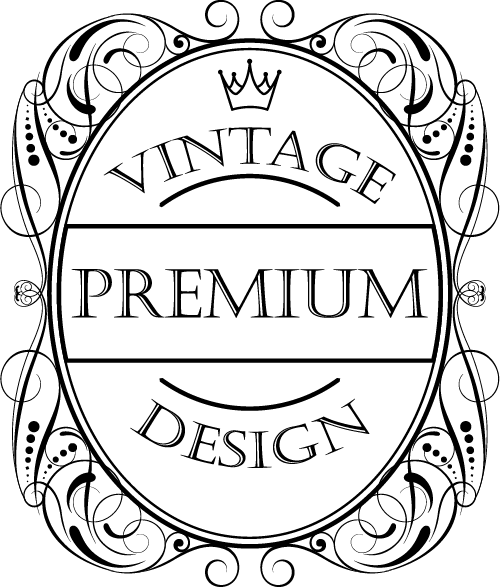
hello, I don't know if I'm asking the question correctly, but... I have a few vector images I'm trying to combine into a single composite image. How do I make the overlapping portions hidden underneath the topmost image? For instance, if I were combining these two images below, so that the "vintage premium design" image appeared in front of the swords image in the center of it, thus covering part of the swords; how would I do that? Thank you very much.

 AdChoices