Participant
June 16, 2019
Answered

How do I convert compound paths to strokes in adobe illustrator?

  • June 16, 2019
  • 2 replies
  • 14391 views
I have an image i've drawn and would like to convert the object's lines to a stroke so that the outline is the same weight. i've tried rasterizing the image, expanding, live-tracing, but still not getting the effect i want.
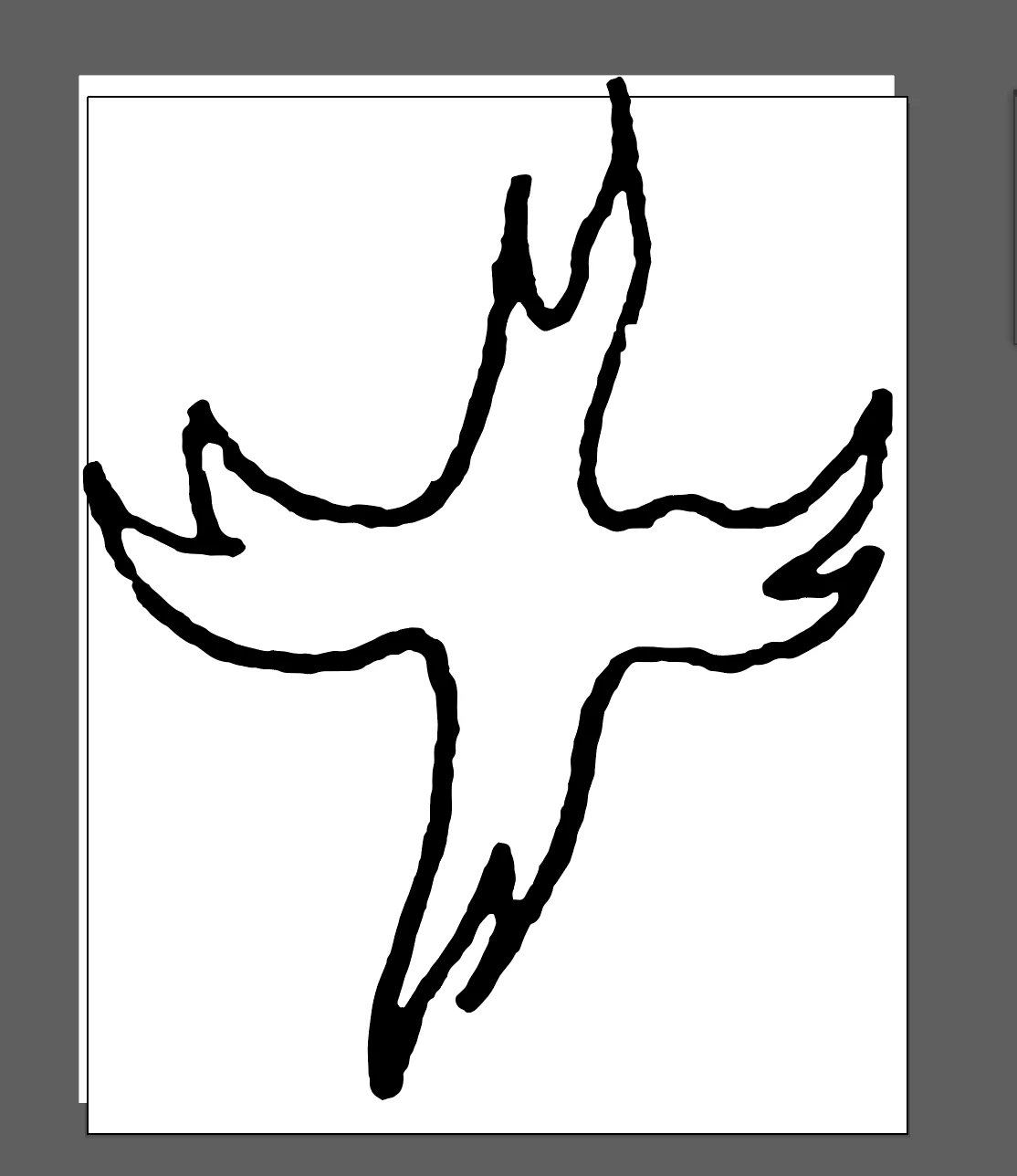
i can use the pen tool to outline the image myself but it's quite time-consuming. seems like there should be a better way.
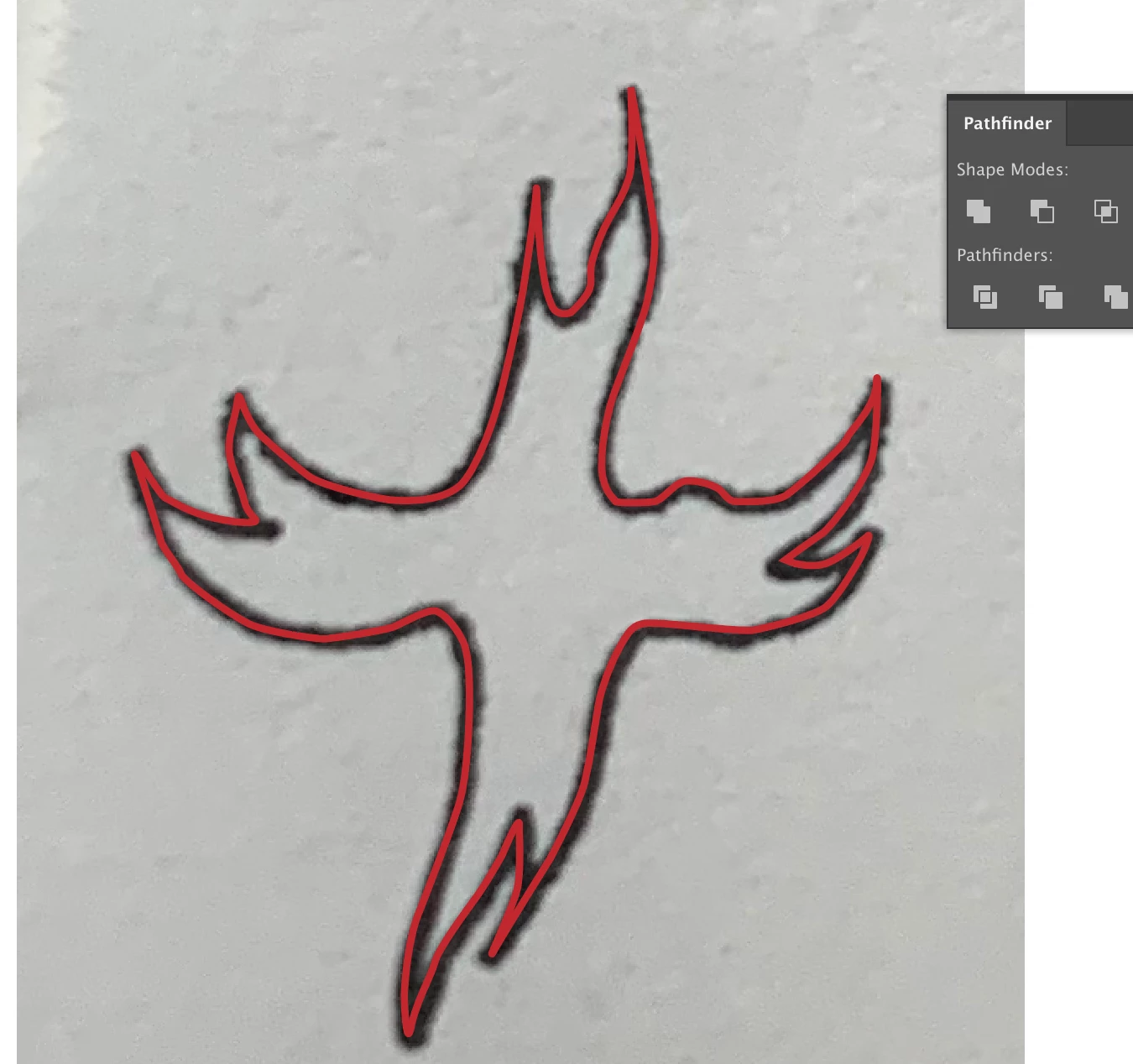
thanks!
Correct answer Eugenio.NYC

I agree with Monika,

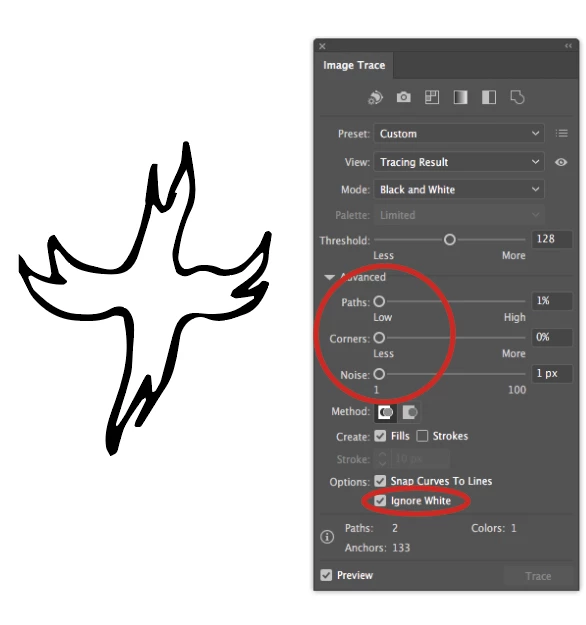
maybe try this

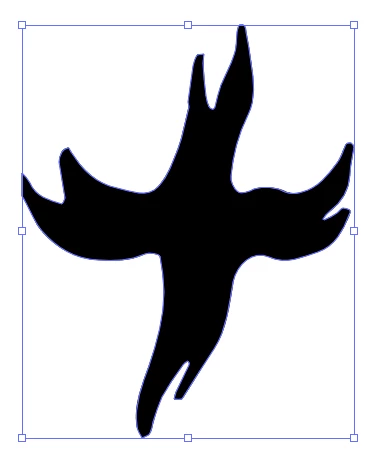
then select the inside or outside with the white arrow (direct selection tool) and delete it

you will have a silhouette,

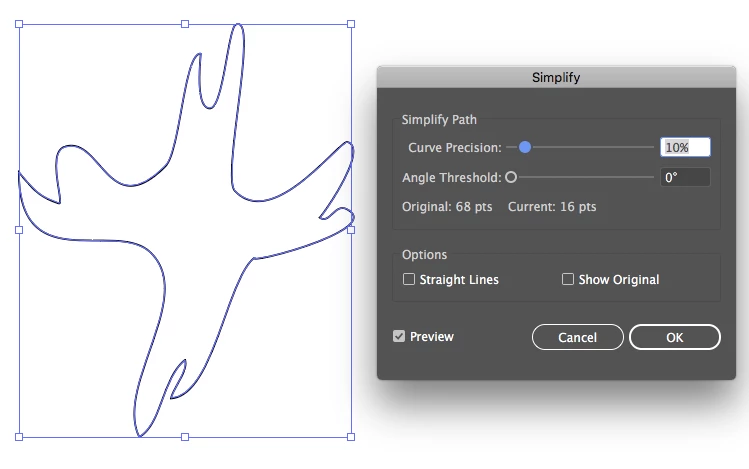
invert fill and stroke and then go to the menu Object/Path/simplify

Maybe this works

Regards

E

2 replies

laurae97894924
Participant
September 24, 2019

Hi Claire,

I realise this may be a bit late for you, but I have been searching for a solution to this for ages and came across this tutorial. Worked for me - hope it helps you too! https://community.glowforge.com/t/how-to-get-a-centerline-trace-in-illustrator/21392/22

Thanks

Monika Gause
Community Expert
Community Expert
June 16, 2019

If converting to pixels and then tracing does not work for you, then doing it manually is the way to go.

Participant
June 16, 2019

thank you!

Eugenio.NYC
Eugenio.NYCCorrect answer
Participating Frequently
June 17, 2019

I agree with Monika,

maybe try this

then select the inside or outside with the white arrow (direct selection tool) and delete it

you will have a silhouette,

invert fill and stroke and then go to the menu Object/Path/simplify

Maybe this works

Regards

E