Inspiring
November 18, 2022
Answered

How do I create 45 degree cross-hatching for an irregular shape?

  • November 18, 2022
  • 2 replies
  • 3564 views

Hi all,


I would like to create some evenly spaced 45 degree cross-hatching for an irregular shape. I've bodged something up to show what I mean;
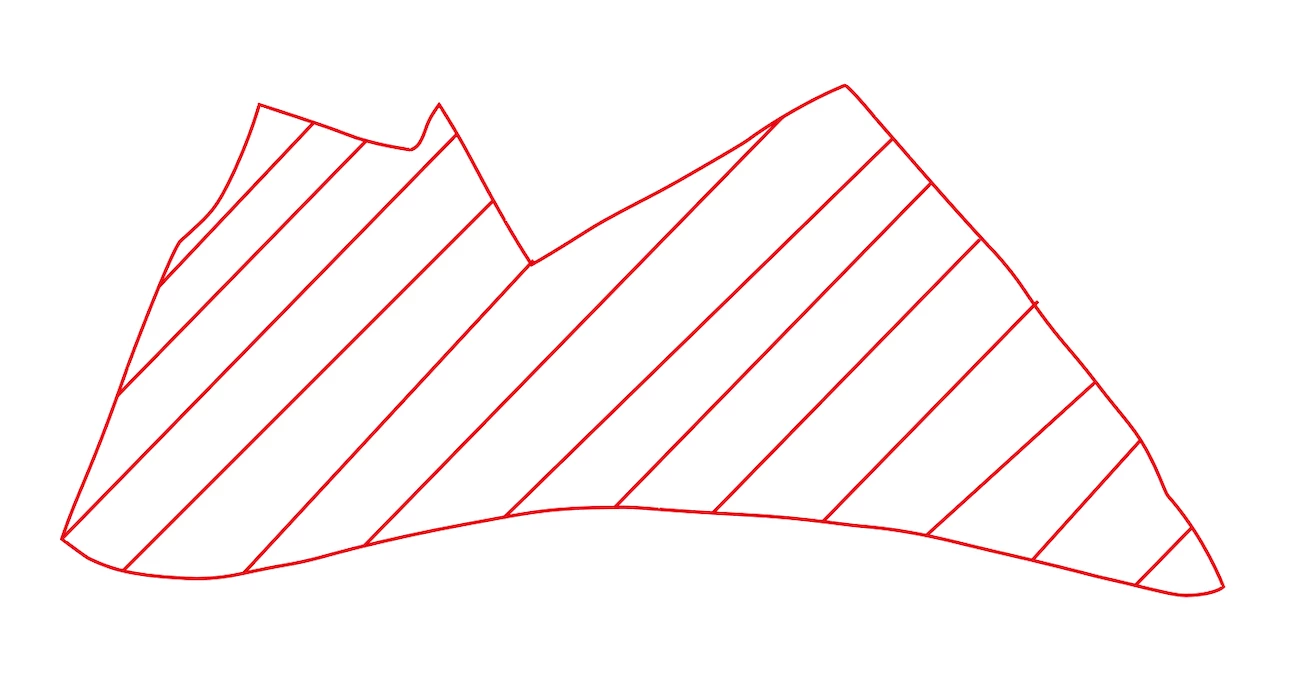
If I can adjust the spacing and angle as well as the colour of the crosshatching that would be great, but not essential.


Thanks in advance,


Lee
Correct answer SJRiegel

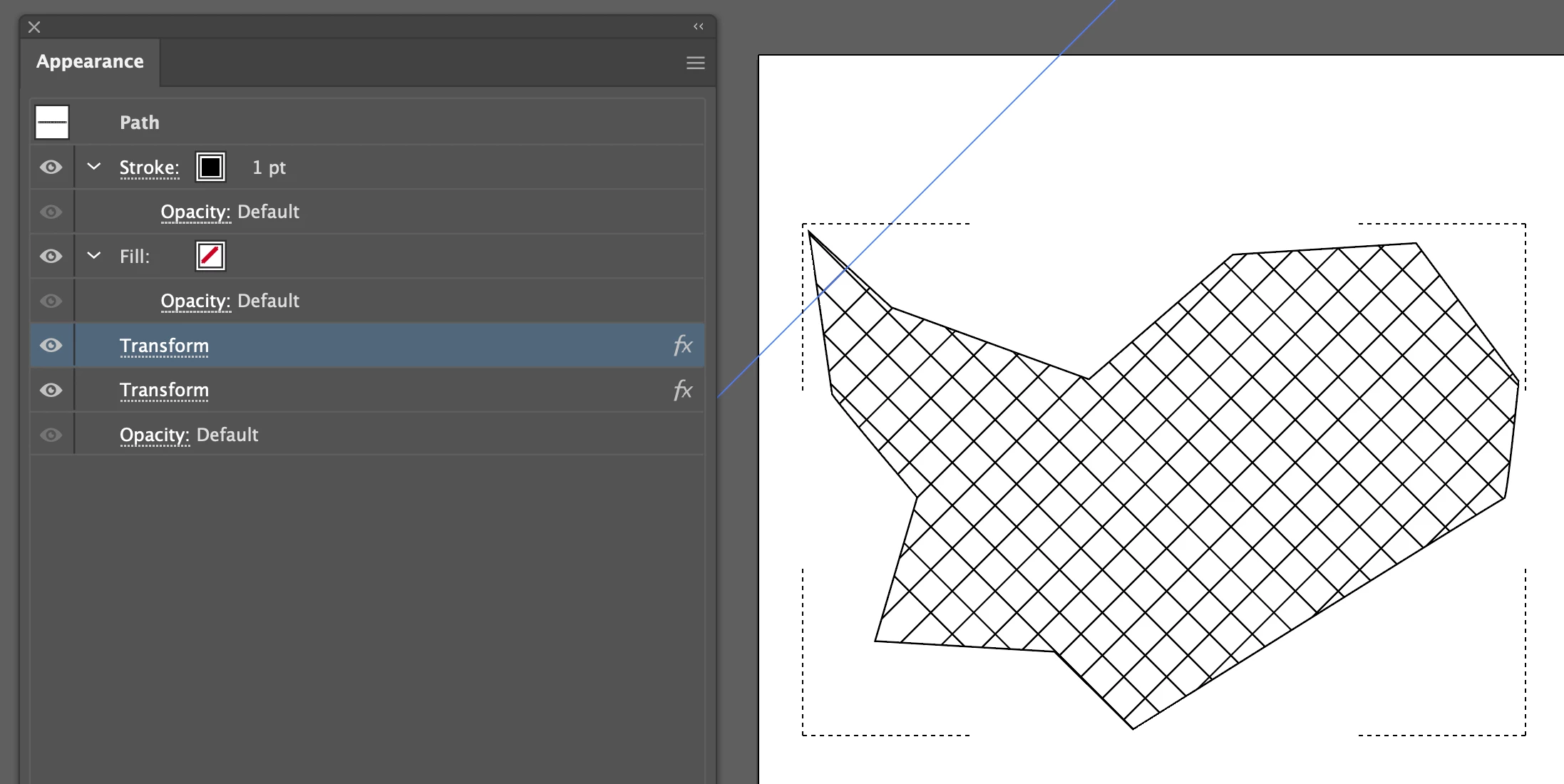
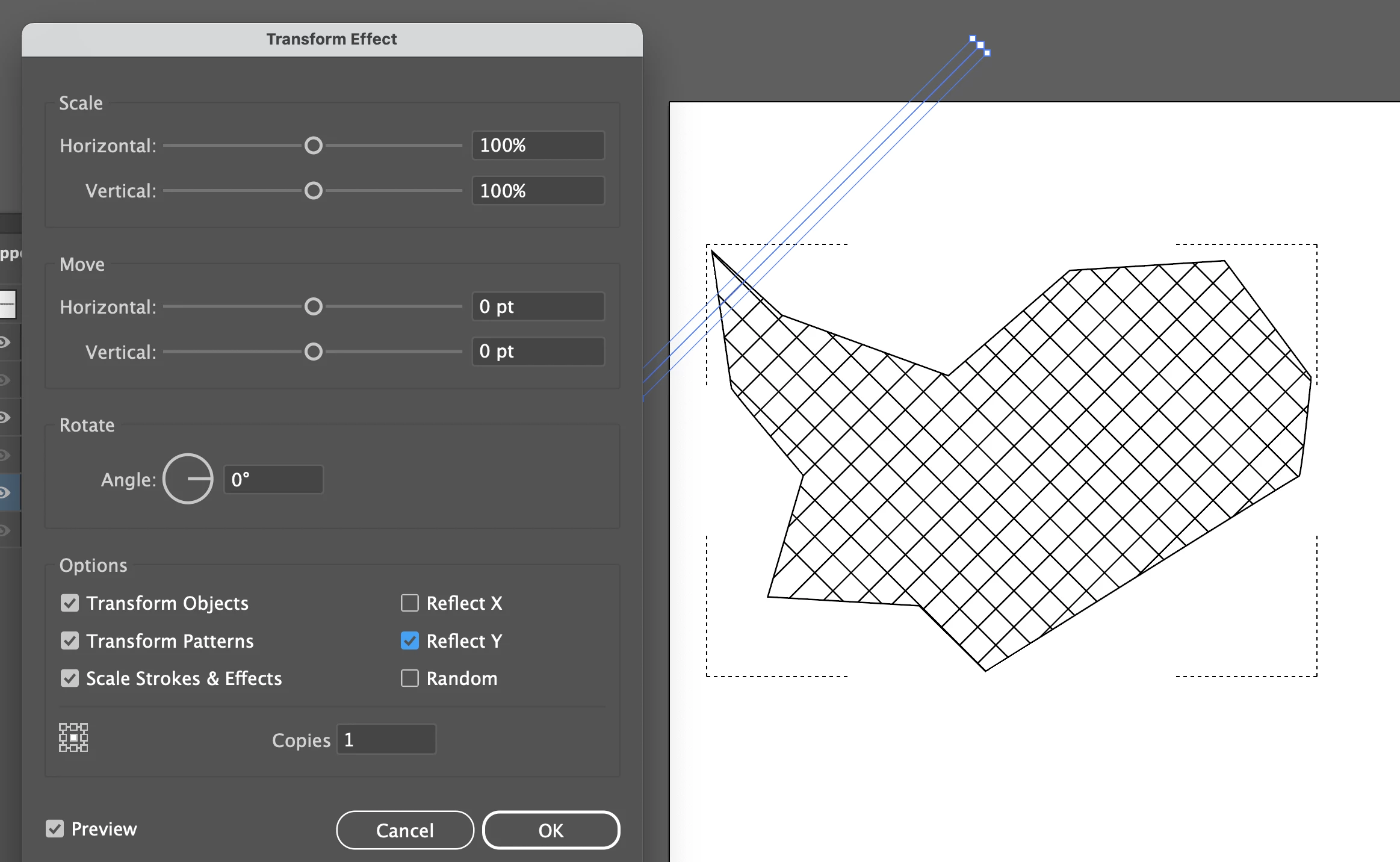
You can also add a second effect on the same line, duplicating and reflecting it to create the other half of a crosshatch.


2 replies

Ton Frederiks
Community Expert
Community Expert
November 18, 2022

You could create a horizontal pattern and rotate and color (Recolor Artwork) it afterwards.

https://helpx.adobe.com/illustrator/using/create-edit-patterns.html


Legend
November 18, 2022

Select your shape and change the drawing mode to Draw Inside. (toward the bottom of the tool bar, under the color controls. Draw the first line, making sure it is long enough for the largest area it will cover. Use the Transform Effect to duplicate the line as many times as you need to fill your shape.

SJRiegelCorrect answer
Legend
November 18, 2022

You can also add a second effect on the same line, duplicating and reflecting it to create the other half of a crosshatch.