

Answered
How do I create a cut-out brush, that would do directly the Minus Back option from the pathfinder?
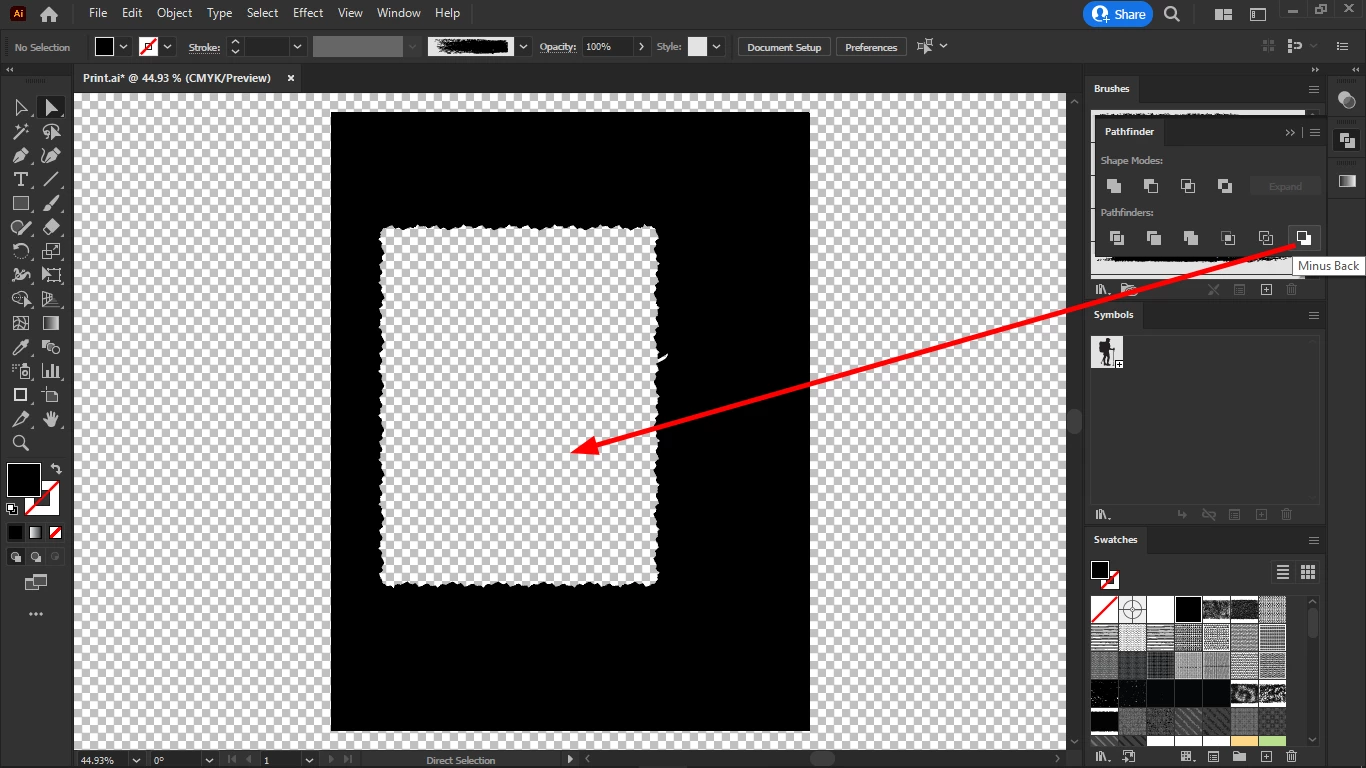
To achieve this, I had to:
1. select the object (both fill + stroke)
2. object > expand appearance
3. pathfinder > merge
4. object > compound path > make
5. object > arrange > send backward
6. pathfinder > minus back
But this is equivalent to a cut-out brush stroke.
First I do my graphics for each page, then I will import it page by page into InDesign and add my text and my images.
Some of the images I would add in the cutout frames like this one.
I thought this is better than brushing the edges of images in Photoshop because it allows more for changes to be made later.
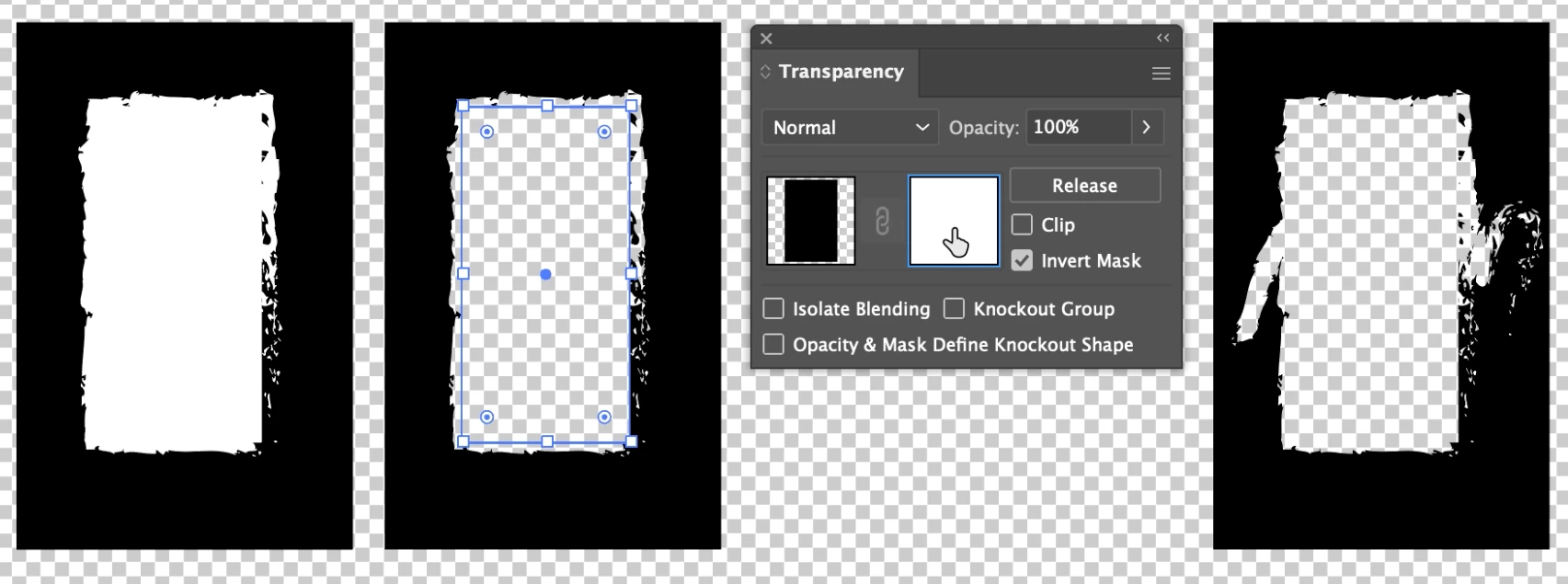
But the procedure mentioned above doesn't work for "painting".
So I need a cutout brush.
Does anyone know how to make it?
Thanks in advance.
 AdChoices