
goblue8763
Participant
September 19, 2017
Answered

How do I create a transparent shape inside another?

  • September 19, 2017
  • 1 reply
  • 886 views

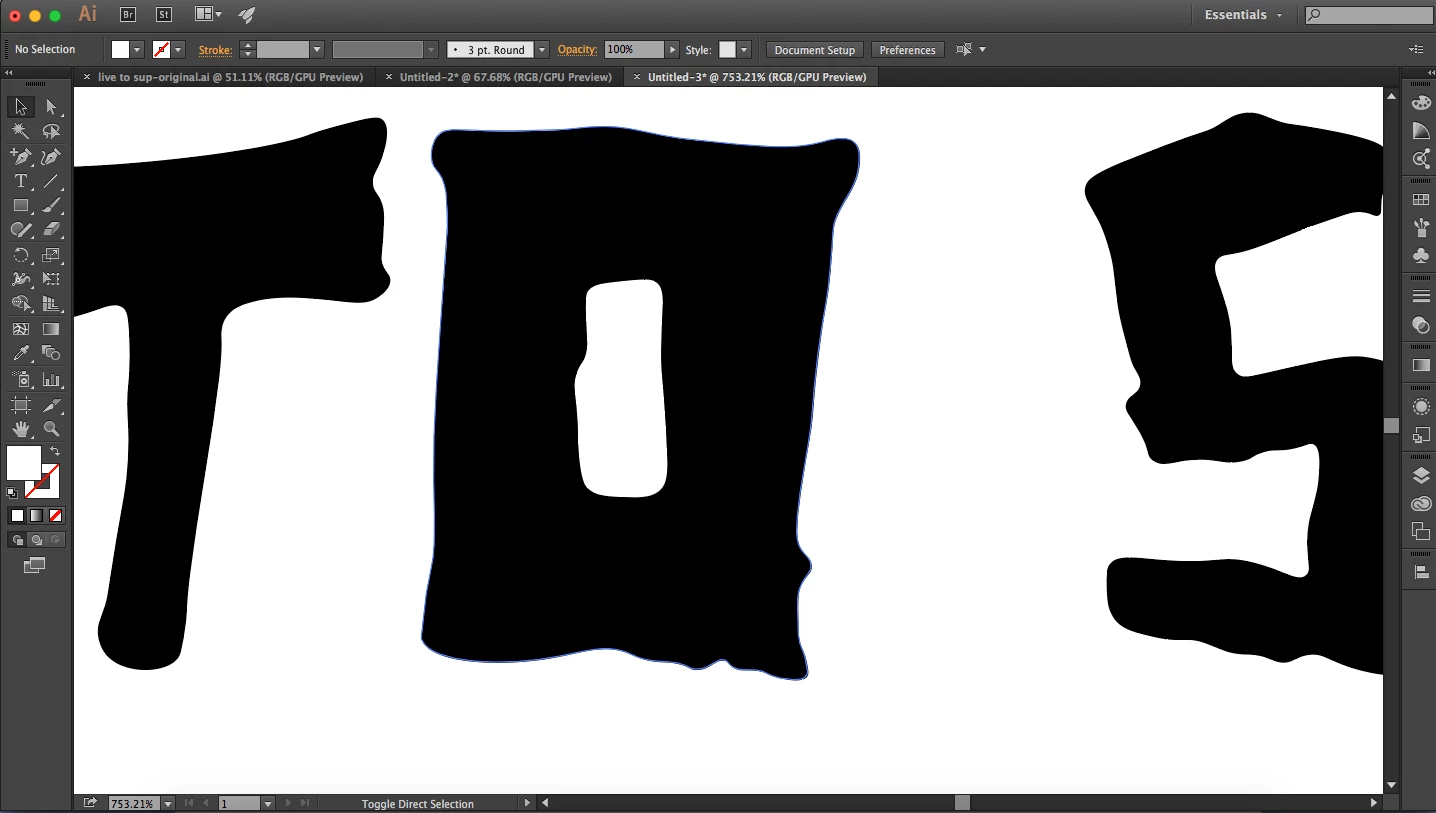
I've created a shape with the curvature tool and am looking to create a shape inside of there that is transparent. In the screen shot you can see that center of the o is white and I need it to be transparent. Is there any way I can make it transparent? Thanks in advance.
This topic has been closed for replies.
Correct answer Monika Gause

Select the outer and the inner shape and then make a compound path: Cmd+8

1 reply

Monika Gause
Community Expert
Monika GauseCommunity ExpertCorrect answer
Community Expert
September 19, 2017

Select the outer and the inner shape and then make a compound path: Cmd+8

goblue8763
Participant
September 19, 2017

Thank you very much!