Known Participant
January 31, 2020
Answered

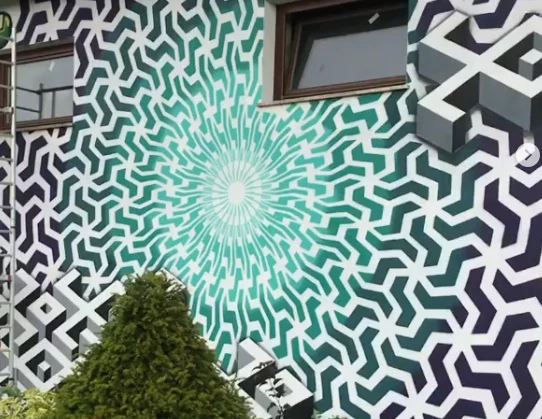
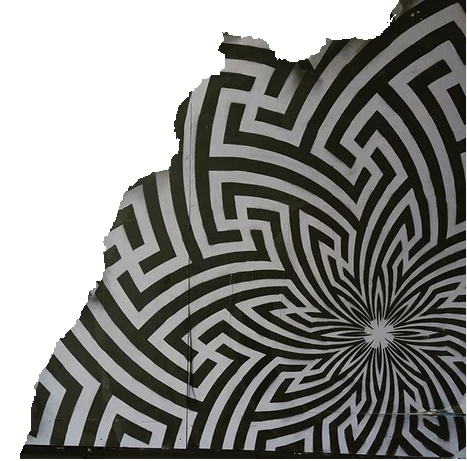
How do I create this effect with a pattern in Illustrator?
  • January 31, 2020
  • 2 replies
  • 1149 views


This topic has been closed for replies.
Correct answer Doug A Roberts

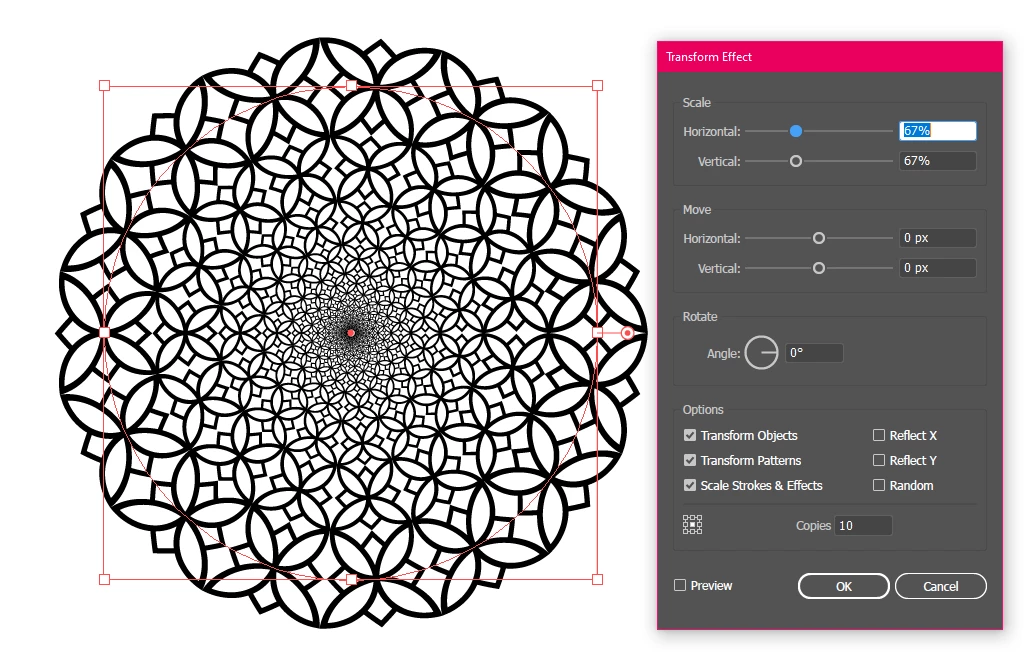
Use a transform effect instead (Effect > Distort & Transform > Transform). Adjust the scale until it looks right and add however many copies you need.
2 replies

Known Participant
February 12, 2020

Hi I can´t seem to align my pattern when drawing the circles. Could you help me out here? I have tried adjusting circle size but it won´t help. Also, the scaling is off.


Doug A Roberts
Community Expert
Doug A RobertsCommunity ExpertCorrect answer
Community Expert
February 12, 2020

Use a transform effect instead (Effect > Distort & Transform > Transform). Adjust the scale until it looks right and add however many copies you need.

Known Participant
February 12, 2020

Dude, thanks so much!

Kurt Gold
Community Expert
Community Expert
January 31, 2020

Which version of Illustrator are you using?


What approaches have you tried so far in order to create what you call an "effect"?


Can you elaborate a bit?

Known Participant
January 31, 2020

I´m using 2019 cc.


Sorry if I´m not making myself clear. I thought the pictures would sufficient. I´m not that good at explaining myself in english, but I´ll give it a go. 

I´m really not sure how to achieve this "effect". I know how to make the patterns. Fx, first image depicts the japanese pattern called "sayagata".

This specific pattern  "grows" from a center point and outwards in a gradient. 

Examples here:


meganchi
Legend
January 31, 2020

I traced your pattern to make this quick setup. This isn't perfect, but you should get the concept.