
How do I create transparency after tracing an image and expanding
Hello,
I have a problem I hope you can help me with.
I am creating a vector of Insects based on scanned books. I started by cleaning them up and making them transparent in Photoshop and saving them as a PNG file.
I also wanted to turn the PNG into a Vector using image trace, then expand to later save as an EPS file.
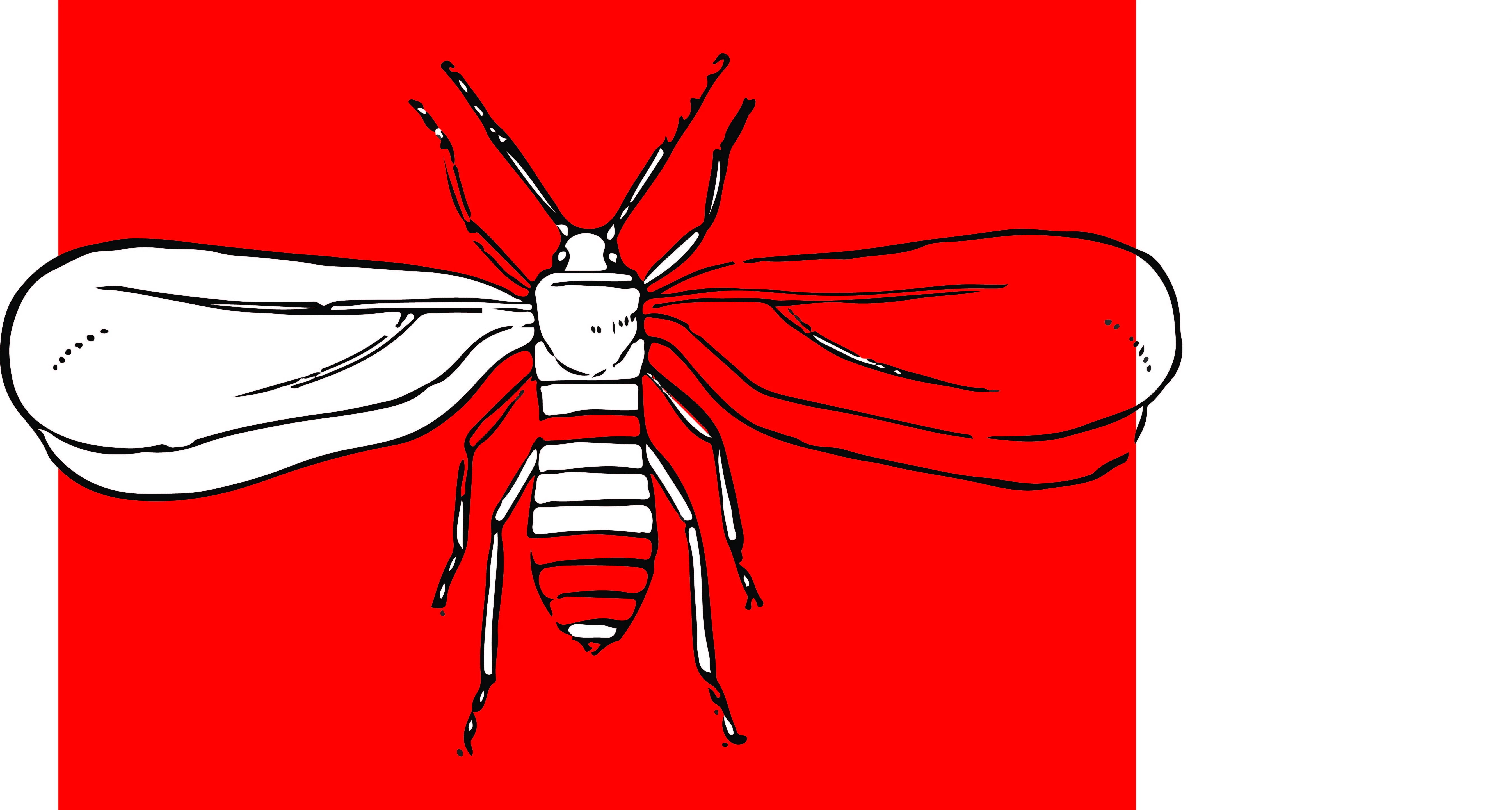
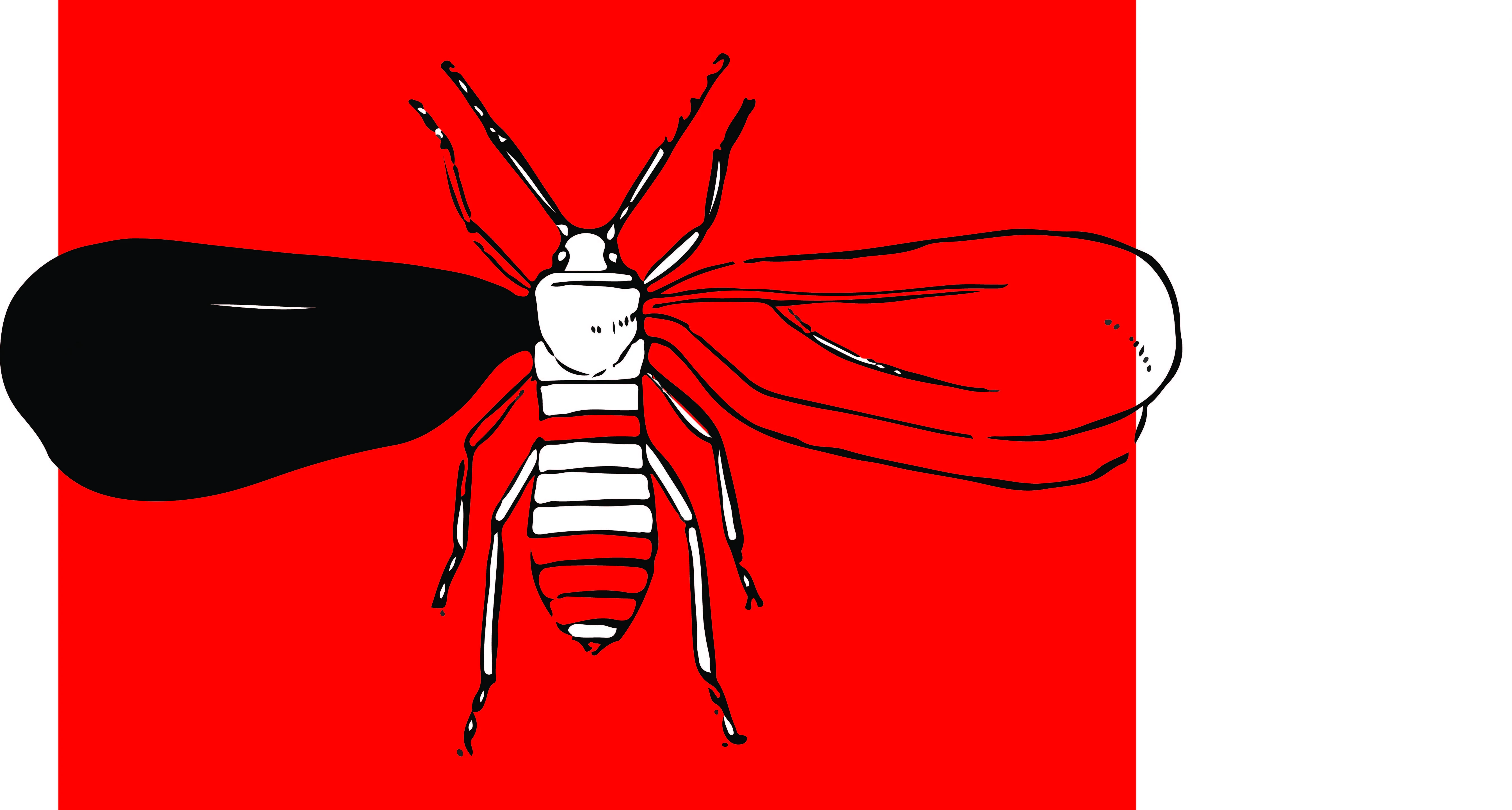
After tracing and expanding the PNG file I get the result as you can see below. I understand why it has happened but what I would like to know is how to remove the white area to make it transparent without leaving a black space as you can see in the second image when I delete the white vector shape, making it completely transparent and only leaving the black outline.
I hope that makes sense and any feedback would be much appreciated.
Kind regards,
James


 AdChoices