


Question
How do I emulate this Photoshop function?
I have a SVG outline map of the fifty U.S. states, similar to the one below. I would like to place the sunflower on the left directly over Kansas (KS). In Photoshop, I could then use the Magic Wand to select the area inside the Kansas rectangle, then select the sunflower image and copy or cut it. The result looks like the picture on the bottom.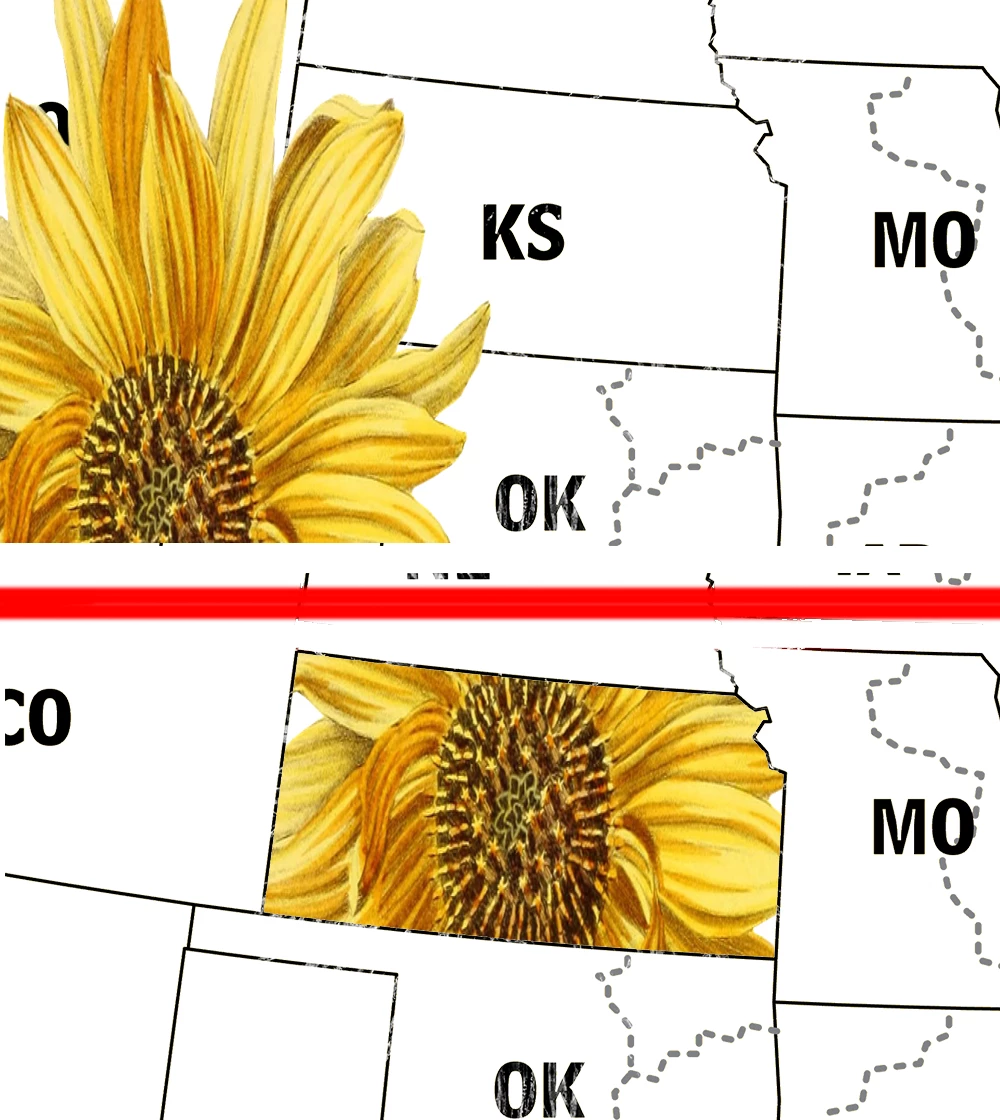
How do you do this kind of operation in Illustrator?
My goal is to fill the spaces for each of the fifty states with a variety of background colors and icons (e.g. state flags and flowers).
Thanks.
 AdChoices