
Participating Frequently
May 14, 2025
Answered

How do i expand the layers to select only the front facing side of each letter?

  • May 14, 2025
  • 3 replies
  • 536 views

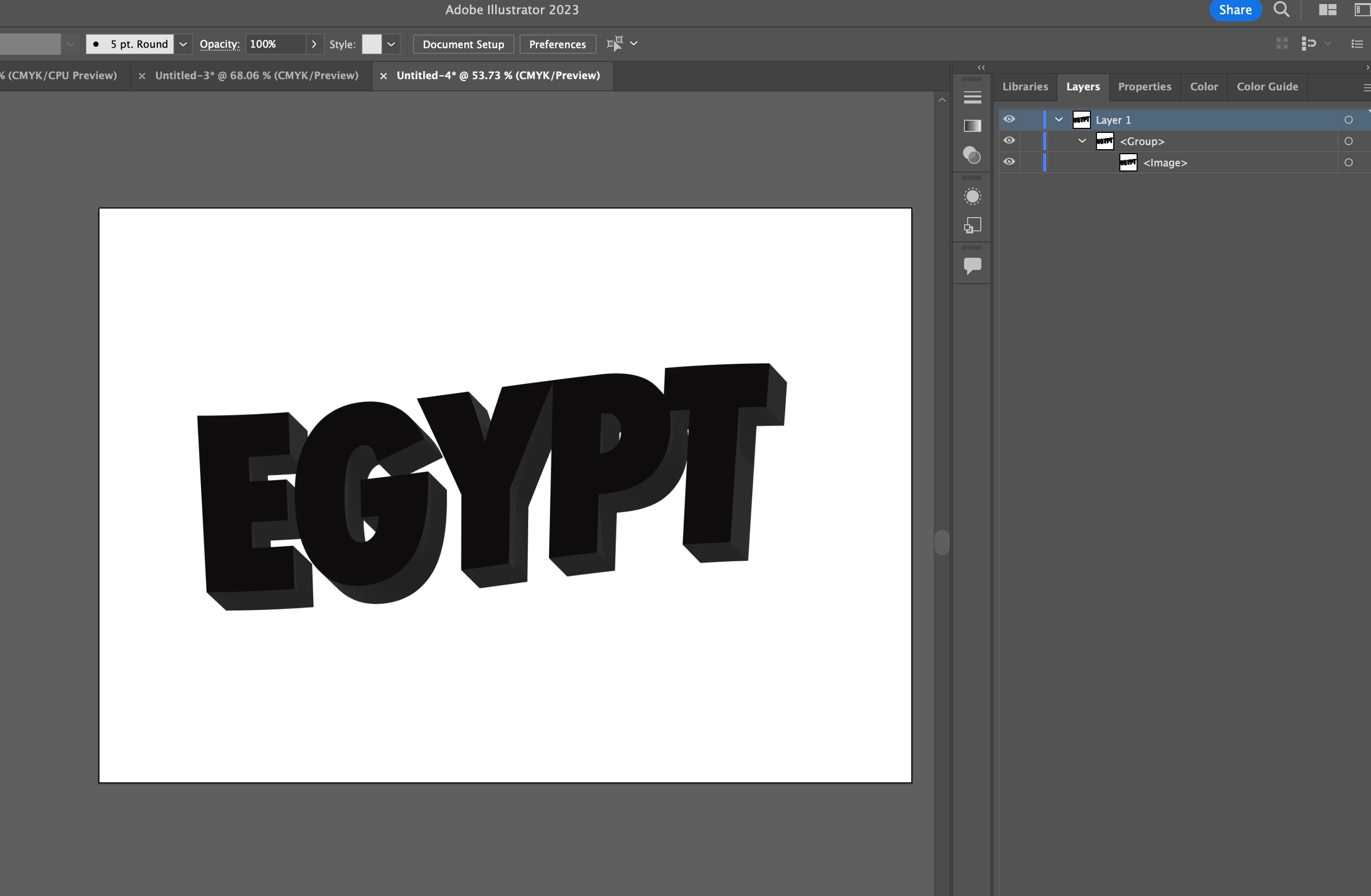
I've been trying to expand the layers using the keyboard shortcut "Command+Shift+G" on Mac, and I haven't been able to open up additional layers aside from what is already shown in the photo here. The bounding box and edges are showing (I double checked multiple times), and this is the correct command to ungroup my text creation so far, based on my settings/preferences. All I want to do is ungroup the entire layer multiple times so that each letter aspect can be selectable/clickable for me to edit, but I'm stuck. Please helppppp 
Correct answer Monika Gause

Use the Classic 3D effect, not 3D&materials

3 replies

Doug A Roberts
Community Expert
Community Expert
May 14, 2025

How did you create this? It's an image, and has no selectable elements.

omaarszzAuthor
Participating Frequently
May 14, 2025

I essentially created a line of text, created an outline twice with different stroke colors (1st stroke being gray, 2nd being purple/blue), selected 3D effect and changed some settings with "Extrude & Bevel", selected "Expand Appearance" under object, and then attempted to select the bottom of each letter, but was unable to do so. Not sure why it's showing as an Image but that's odd

Monika Gause
Community Expert
Monika GauseCommunity ExpertCorrect answer
Community Expert
May 14, 2025

Use the Classic 3D effect, not 3D&materials

Monika Gause
Community Expert
Community Expert
May 14, 2025
omaarszzAuthor
Participating Frequently
May 14, 2025

Similar issue yes!! I tried following the video's steps again but with English text this time around, as I suspected it could have been due to the Arabic font given that when letters are used to create words in the language, they form into a singular line versus being stand alone letters. Still struggling here though 😕😕

omaarszzAuthor
Participating Frequently
May 14, 2025

I'm trying to follow this tutorial (https://www.youtube.com/watch?v=wgq36EksDVw) by the way, for reference, on how to create this postcard effect, but I got stuck on this part as I've tried troubleshooting but can't find a solution 😕😕