Participant
August 21, 2024
Answered

How do I fill this shape up?

  • August 21, 2024
  • 1 reply
  • 527 views

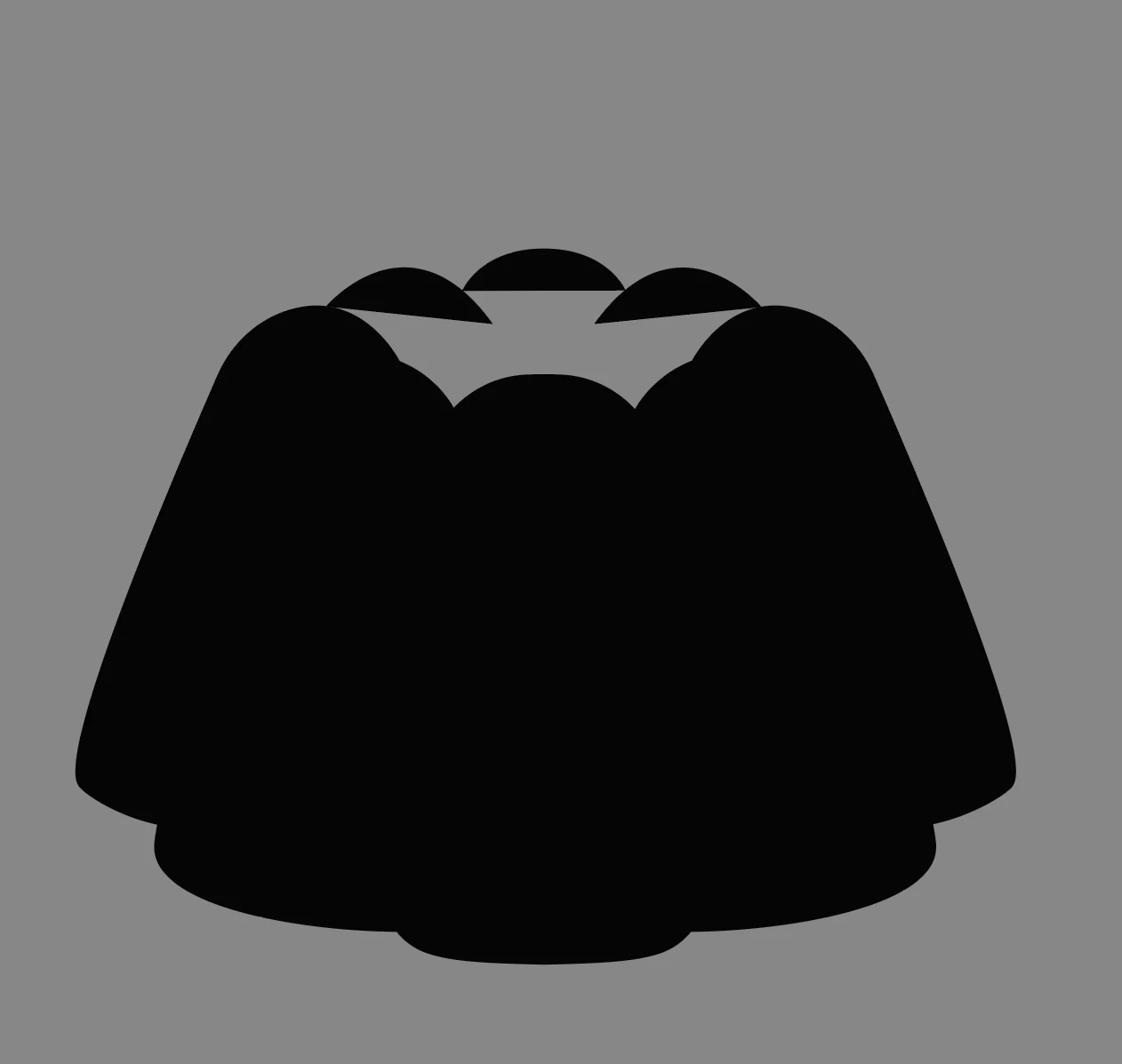
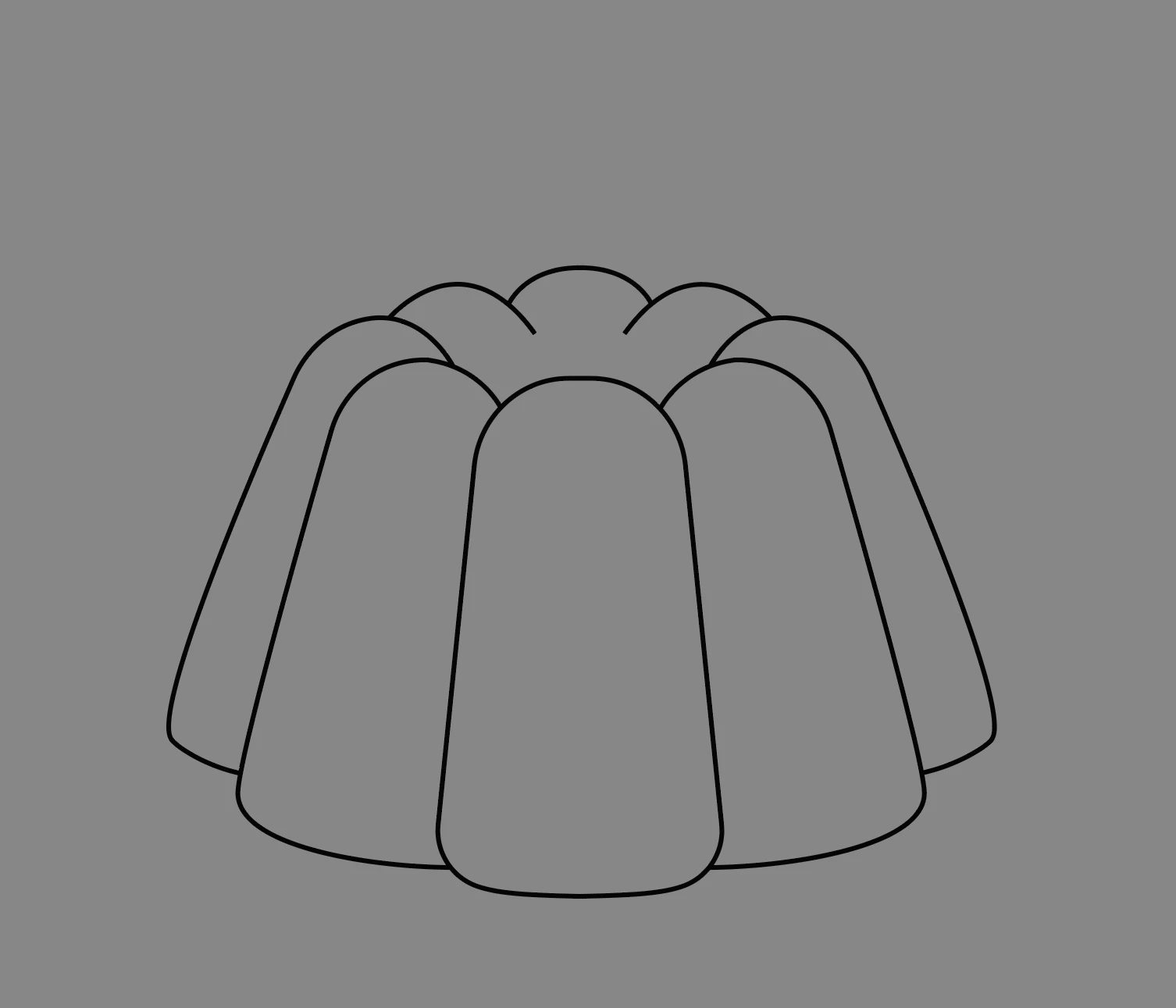
Hi, I wanted to make this jello-shaped illustration. I finished up with lines, but when I clicked on 'fill', it looked like 2nd image. I tried Pathfinder as well, but didn't work as well. What should I do to fill up the empty part? 

This topic has been closed for replies.
Correct answer Brad @ Roaring Mouse

Use Live Paint.

Vector objects normally need to be closed paths to apply a fill, and if your paths are open (like the "bumps" at the top) Ilustrator will close the path by connecting the opening and closing anchor points with an invisible straight line. Nowadays,  Illustrator has the Live Paint Tool (Under Object) that can deal with this by creating the necessary closed paths for you to get where you visually want to be, assuming that the paths are touching (yours are). Select all the paths, and go Object > Live Paint > Make, then apply your fill. If you then want to see/modify any individual fill object , you can Object > Expand the objects. Try this with your artwork so you can see what it does.

There are lots of videos on working with Live Paint... check some out.

 

1 reply

Brad @ Roaring Mouse
Community Expert
Brad @ Roaring MouseCommunity ExpertCorrect answer
Community Expert
August 21, 2024

Use Live Paint.

Vector objects normally need to be closed paths to apply a fill, and if your paths are open (like the "bumps" at the top) Ilustrator will close the path by connecting the opening and closing anchor points with an invisible straight line. Nowadays,  Illustrator has the Live Paint Tool (Under Object) that can deal with this by creating the necessary closed paths for you to get where you visually want to be, assuming that the paths are touching (yours are). Select all the paths, and go Object > Live Paint > Make, then apply your fill. If you then want to see/modify any individual fill object , you can Object > Expand the objects. Try this with your artwork so you can see what it does.

There are lots of videos on working with Live Paint... check some out.
 

Participant
August 23, 2024

Thank you so much! I didn't know that fill would not work in this kind of shape. Live Paint worked perfectly. Thank you!