sara keirw66224227
Inspiring
January 31, 2018
Answered

How do I get my anchor points and vector line visible again in Illustrator

  • January 31, 2018
  • 2 replies
  • 2235 views

Hi All

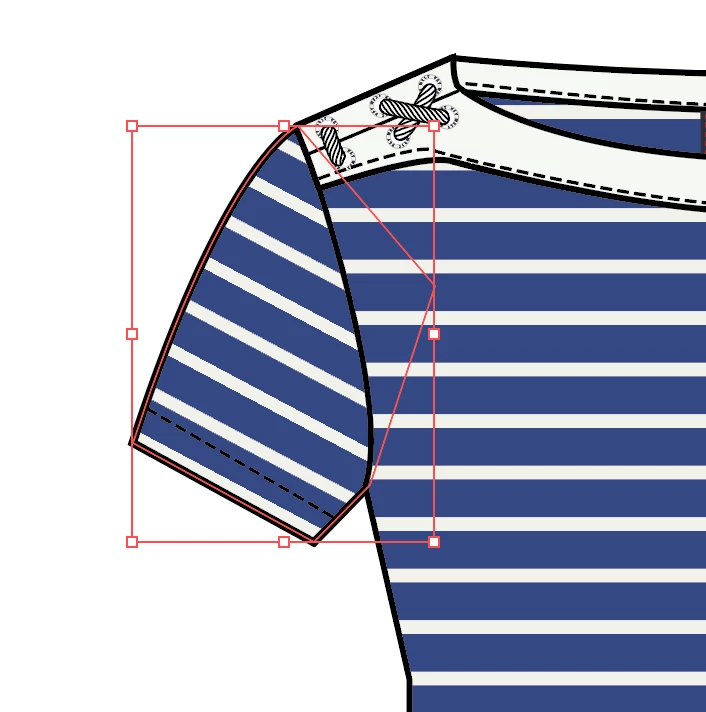
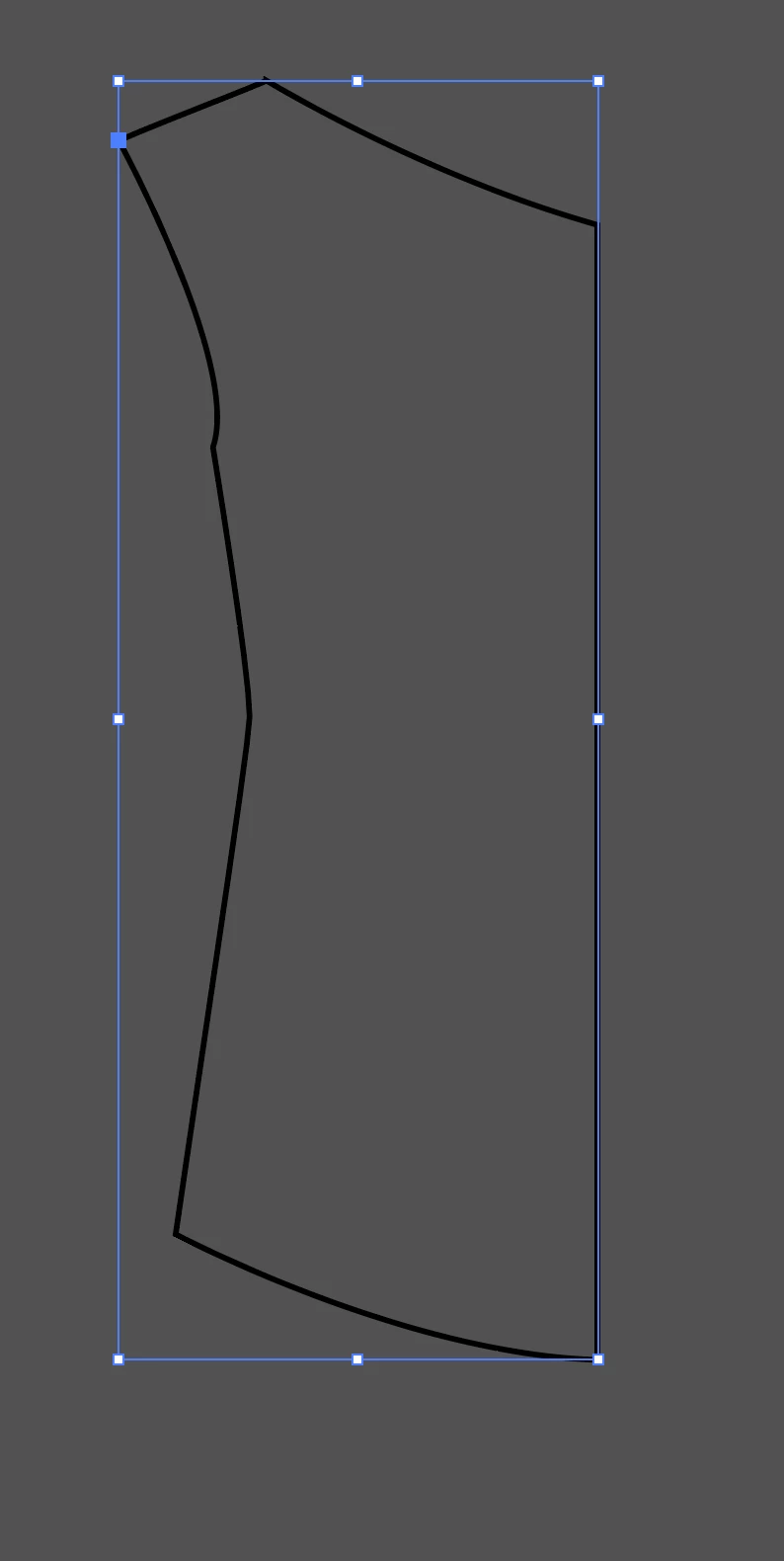
I've somehow lost the view of my anchor points in Illustrator in one of my drawings as I was fiddling around in outline view. This is what I see now and I need to be able to see the line.  as on the coloured image. Help what did I do??
This topic has been closed for replies.
Correct answer sara keirw66224227

Sorry guys, I accidentally switched off Show Edges, figured it out all is good now :-)

2 replies

cinziamarotta
Participating Frequently
January 31, 2018

To see the anchor points, you should set the preferences:

Preferences > Selection & Anchor Display > Show Anchor Points in Selection Tool and Shape Tools

mariannah86177375
Participant
January 9, 2021

Hi, I have the same problem with anchor points. I can't see them, I checked preferences, reinstall Illustrator.. can you help me? thank you

sara keirw66224227
sara keirw66224227AuthorCorrect answer
Inspiring
January 31, 2018

Sorry guys, I accidentally switched off Show Edges, figured it out all is good now :-)