
Question
How do I unmerge connected paths in Illustrator CS5?
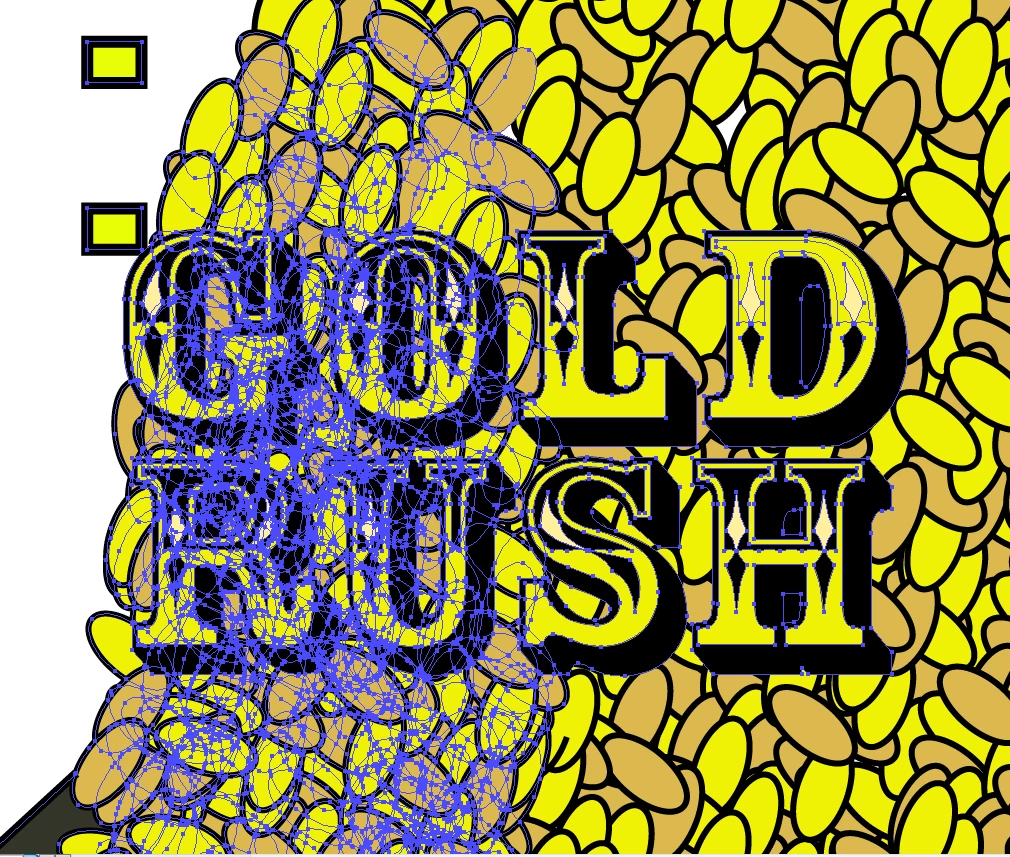
I was wondering if there was a way to 'unmerge' a group of connected paths. The thing is whenever I click on one of the ovals, it selects a whole group of ovals instead of just the one I selected. The problem is that I drew an oval, copied it multiple times until I made a pile out of it, then copied that pile and made other piles. So whenever I click on one of the ovals, it selects the entire pile. Is there a way I can 'unmerge' or ungroup all the paths so I can select just one of the ovals? I'm not doing this so I can copy them again, I'm trying to delete them individually but I really can't.
 AdChoices