Participant
June 9, 2020
Answered

How do we change the fabric in an image with another fabric?

  • June 9, 2020
  • 2 replies
  • 14180 views

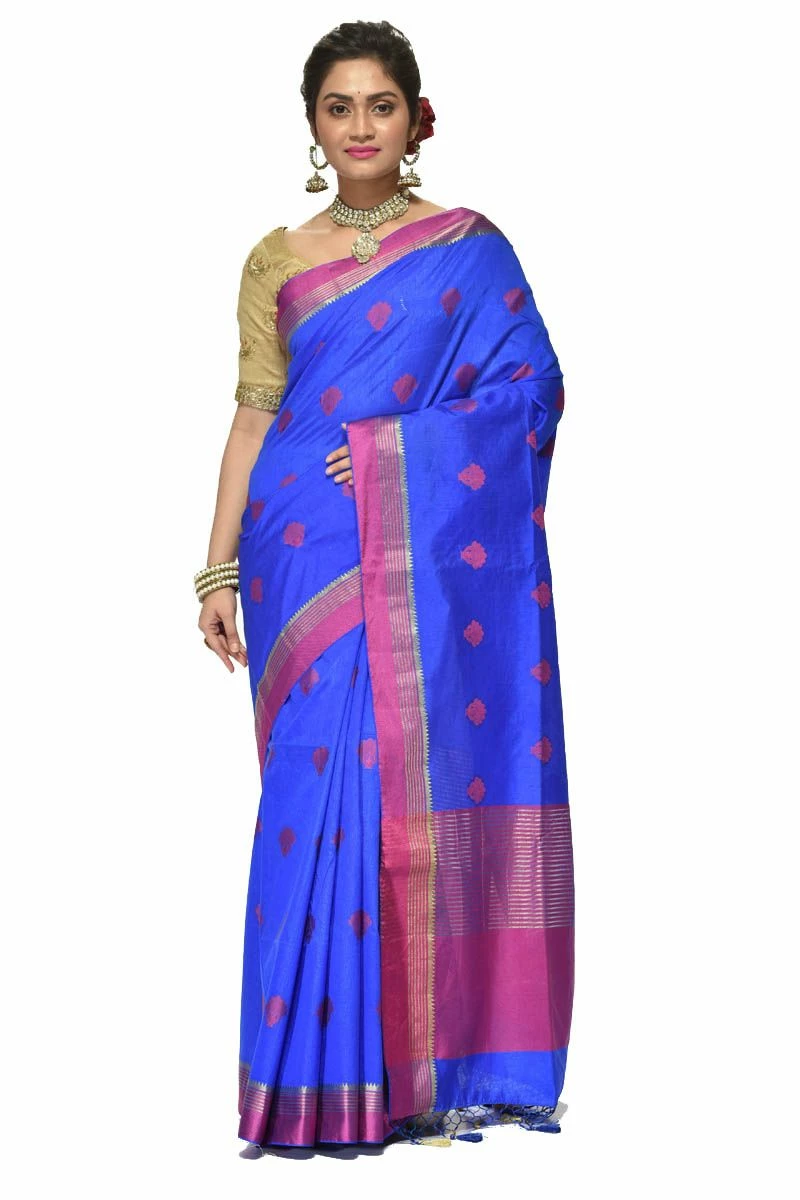
Let's say I have this image:


And I want to replace the fabric in the above image with this fabric:
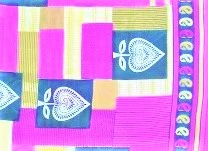


How do we achieve this using Illustrator or any other tool in CC?


Kindly let me know. I am a beginner with cc.
 

Correct answer Ares Hovhannesyan

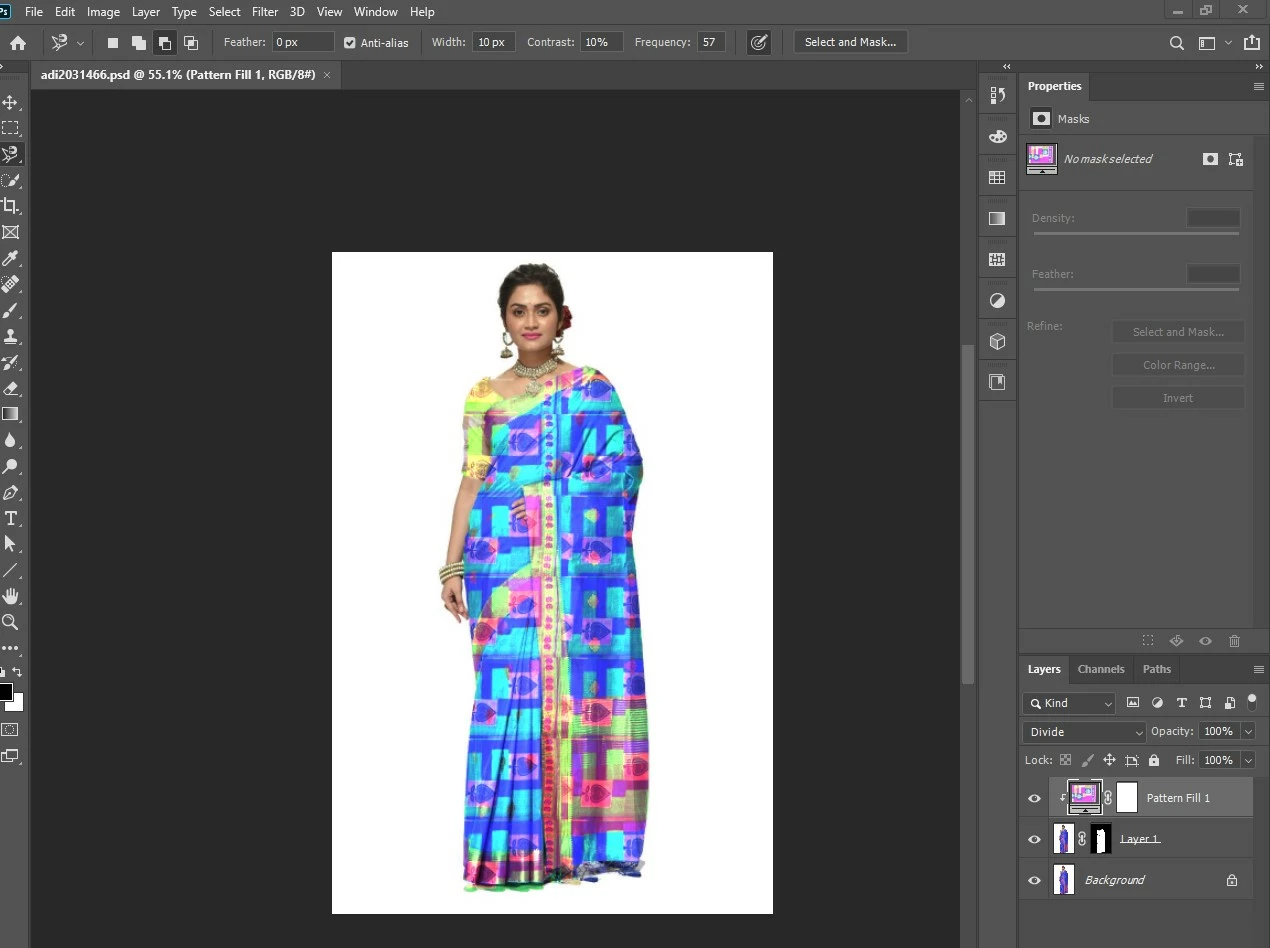
Here is image of my PS screenshot. For defining pattern you need to open your pattern image, select it and Define a pattern

Define an image as a preset pattern
  1. Use the Rectangle Marquee tool on any open image to select an area to use as a pattern. Feather must be set to 0 pixels. Note that large images may become unwieldy.
  2. Choose Edit > Define Pattern.
  3. Enter a name for the pattern in the Pattern Name dialog box.


Do not forget to choose blend mode for you pattern layer or make it transparent


2 replies

Ares Hovhannesyan
Community Expert
Community Expert
June 9, 2020

You can use Adobe Photoshop as well Adobe Illustrator. The core of the thechics is to select the dress, apply mask and fill it with your pattern or you can als use your image layer and mask it. 

Here is videeo tutorials for Adobe Photoshop. In Ps it easier than in Illustrator.


https://youtu.be/2TZm5ugo4WY

https://youtu.be/1ZEFLSePlaA

Ares Hovhannesyan
Community Expert
Ares HovhannesyanCommunity ExpertCorrect answer
Community Expert
June 9, 2020

Here is image of my PS screenshot. For defining pattern you need to open your pattern image, select it and Define a pattern

Define an image as a preset pattern
  1. Use the Rectangle Marquee tool on any open image to select an area to use as a pattern. Feather must be set to 0 pixels. Note that large images may become unwieldy.
  2. Choose Edit > Define Pattern.
  3. Enter a name for the pattern in the Pattern Name dialog box.


Do not forget to choose blend mode for you pattern layer or make it transparent


Participating Frequently
June 10, 2020

If you will clear original garment pattern (pic 1, clear selection) you wlll lose depth of garmenth (gray regions) and your garment will become absolutely flat. That why you need to play with blend modes and transparensy of pattern for achiving the best result. Also try to use adjustment layers to correct colors


As I am new to CC I am unable to follow what you are saying in the above post. If you can be a bit more precise then I can perhaps comprehend better or for that matter, a visual representation would be even better.

Jacob Bugge
Community Expert
Community Expert
June 9, 2020

debopriyosanyal,


I am afraid there is no easy way.


It looks like a raster image, but even if it were image traced or something, with the body shape and all the folds there would be no simple transformation of one or more lengths of a (complete pattern of) fabric.