

How do you cut open paths based on object/shape?
I feel absolutely ridiculous and ashamed for asking this... Seems like something I should definitely know by now, and yet this eludes me and cant find any info anywhere. Maybe not using the right search terms.
I have a row of lines, open paths.

I want to make them conform to the inside (or outside) of a shape like the following
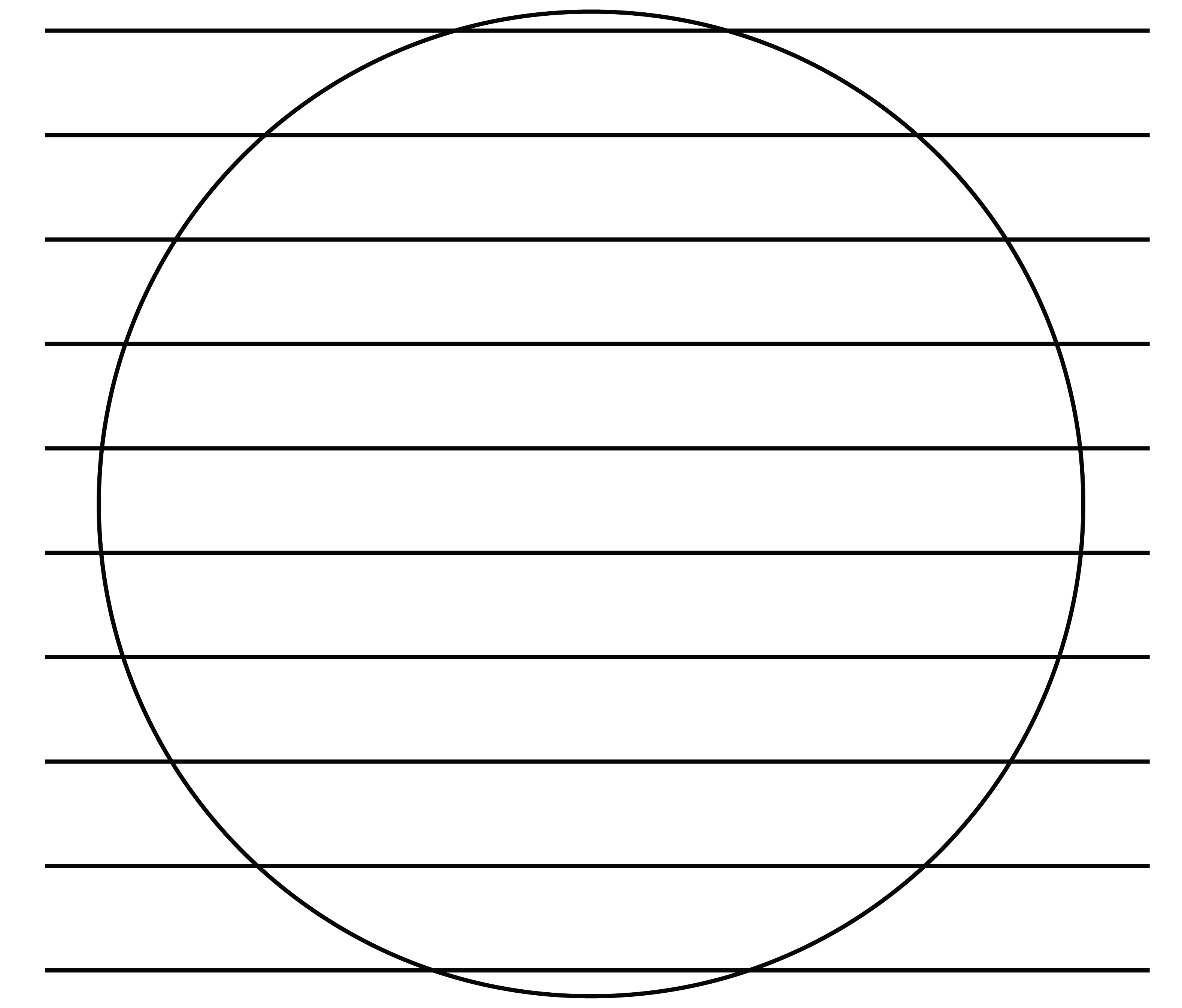
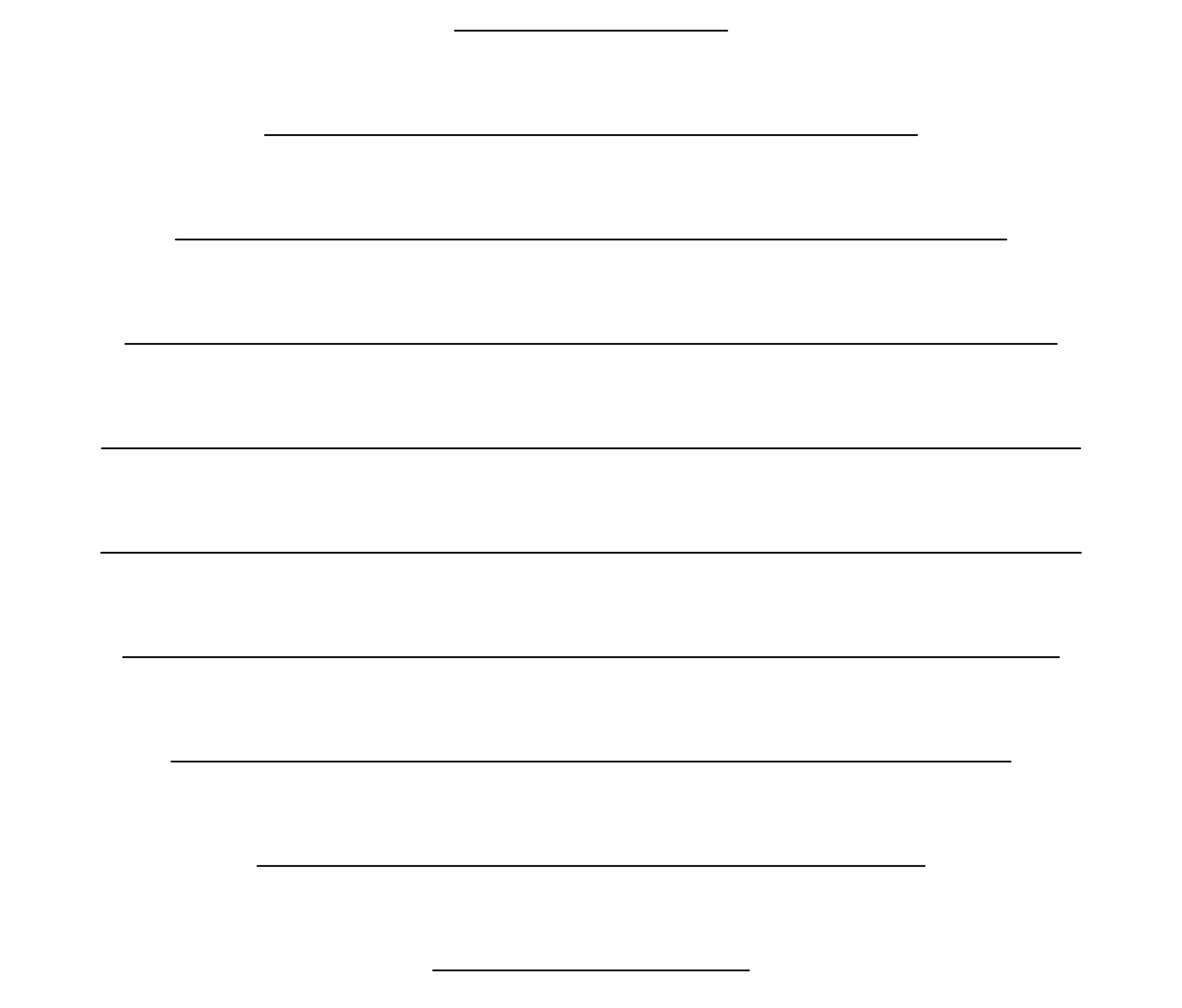
The the only two options that work with Pathfinder are Divide and Outline. Divide cuts the circle into horizontal segments based on the lines, while Outline gets closer to the desired outcome, requiring a LOT of cleanup. I have tried changing the layer object order too. The lines are a compound shape, but I have done every variation with just a single line as well without any better results. I need the lines/paths to remain open and not expand them. I have a stroke on them for visual aid only. They will be used in an SVG for Cricut and Laser.
 AdChoices