

Answered
How do you erase stray points from Vector Draw import?
Once I have finished a drawing in Adobe Draw App on my ipad I will send it through to Illustrator on my laptop. Once it arrives it usually has thousands of incidental stray points and occasional lines that don't show up on the original drawing on the ipad. This isn't a problem, so long as I can get rid of them.
In illustrator, when I go to Select - Object - Stray Points, nothing happens.
How do I get rid of all these stray points without having to spend hours lasso selecting them?
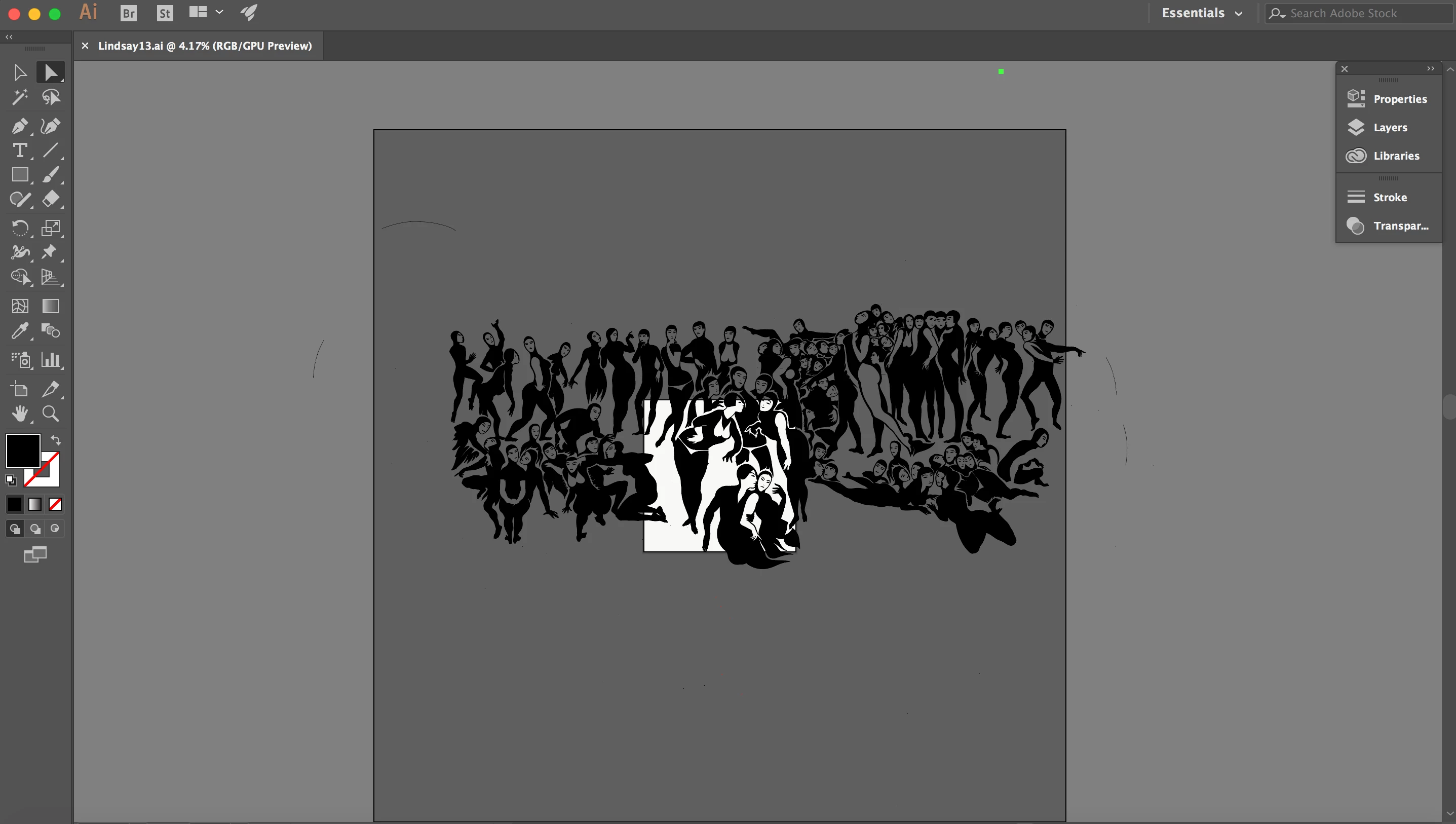
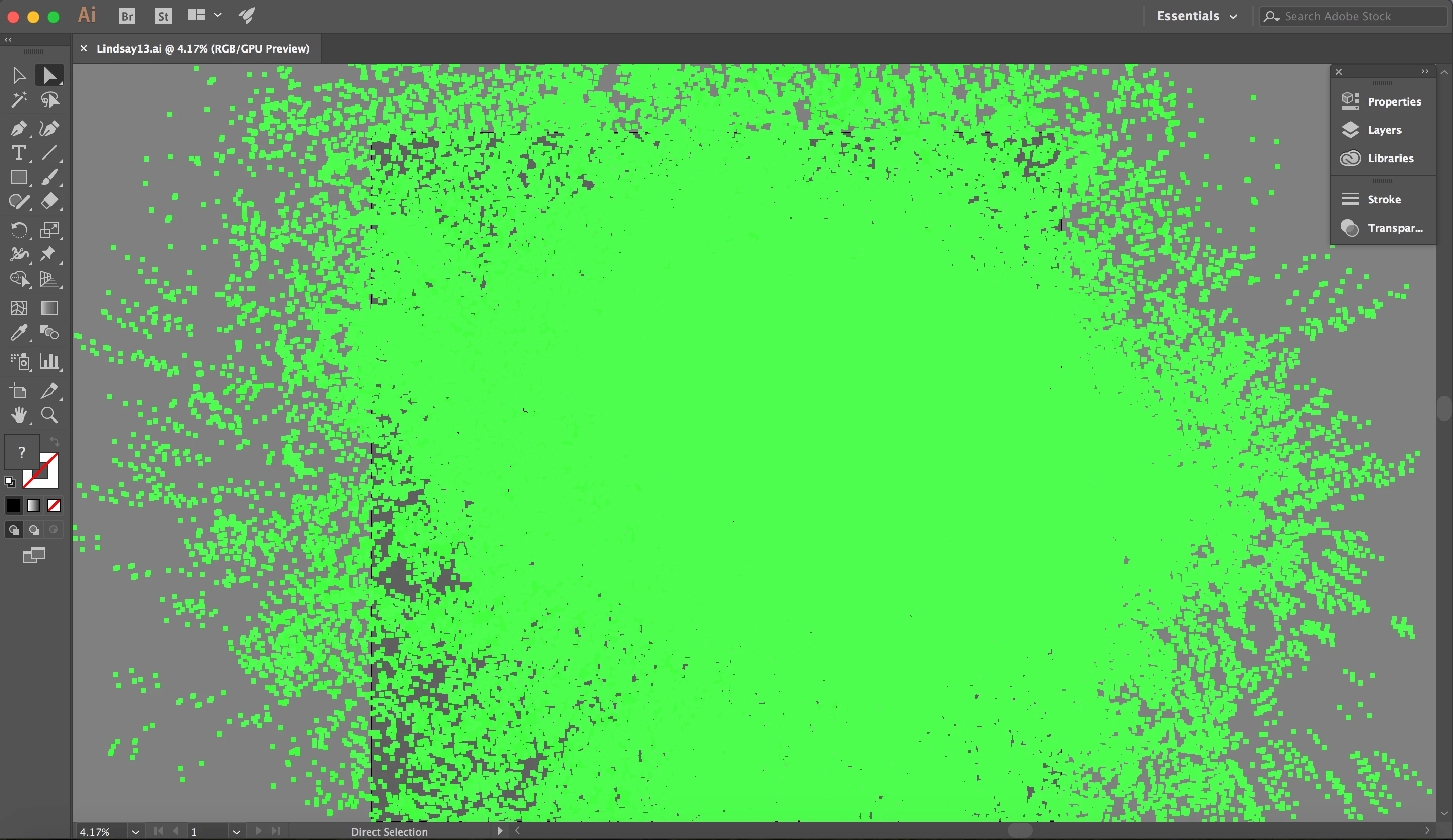
If I select all points, this is what the image looks like:
This is the thumbnail in the Illustrator menu:




 AdChoices