Answered
How do you take a complex image and create an outline around it?
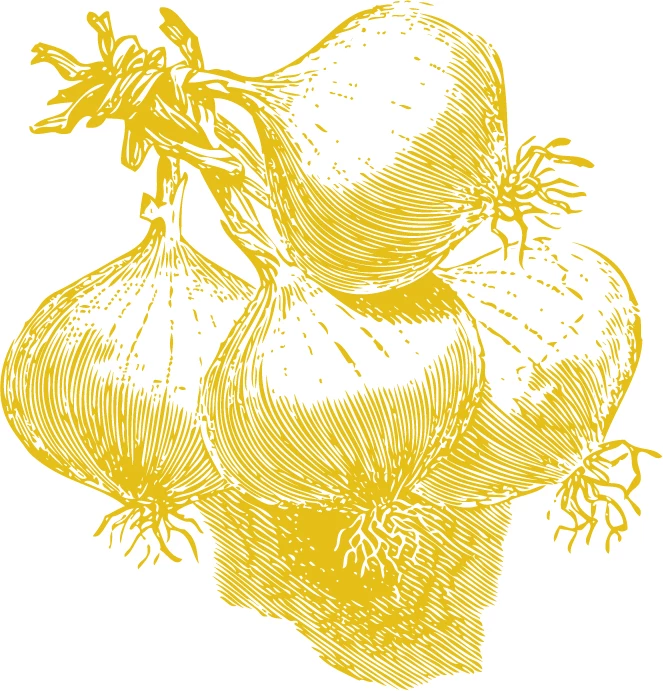

And you need this outline to be "live" or just the line for cutting?
You can use Object > Path > Offset path as Bobby suggested (this will also make a copy) and then Apply the pathfinder Divide, followed by Unite to eliminate any holes.
Or group the artwork, apply a new stroke to the group in the appearance panel and then apply the same as above as effects to have a "live" stroke.
Already have an account? Login
Enter your E-mail address. We'll send you an e-mail with instructions to reset your password.
 AdChoices