Copy link to clipboard
Copied
Hi
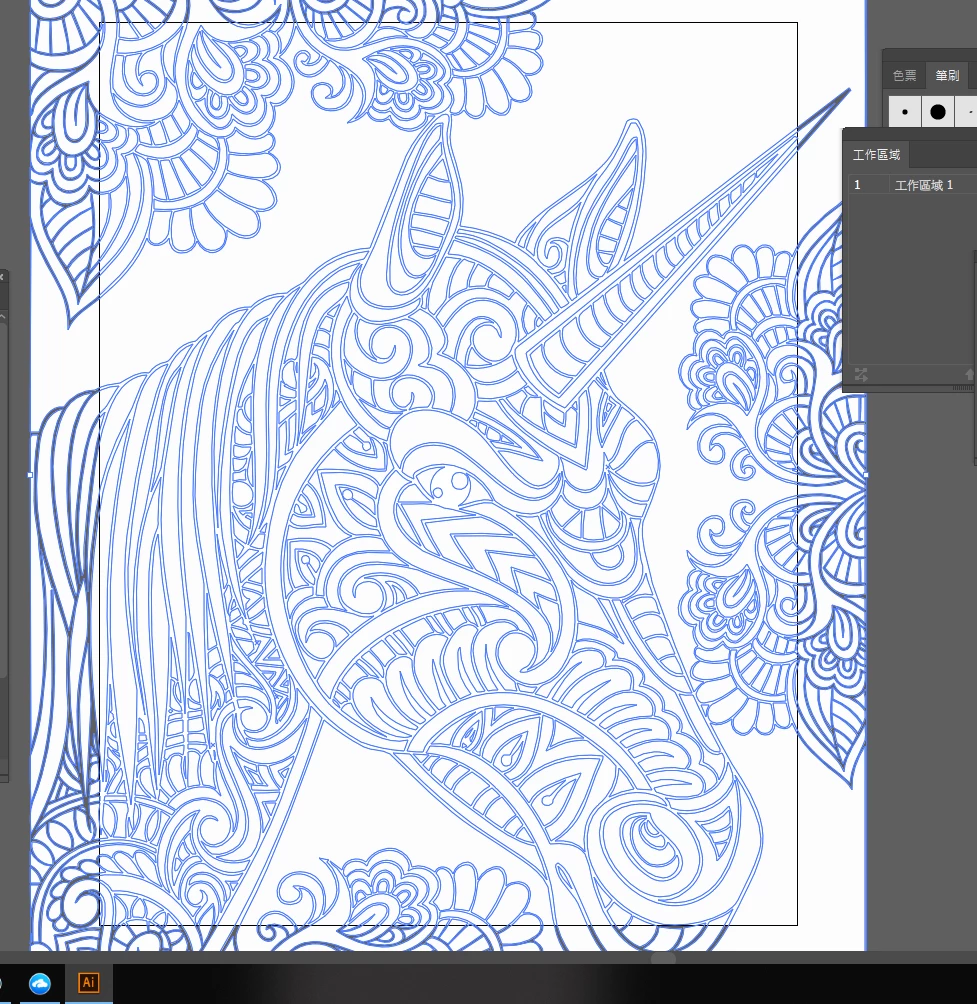
When I copy an object from on AI to new AI file it became behind the work space, but I can select the object by click on work space
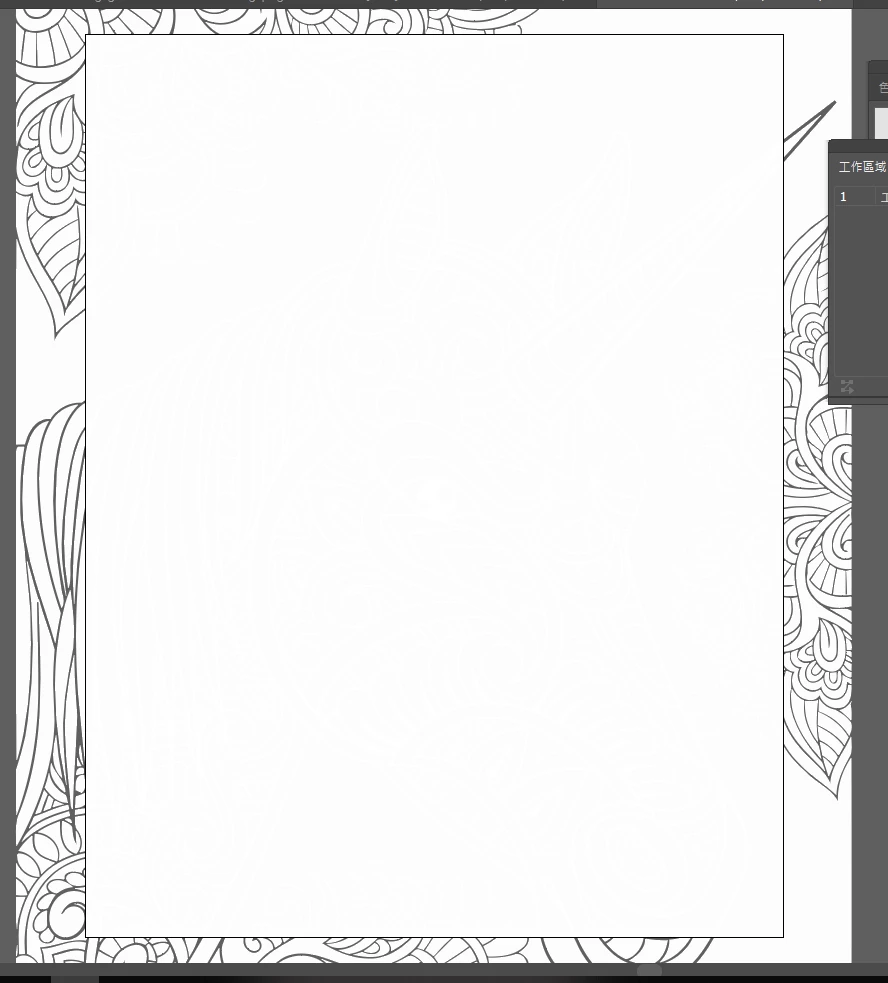
It is very strange and how to fix this problem and make the object ON worspace as normal
Thanks
{Renamed by MOD}
Hi Calvin,
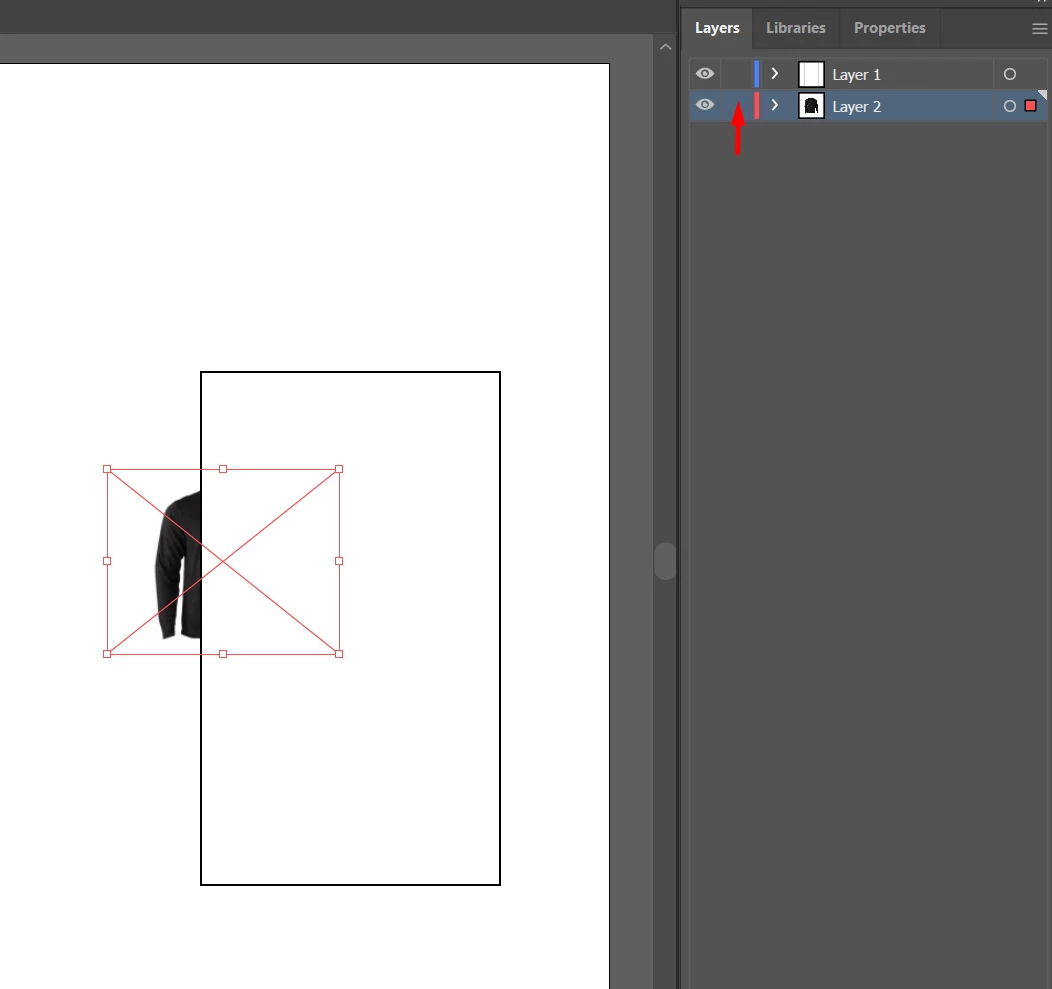
Thanks for reaching out. Looks like you are copy pasting the artwork on a lower layer. Could you please move (Drag and Drop) the layer on which the artwork is placed to the top in Layers panel.
If that doesn't help, please select your artwork and share a screenshot of Layers panel?
Regards,
Srishti
Copy link to clipboard
Copied
Hi Calvin,
Thanks for reaching out. Looks like you are copy pasting the artwork on a lower layer. Could you please move (Drag and Drop) the layer on which the artwork is placed to the top in Layers panel.
If that doesn't help, please select your artwork and share a screenshot of Layers panel?
Regards,
Srishti
Get ready! An upgraded Adobe Community experience is coming in January.
Learn more