Answered
How to arrange path item "Send to Back" in illustrator using extendscript?
Hi All,
I need to arrange a rectangle path item to "Send to Back" in the document using script.
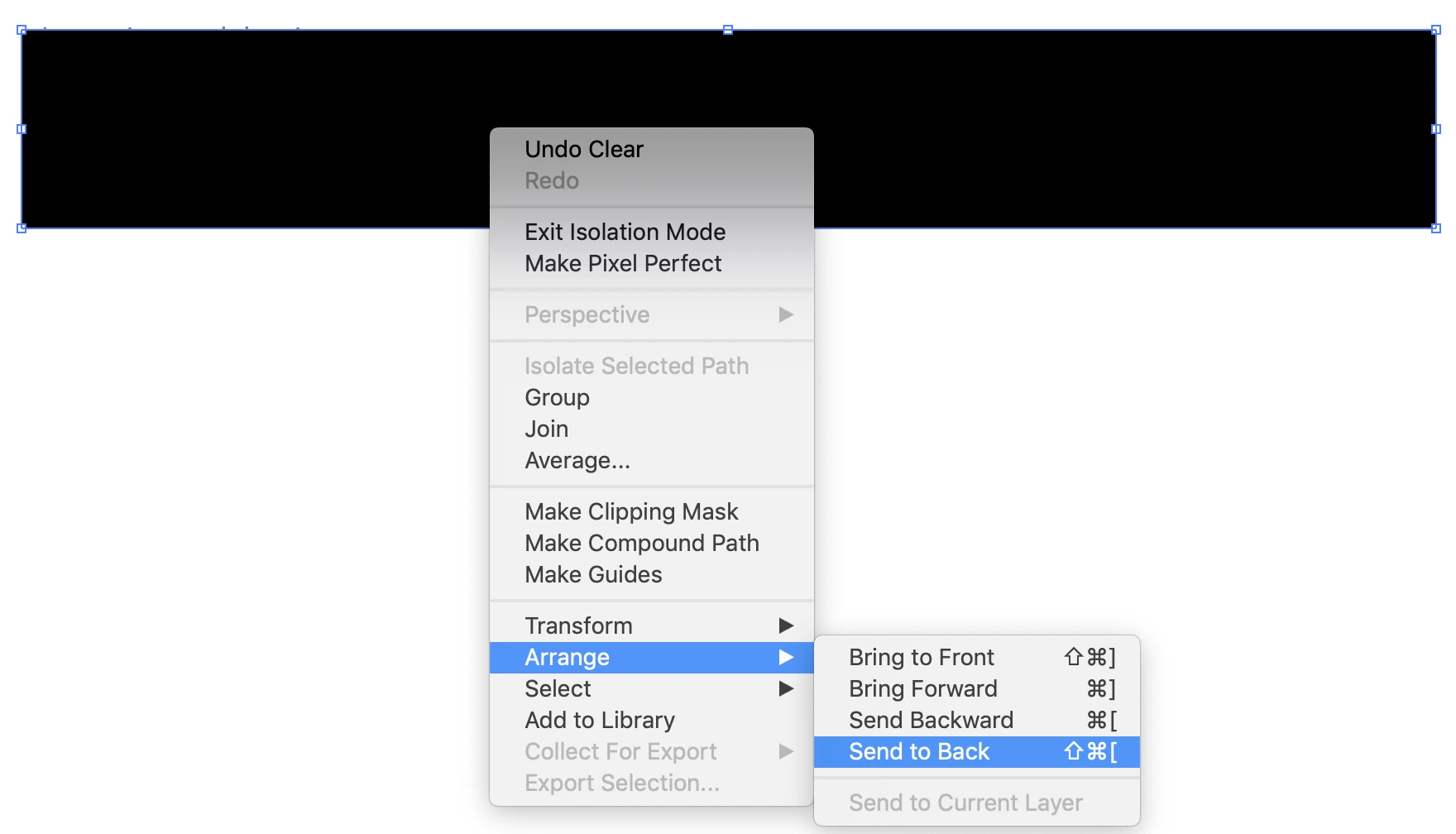
Kindly reply me to on how to send it back.
Thanks.

Hi All,
I need to arrange a rectangle path item to "Send to Back" in the document using script.
Kindly reply me to on how to send it back.
Thanks.
If the rectangle is selected and you don't want to mess with a PageItem.zOrderPosition via zOrder() command:
app.executeMenuCommand("sendToBack")
Otherwise:
PageItem.zOrder(ZOrderMethod.SENDTOBACK);

// as in:
var target = app.selection[0];
target.zOrder(ZOrderMethod.SENDTOBACK);Already have an account? Login
Enter your E-mail address. We'll send you an e-mail with instructions to reset your password.
 AdChoices