
MahaB82A
Legend
June 6, 2024
Answered

How to: Check GPU driver version

  • June 6, 2024
  • 1 reply
  • 733 views

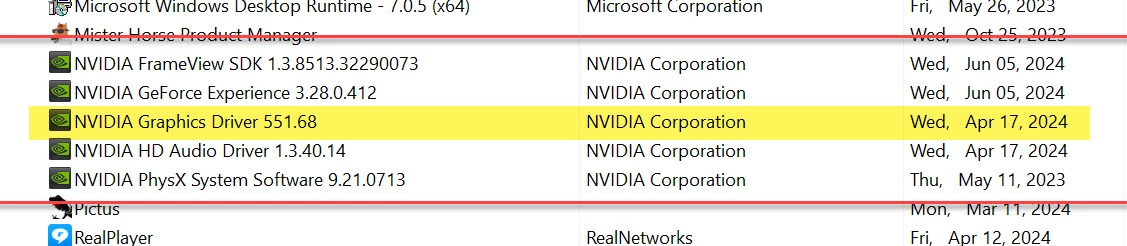
My Ai app frequently crashes. Therefore yesterday [June 5, 2024] I installed new driver to graphic card [GC]. How to find new driver has been installed? Because Control Panel shows first two items are the driver installed date. Other items including GC driver show different date. 


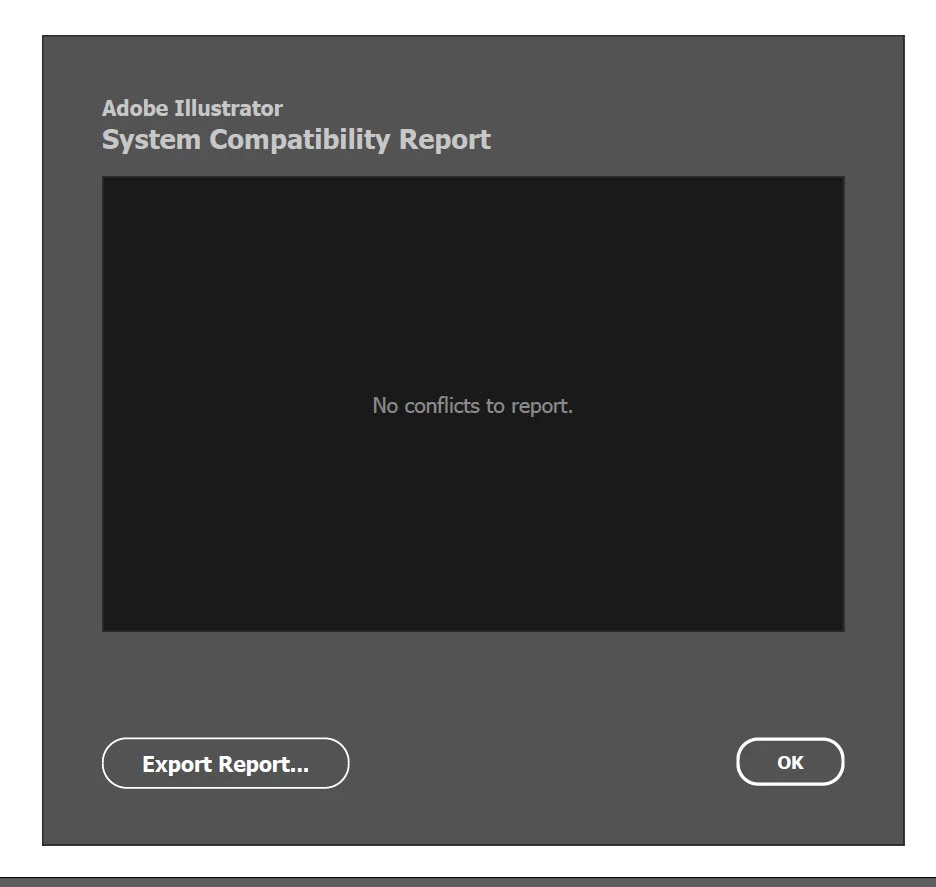
System Compatibility Report says no confilits


Note: Renamed by Mod

This topic has been closed for replies.
Correct answer Anubhav M

Hello @MahaB82A,

Thanks for reaching out. Would you mind checking out this NVIDIA help article (https://adobe.ly/3VvWEaV) to determine the currently installed GPU driver version to see if it helps?

Looking forward to hearing from you.


Thanks,

Anubhav

1 reply

Anubhav MCommunity ManagerCorrect answer
Community Manager
June 7, 2024

Hello @MahaB82A,

Thanks for reaching out. Would you mind checking out this NVIDIA help article (https://adobe.ly/3VvWEaV) to determine the currently installed GPU driver version to see if it helps?

Looking forward to hearing from you.


Thanks,

Anubhav

MahaB82A
MahaB82AAuthor
Legend
June 7, 2024

Thanks for your attention. This website was updated in 09/29/2021. I use Windows 11. I am unable to get NVIDIA Control Panel in my dropdown menu.