
JonnyM867
Participant
July 17, 2018
Answered

How to Clip Mask Triangle without feeling the whole triangle?

  • July 17, 2018
  • 2 replies
  • 389 views

Hi,

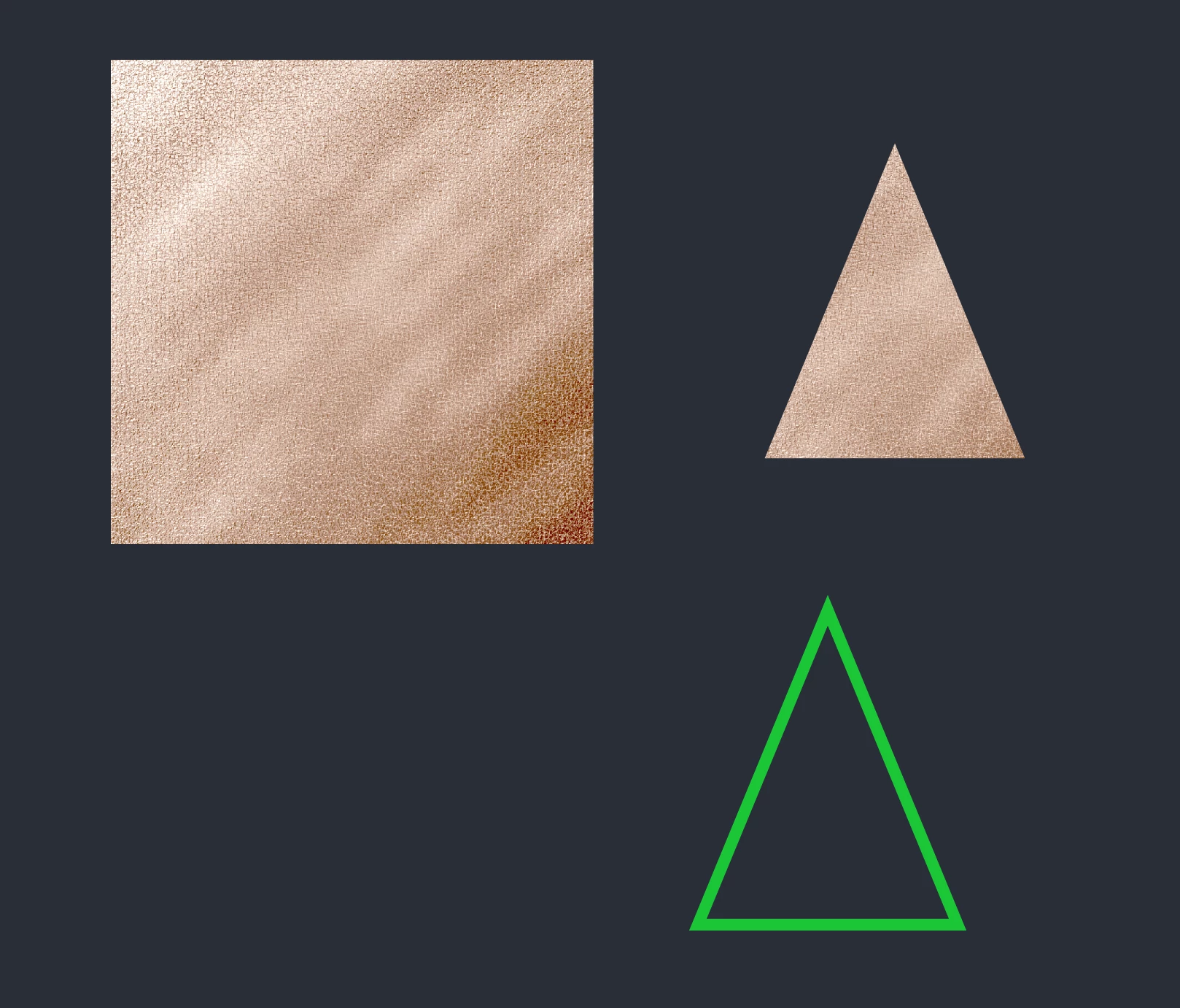
I am using a jpg to a clipping mask in a triangle. I don't want to fill the whole triangle. I just want to outline the triangle with the jpg (like the green triangle). Can anyone please help? Here is a screenshot of what I talking about.

Thank You
This topic has been closed for replies.
Correct answer Monika Gause

Oultine the stroke: Object > Path > Outline stroke

Then use it as a clipping mask.

2 replies

Jacob Bugge
Community Expert
Community Expert
July 17, 2018

Jonny,

Or you may keep the stroked triangle if you may need to edit it, and use it as an Opacity Mask; with a black/white stroke, in the Transparency palette (flyout) you may click (Make) Opacity mask with both Clip and Invert Mask ticked/unticked.

Monika Gause
Community Expert
Monika GauseCommunity ExpertCorrect answer
Community Expert
July 17, 2018

Oultine the stroke: Object > Path > Outline stroke

Then use it as a clipping mask.

JonnyM867
JonnyM867Author
Participant
July 17, 2018

Thank You so much!! Worked out perfect!