

Extremlity
Participating Frequently
September 8, 2020
Answered

How to connect center of circle with line?
  • September 8, 2020
  • 4 replies
  • 5819 views

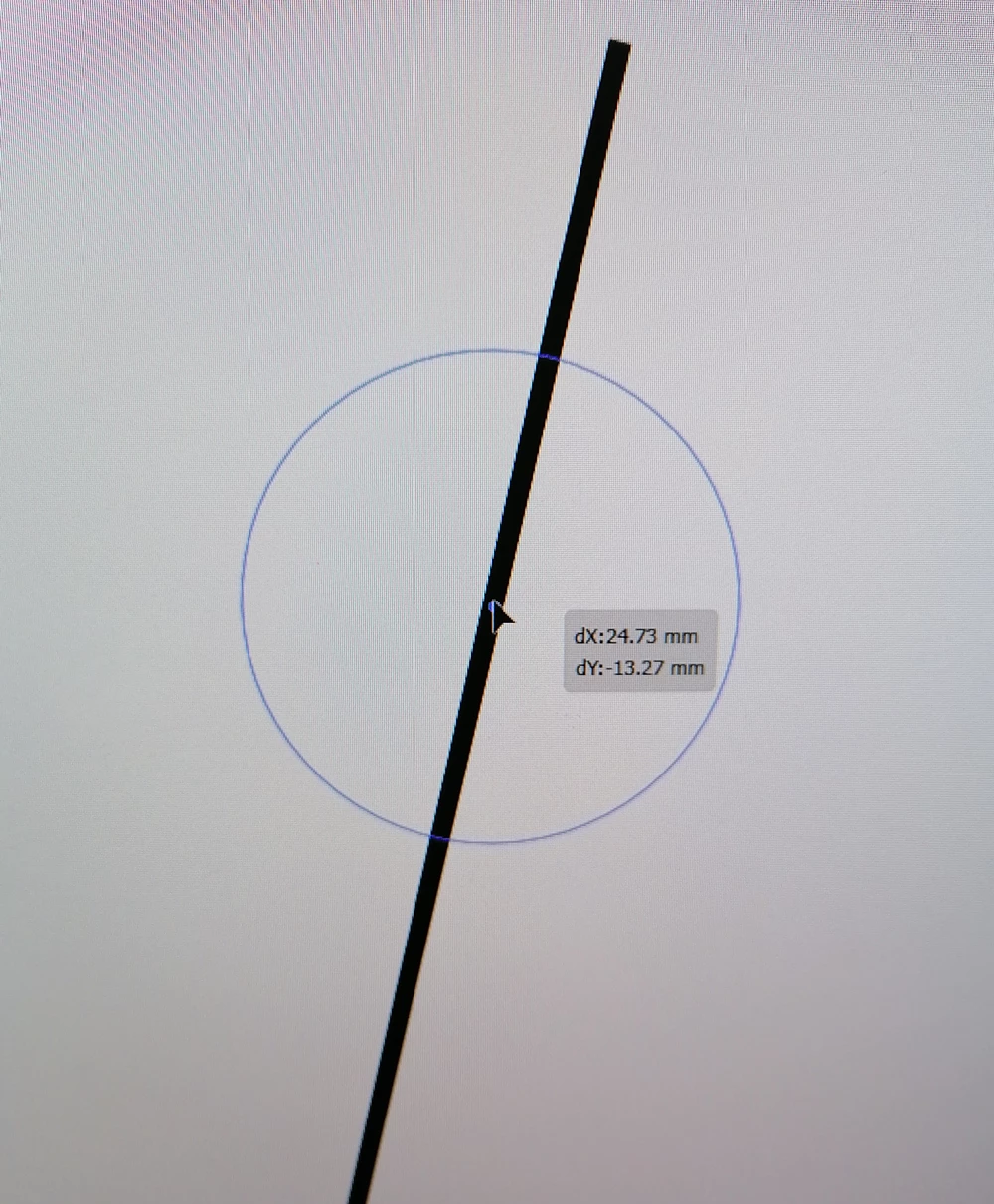
Why dont show point of connection of the circle from the center, to the line when turned on Smart Guides, Snap to Point, Snap to Glyph? What else needs to be turn on? The center of the circle cannot be precisely glued to the line. Why?

In the example it is a simple straight line with angle, I know I can horizontal and vertical align the line and the circle, but what if the line is curved?

This topic has been closed for replies.
Correct answer Kurt Gold

While Smart Guides are turned on, click on the centre point of the circle, hold down the Cmd key (Ctrl on Windows) and drag towards the stroked path. Smart Guides will then tell you when there is the desired intersection.

4 replies

Kurt Gold
Community Expert
Community Expert
September 8, 2020

In former versions of Illustrator it used to work without the modifier key, but since the Smart Guides capabilities have been significantly enhanced, it was necessary to include a modifier key in some situations.

Kurt Gold
Community Expert
Kurt GoldCommunity ExpertCorrect answer
Community Expert
September 8, 2020

While Smart Guides are turned on, click on the centre point of the circle, hold down the Cmd key (Ctrl on Windows) and drag towards the stroked path. Smart Guides will then tell you when there is the desired intersection.

Participating Frequently
November 24, 2021

This apparently only works for straight lines. Is there a way to do this with curves or other circles? What I'm seeing is that the smart guides, ctrl combination of clicking and dragging does yield the correct result. While the lines indicating an intersection appear, the center of the circle clearly does not align with a circular stroke.

Participating Frequently
November 24, 2021

Can you clarify what method you are using to acheive this. I do not see how this can be done on my end. The intersection will show, but the result is inaccurate on every attempt.

Jacob Bugge
Community Expert
Community Expert
September 8, 2020

Extremlity,


Is Snap to Grid unticked, or what if it is?


Extremlity
Participating Frequently
September 8, 2020

Snap to Grid it also doesn't work, the center of circle is offset from the line, and move of circle is limited.

Kurt Gold
Community Expert
Community Expert
September 8, 2020

You may hold down the Cmd key while dragging the circle.

Extremlity
Participating Frequently
September 8, 2020

To move a circle along a line, since can't snap center of circle directly where I want on line.