
Participant
September 5, 2022
Answered

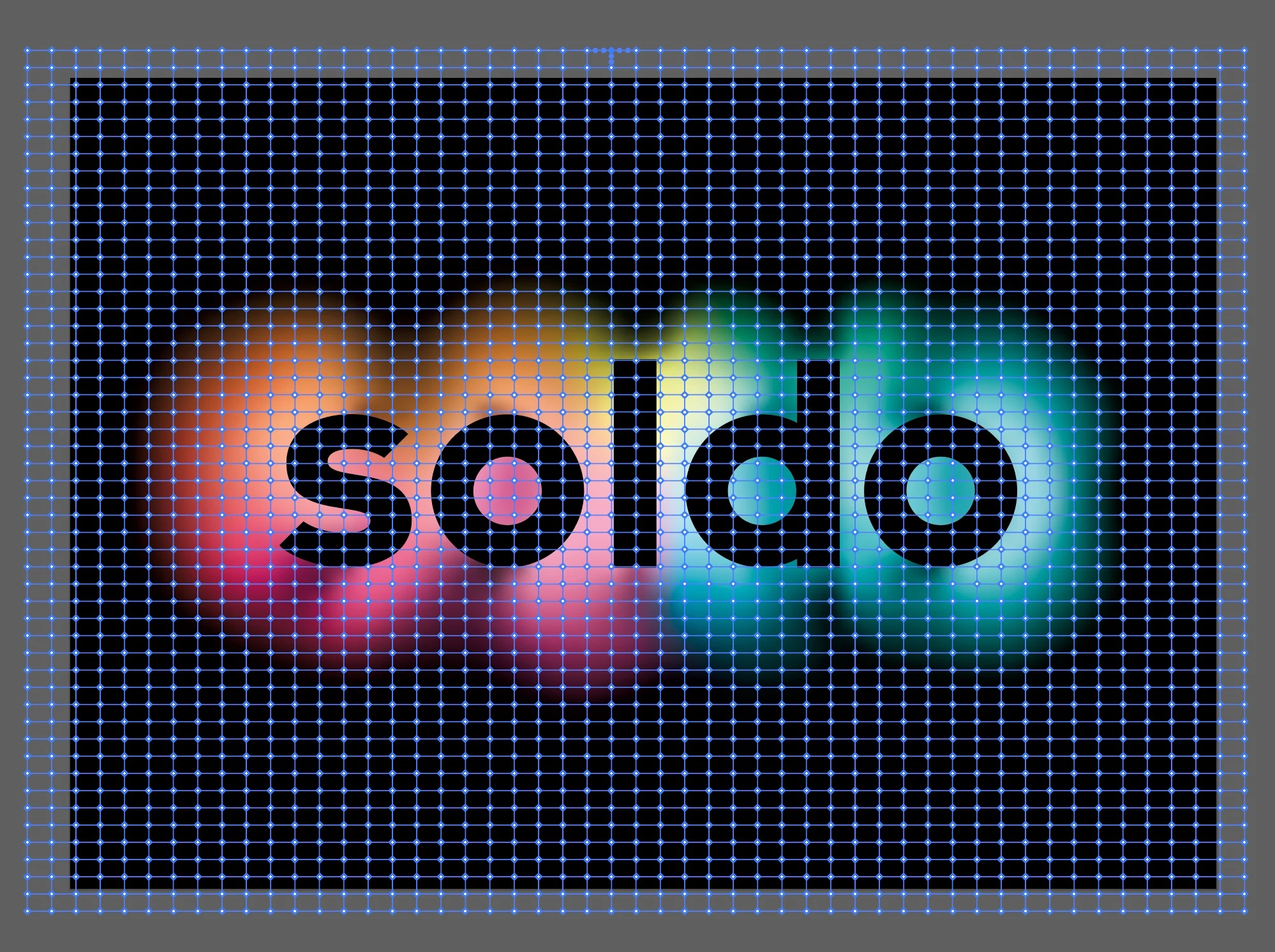
How to convert black to transparent in mesh?

  • September 5, 2022
  • 2 replies
  • 531 views

I'm trying to create a gradient mesh that has transparency instead of black for this image. So essentially, I want to keep in the multi color gradient just convert everything around it from black to transparent,. Is this possible?



This topic has been closed for replies.
Correct answer Kurt Gold

Assuming the black is consistent, direct select one black mesh point, go to Select menu > Same > Fill Colour and set the opacity to 0 (zero).


2 replies

Kurt Gold
Community Expert
Kurt GoldCommunity ExpertCorrect answer
Community Expert
September 5, 2022

Assuming the black is consistent, direct select one black mesh point, go to Select menu > Same > Fill Colour and set the opacity to 0 (zero).


Mylenium
Legend
September 5, 2022

Gradient meshes honor swatch transparency and you can set that in the appearance or transparency panel. Not sure what else you need to know.


Mylenium

JonedeeAuthor
Participant
September 5, 2022

But is there a way to change all of the points that are currently black to transparent at one time?