Answered
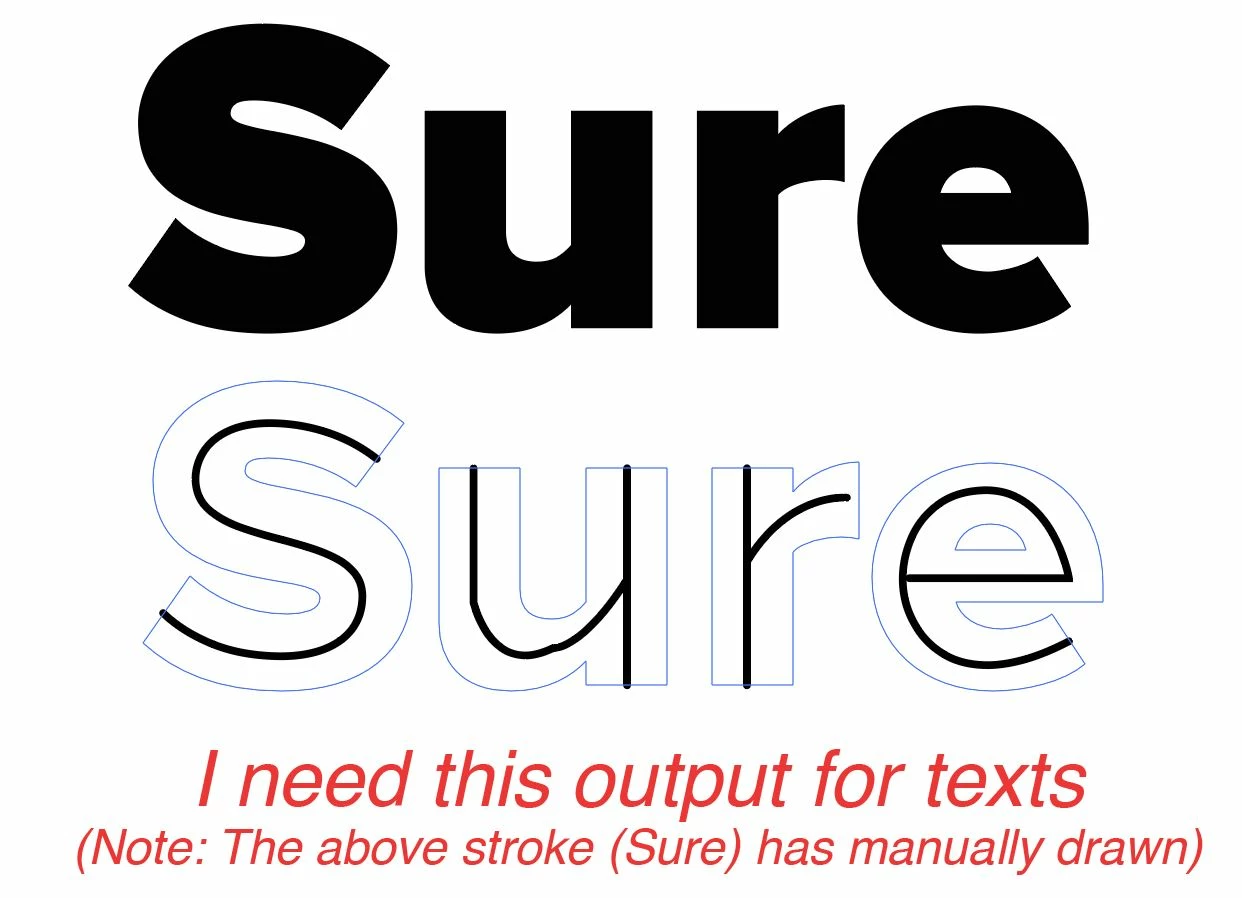
How to convert text to outline as single stroke?

Kenny,
Basically, you can (working on a copy of outlined Type) cut the letters to get outer and inner paths, then use 1 step blends between them.
Or you can try this exquisite script kindly made available by Theunis:
http://www.jongware.com/binaries/monolinetext.v1.0.zi
It is described in this thread:
Already have an account? Login
Enter your E-mail address. We'll send you an e-mail with instructions to reset your password.
 AdChoices