
How to correct a circle's outer edge on a compound path?
Hello!
I have designed a logo and am very close to finishing. I have only been able to chip away at this over the course of several months and being self taught I do not always remember what function I figured out a few months ago. Thus, I can state where I am in the project and what trouble I am having but I am not sure I can communicate exactly/correctly how I got to this point. Here goes!
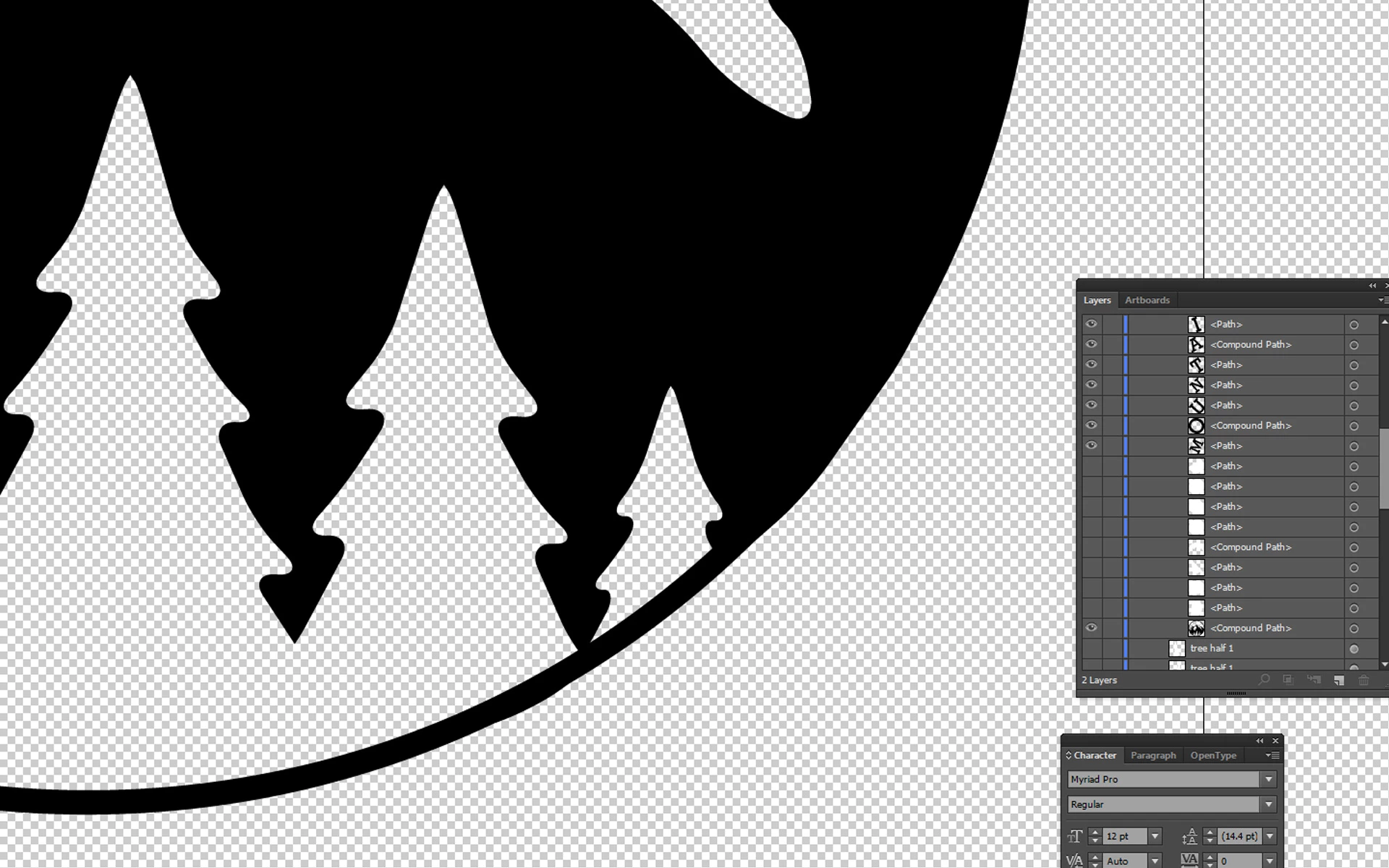
The logo is intended to be transparent, and the outer edge of the black circle is supposed to be a perfectly rounded circle. However, now that I have made all the layers into a compound path, I notice that the bottom right section of the circle is a little wavy, somehow a remnant of other shapes that existed beneath it that I must not have cleaned up well enough before merging/compounding. Is there a way to correct this issue by making that outer circle a true circle? (Attached is a screen shot highlighting the error.)
It seems that if I try to make a duplicate circle with no fill to match the same size as this circle on the compound path and overlay it and then compound those two layers together, that should suffice. Am I right? If so, how do I determine the current size of this circle and what is the proper way to merge the new circle with the old one?
Thank you very much for your feedback. I realize these are such novice issues and someday I'd love to start from square one by watching every beginning tutorial and building precept upon precept. 
 AdChoices