

DigitalChickster
Legend
July 11, 2018
Answered

How to create a clipping mask with an item that already has a clipping mask?

  • July 11, 2018
  • 2 replies
  • 805 views

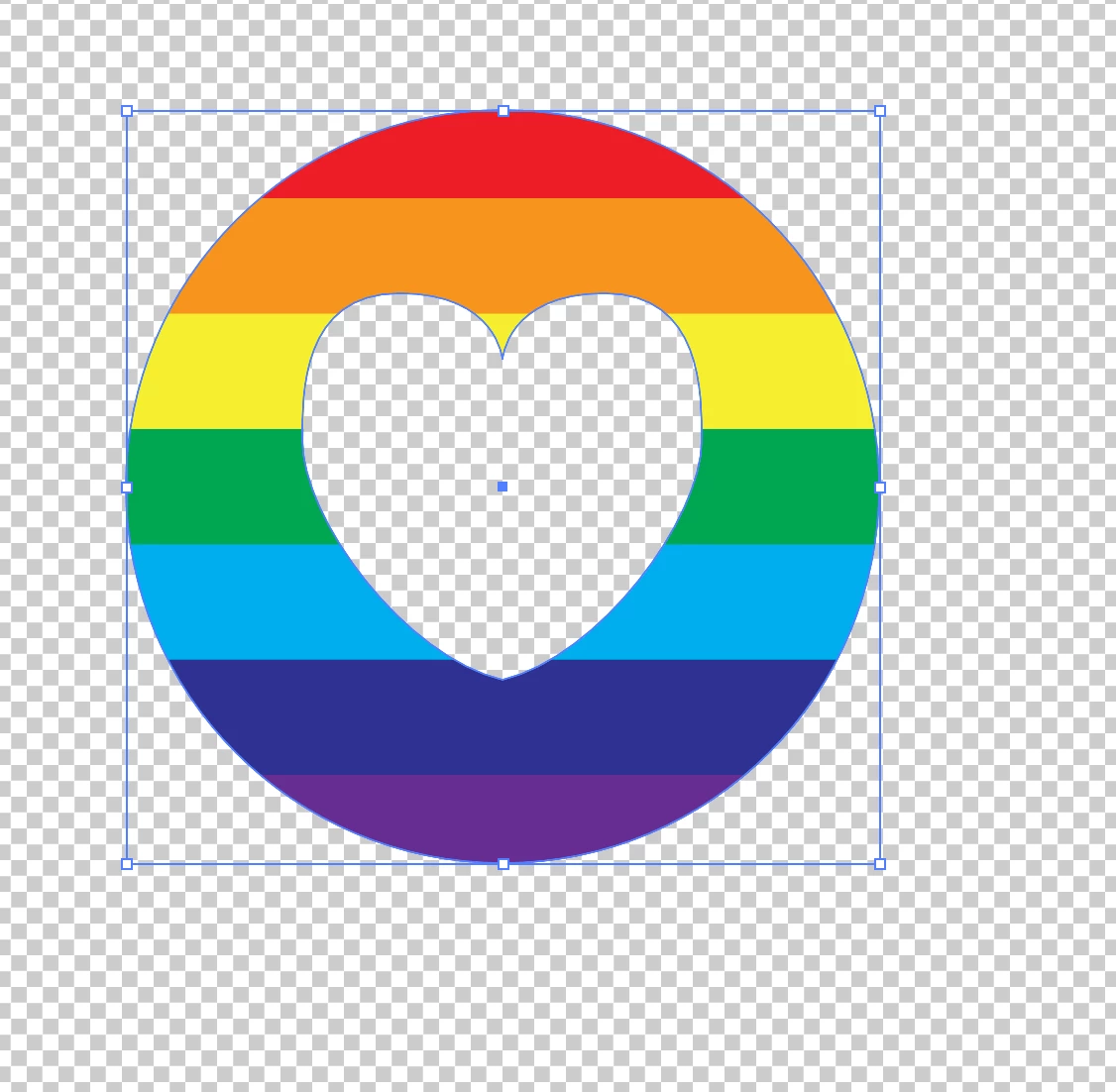
Hi all! I have a circle. I wanted rainbow-colored stripes within that circle. So I created the stripes and the circle... and created a clipping mask. No problem. But I don't know how to do the second part... which is to create a heart INSIDE the rainbow-colored circle... that's see-through. i.e., it's not white... it's clear. When I select both the circle and the heart and try to create a clipping mask... it puts the colored strips inside the heart. I want it to do the opposite. I tried using the pathfinder, too, but that didn't work at all. What am I doing wrong? Thank you!
    This topic has been closed for replies.
    Correct answer SJRiegel

    Make a compound path of the circle and the heart first, then use the compound path as your clipping mask.

    2 replies

    SJRiegelCorrect answer
    Legend
    July 11, 2018

    Make a compound path of the circle and the heart first, then use the compound path as your clipping mask.

    DigitalChickster
    Legend
    July 11, 2018

    That worked! Thank you so much!

    Jacob Bugge
    Community Expert
    Community Expert
    July 11, 2018

    Julie,

    It sounds as if you should make the heart black and use Transparency (flyout)>(Make) Opacity Mask with the right both Clip and Invert Mask unticked.