
Participant
October 26, 2024
Question

How to create sketchy curvy lines
  • October 26, 2024
  • 2 replies
  • 832 views

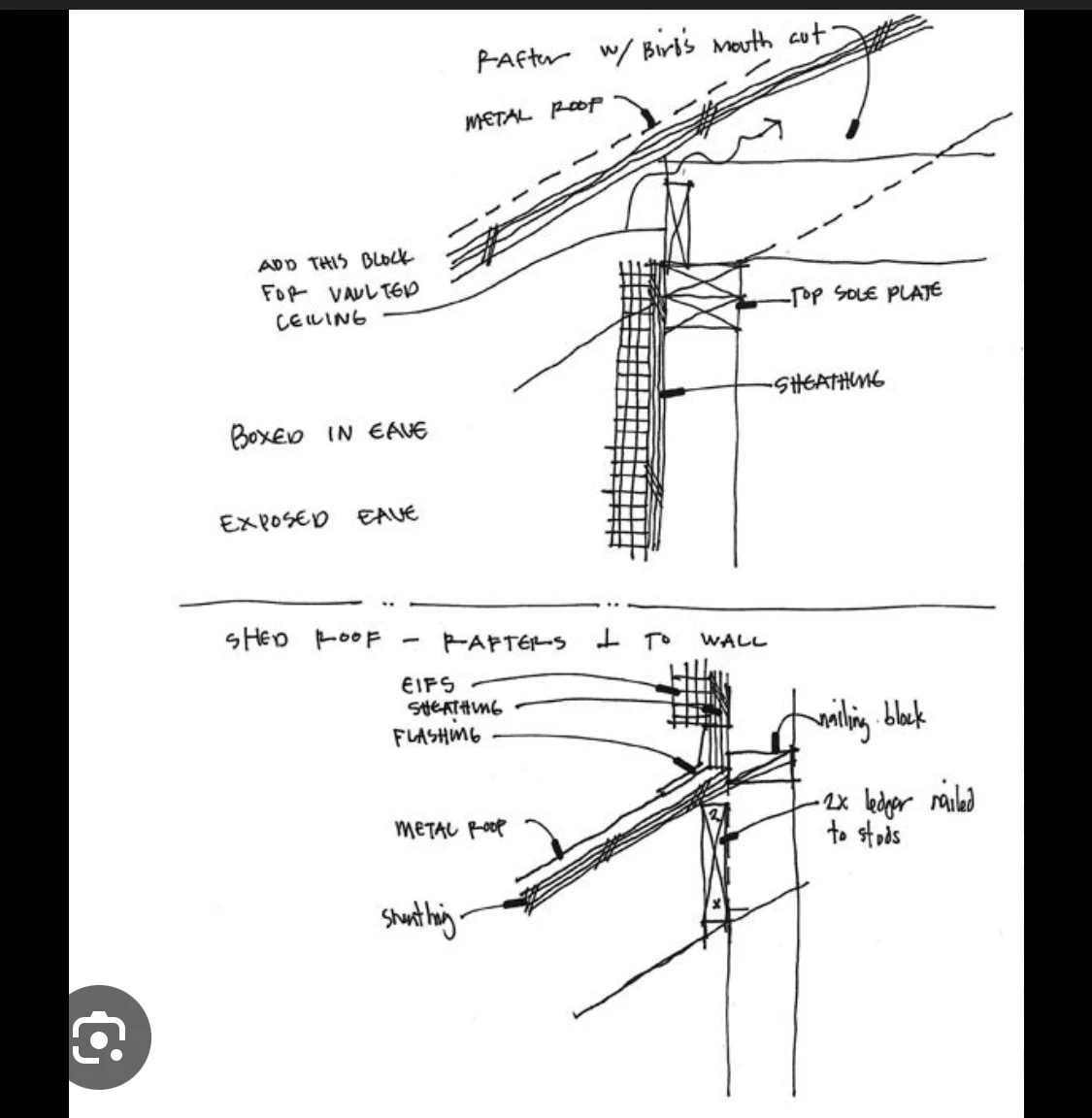
Hi I want to know how can I draw a wavy line is illustrator which looks like a handdrawn line (drawn in architectural sketches similar to the image attached) but  the ridges should not be consistent. I learned about the zig zag smooth option in distort mode. But it makes the line curvy with consistent ridges which is more proper curvy. Can someone pls tell how can i achieve those sketchy lines... thank you

This topic has been closed for replies.

2 replies

Kurt Gold
Community Expert
Community Expert
October 26, 2024

As per your screenshot, for most of the lines you don't need special effects. Drawing with the Pencil tool should do it.


For some parts one may create custom brushes.

Monika Gause
Community Expert
Community Expert
October 26, 2024

You draw a line and apply a stroke and then you apply Effect > Path > Outline stroke

Afterwards apply Effect > Distort & transform > Roughen. Just click OK

Then open the Appearance panel

Move Roughen below Outline stroke

Then click on Roughen and set it up

It needs to be set to "Absolute"

Other settings you can shoose as you want

Make a graphic style to apply to the other lines.