
Answered
How to cut the center out of an image
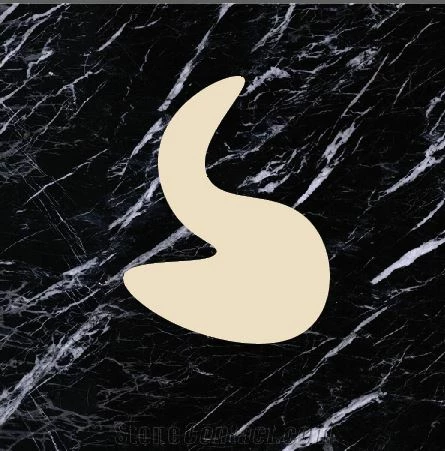
Hi, I am relatively new to illustrator and I trying to cut out the shape in the center of an image so the background is transparent in the middle (see image with shape to cut out). I have tried the Pathfinder 'Minus Front' and I have tried making a compound path, however neither are working. I am looking to make a shape in the center and a hole so the center is transparent.
When trying compound path, I am getting the message error "Cant make a compound path. All objects in a compound path must be path..."
When trying minus front, it seems like it did something but nothing changed on the image.
 AdChoices