

Answered
How to delete everything outside the mask in AI?!
This is my object, with a complex texture mask on top.
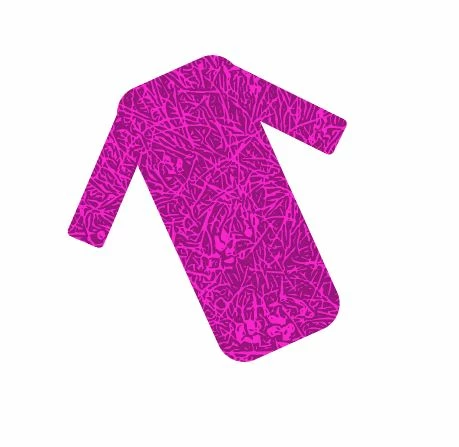
When I select the object I see everything outside the mask and I'd like to delete everything outside the mask.
It is messing up my workflow and slowing down my machine.
My goal is to delete everything outside the mask so when I select the object I only see and select the object as seen above instead of all of this below.
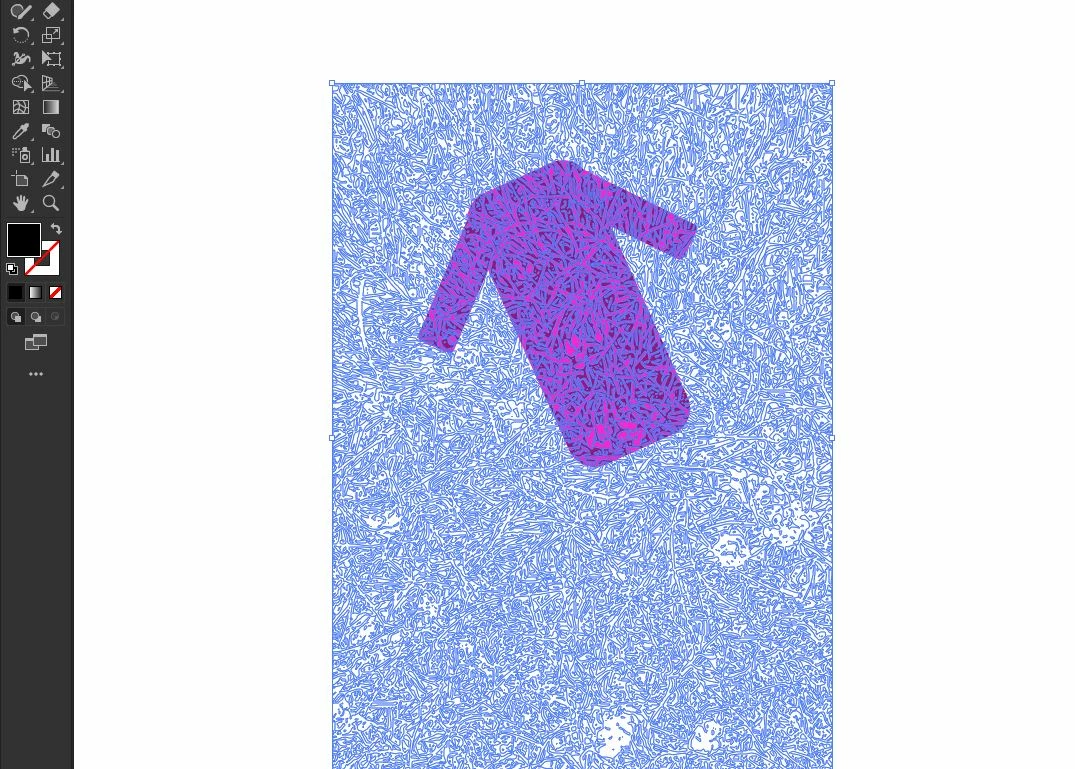
Already tried but did not work to solve this problem:
Removing everything outside with shape builder tool.
Flatten transparency with 100% vector selected and some other things.
Thank you for the help!
 AdChoices