Participating Frequently
April 24, 2023
Answered

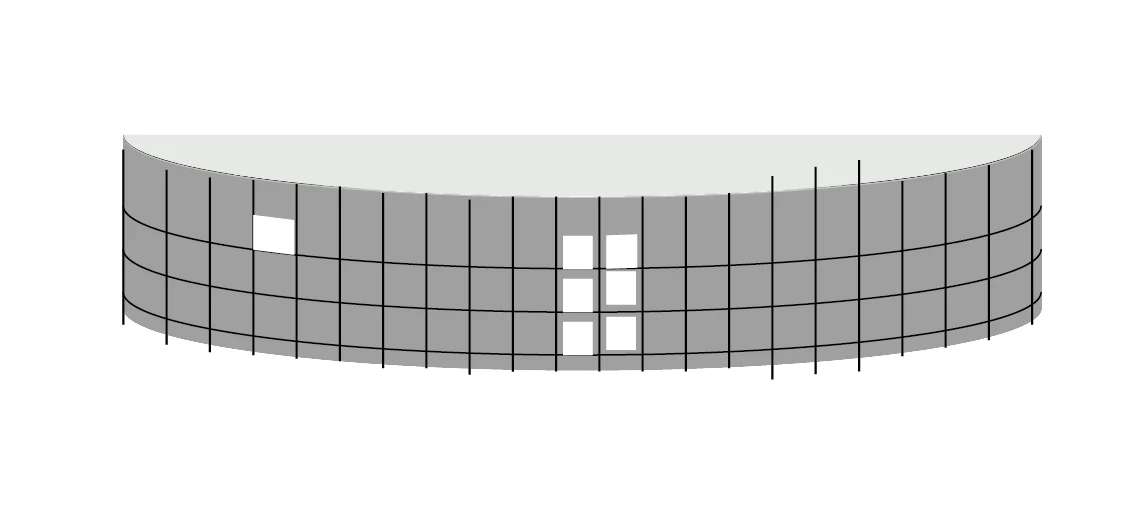
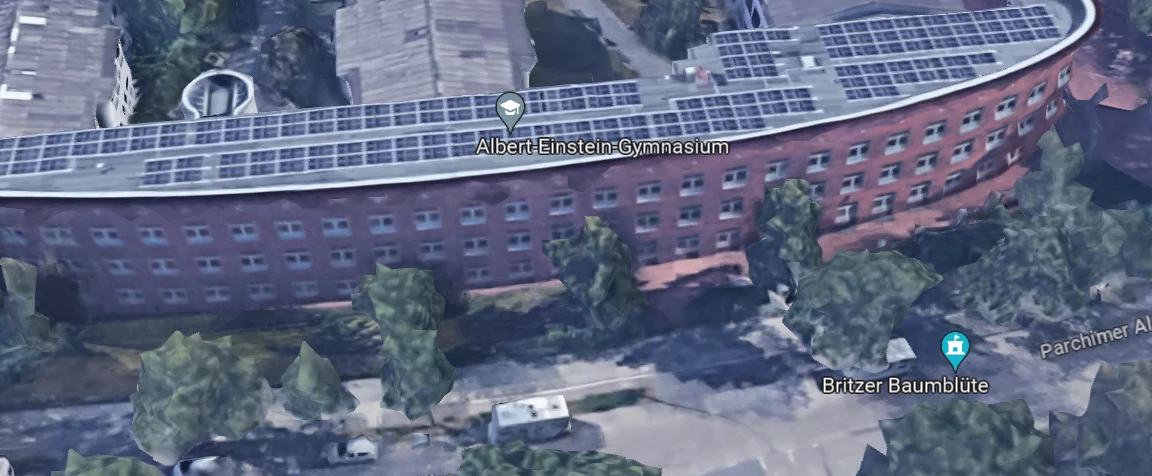
How to design this house- windows on a curved surface

  • April 24, 2023
  • 2 replies
  • 6108 views

Hey,

how can I draw this building? I have problems at aligning the windows in the correct angle. Is there a way I can get this done easily?
This topic has been closed for replies.
Correct answer Monika Gause

Im sorry. I overread this part of your answer. How can I do this? It is mapped as a picture and I cannot edit it. Could you please explain in more detail?

(I'm very new to illustrator but need it for my university)


You can use the pen tool to click on that ellipse path to add points or use the Object > Path > Add Points function. 

The points need to be added to the ellipse, not to the symbol.

2 replies

Jacob Bugge
Community Expert
Community Expert
April 24, 2023

Luca,


Depending on the exact requirements, again depending on the ultimate use, you may wish to have plane windows, working with a combination based on the curved shape and a polygonal one coinciding with it at the sides of the windows.


Legend
April 24, 2023

You could create the window grid flat, make a symbol of it, and then map in onto a 3-d shape.

Participating Frequently
April 24, 2023

Thank you! That looks exactly as I want it :). Could you explain it more detailed eventually? Im quite new... How do I create a symbol and then map it into a 3d shape?

Participating Frequently
April 25, 2023

I don't know the reason behind it, but when you resize the mapped art to only the highlighted section of the pane, it shows in color; when it is stretched to the whole frame, it goes to grayscale.


Hey thank you for your help 🙂

I did it! The problem with the windows was caused by the outline/stroke of the object. I just deleted it and everything was in the right place 😄
