
How to draw 377 equal segments within a circle or pie chart?
Sounds simple! But proving to be a challenge!
I need to create 377 equal segments in a circle or pie chart, but without going beyond 2 decimal places with either the rotate tool or the pie chart tool, I am not able to achieve accuracy.
Rotate tool:
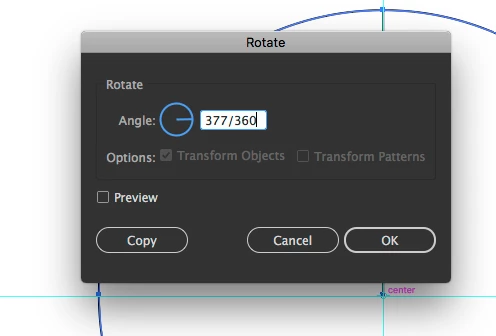
To fit into the circle equally each segment is an angle of 0.9549071618 degrees... but the maximum decimal places in the rotate tool I can input is 2 so I end up with 0.95. which means I will have 378.94 segments. Is there a way to increase the number of decimal places when using the rotate tool?
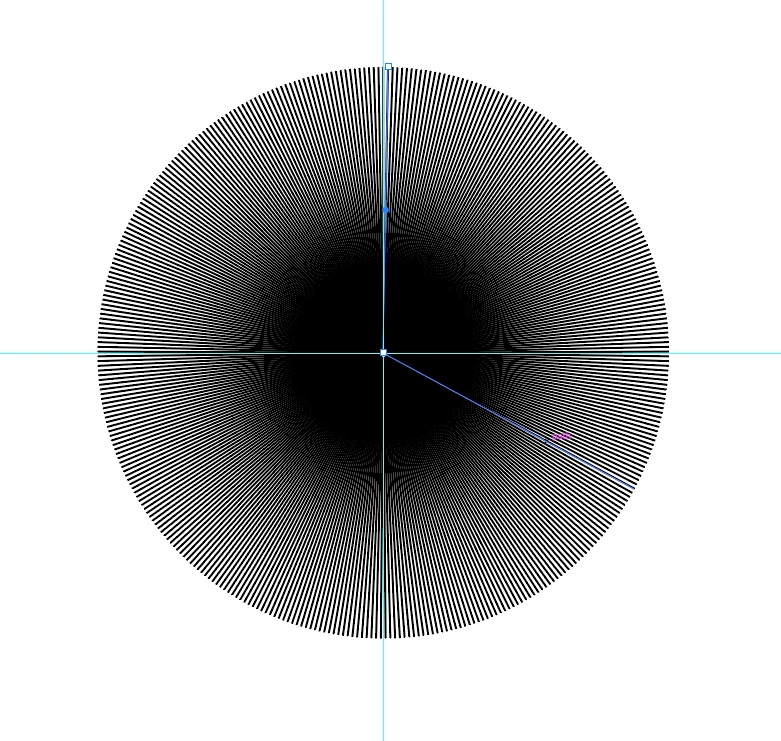
If I draw a line across the circle's diameter and rotate 0.95 degrees for presumably roughly 180 times, I end up with what looks like all equal sections except for one. I haven't tried doing it with the radius yet.
Pie chart tool:
To get 377 segments in my pie chart it's 100/377, so each segment is 0.2652519894% of the whole pie. If I manually input a cell of data it rounds to 2 decimal places again, 0.27%, and if I import the data (377 lines each saying 0.265251984) from excel as a .csv again it rounds to two decimal places 0.27%. Either way my pie chart doesn't work at all, I end up with a big flat thick line of nothing. Do pie charts have a max number of segments?
I became a graphic designer so I didn't have to think about maths ever again!  (takes cover as people shout about how precise lots of graphic design has to be, I know, I know)
This kind of calculating is frying my brain, help much appreciated!
Can I increase the number of decimal places in my illustrator general settings?
Thank you!
Sharon
 AdChoices