

HOW-TO draw Mandala using illustrator
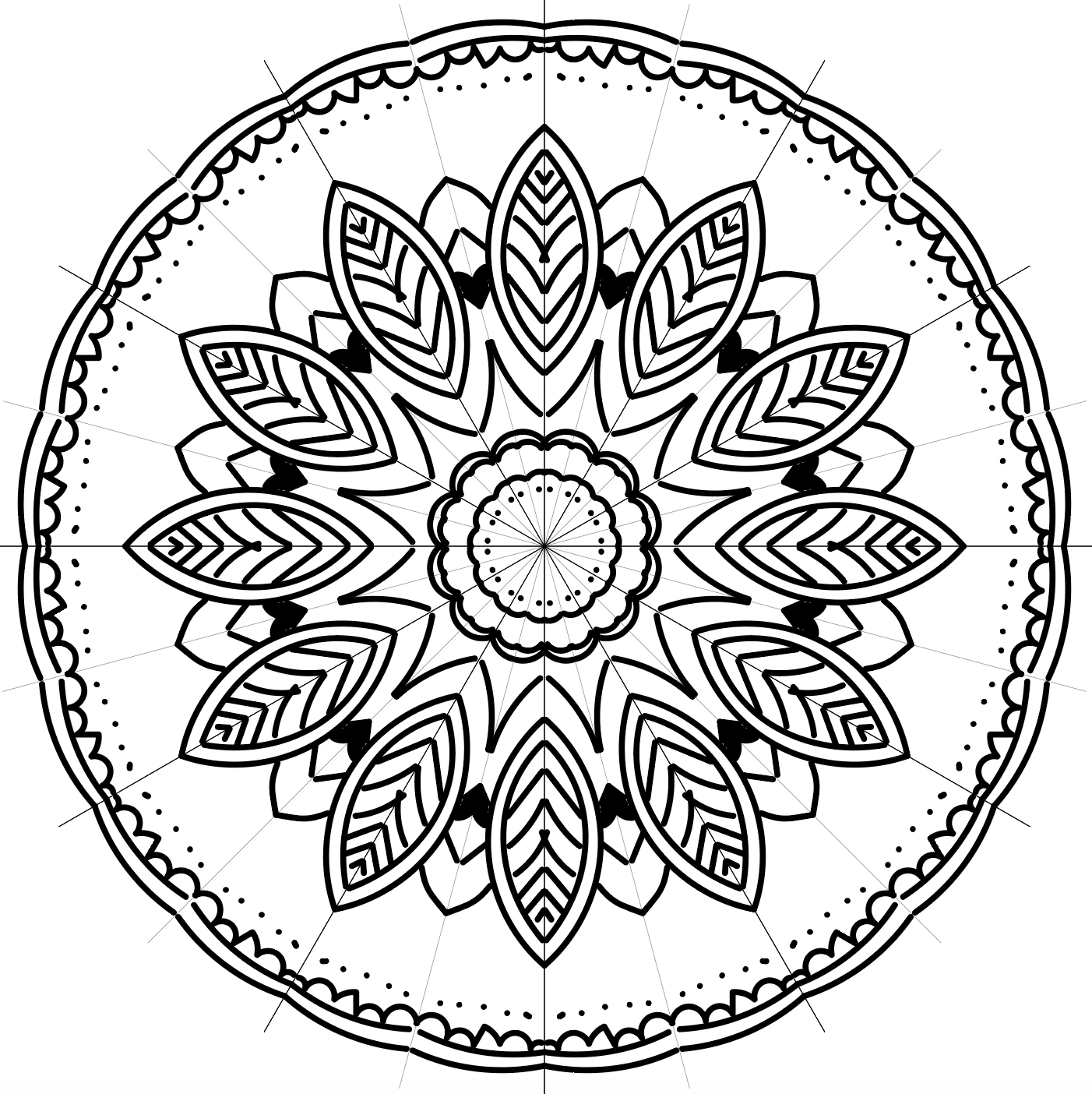
Open 1000x1000 px Artboard.
1 Draw vertical line, make sure it is align to artboard center
2 Select the line, go to object: Transform: rotate, angle 15°, hit copy, cmd/ctrl D 10 time to have more 10 copies
3 Copy the 2 lines (vertical and horizontal lines), past in place on new layer.
4 Draw with brush tool a line, select all layer (click on the circle right on the layer name to target all layer)
5 Go to Effect: distort and transform: Transform, choose reflect X and 1 Copy, hit ok 6 Again o to Effect: distort and transform: Transform, apply new effect, define the angle 30°, copies to be 11, hit ok.
Every thing you draw on this layer will be reflected on X for 1 copy, then will be rotated for 30° and will be repeated 11 times around the center on the artboard.
enjoy the mandala drawing 🙂
Watch the video


 AdChoices