alejandrar32405101
Participant
November 27, 2019
Answered

How to enable Application Frame in Illustrator 2020 on macOS

  • November 27, 2019
  • 2 replies
  • 3928 views

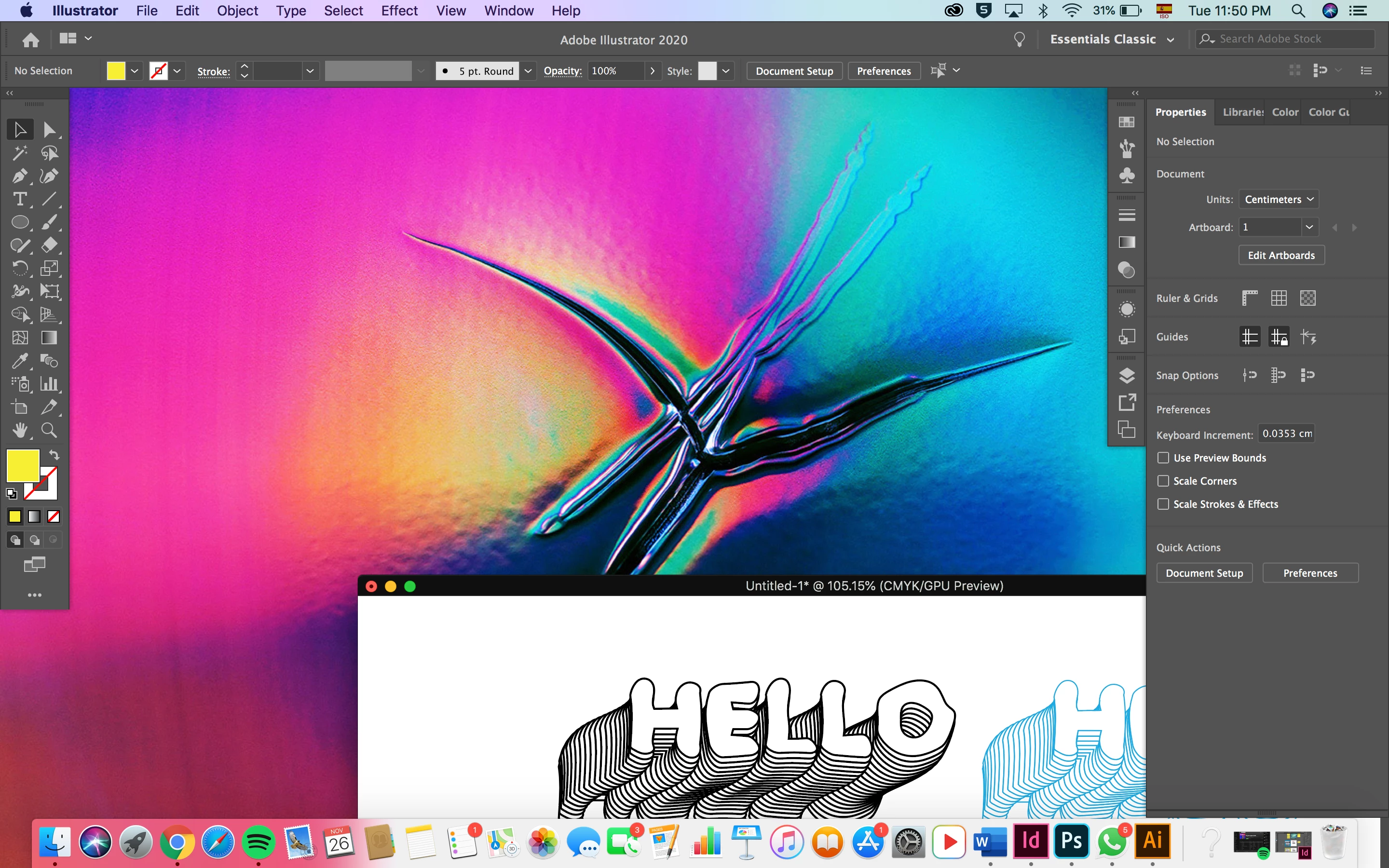
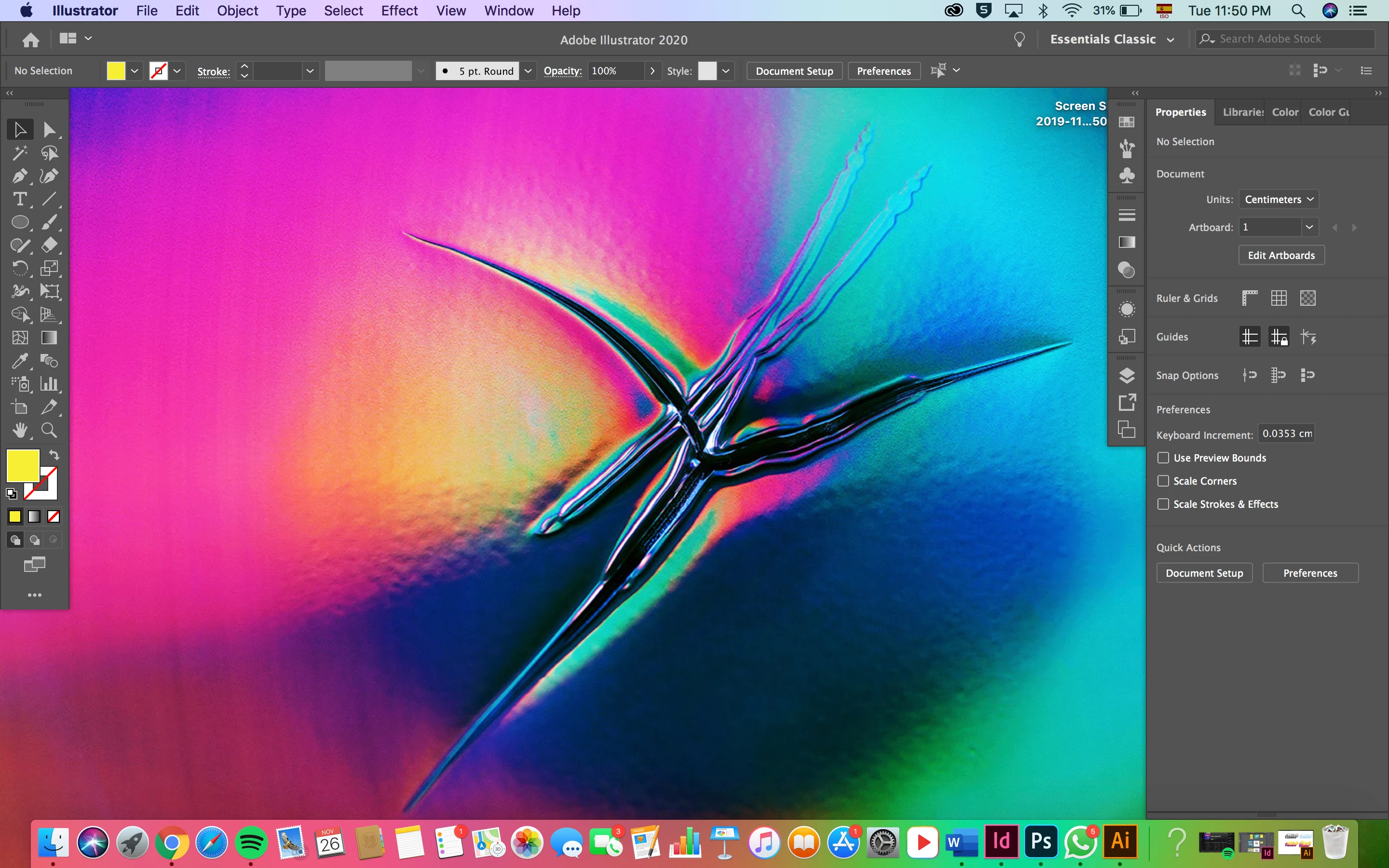
Ever since I updated Illustrator it has been acting weird as in like the workspace area stays the way you can see on these pictures and its sooo annoying!! Anyone can help me fix this? 


{Renamed by MOD}

This topic has been closed for replies.
Correct answer Ashutosh_Mishra

Hi there,


Thanks for reaching out. You have the Application Frame disabled right now that is why you see the background.

You may click on Window > Application Frame in order to enable it. Your workspace should be back to normal.

You may know more about Application Frame on help article: https://helpx.adobe.com/in/illustrator/using/workspace-basics.html#workspace_overview


If there is something else, let us know. We'll be glad to help.


Regards,

Ashutosh

2 replies

Ashutosh_Mishra
Ashutosh_MishraCorrect answer
Inspiring
November 27, 2019

Hi there,


Thanks for reaching out. You have the Application Frame disabled right now that is why you see the background.

You may click on Window > Application Frame in order to enable it. Your workspace should be back to normal.

You may know more about Application Frame on help article: https://helpx.adobe.com/in/illustrator/using/workspace-basics.html#workspace_overview


If there is something else, let us know. We'll be glad to help.


Regards,

Ashutosh

alejandrar32405101
Participant
November 27, 2019

Thank you!!!

alejandrar32405101
Participant
November 27, 2019

Adding to this... i have tried restarting my computer and it dosnt work