Answered
How to enable Welcome Screen
I can't seem to see the option to enable the Welcome Screen for Illustrator 28.0 I need to be able to see the preset and the recent files but what I get is this screen
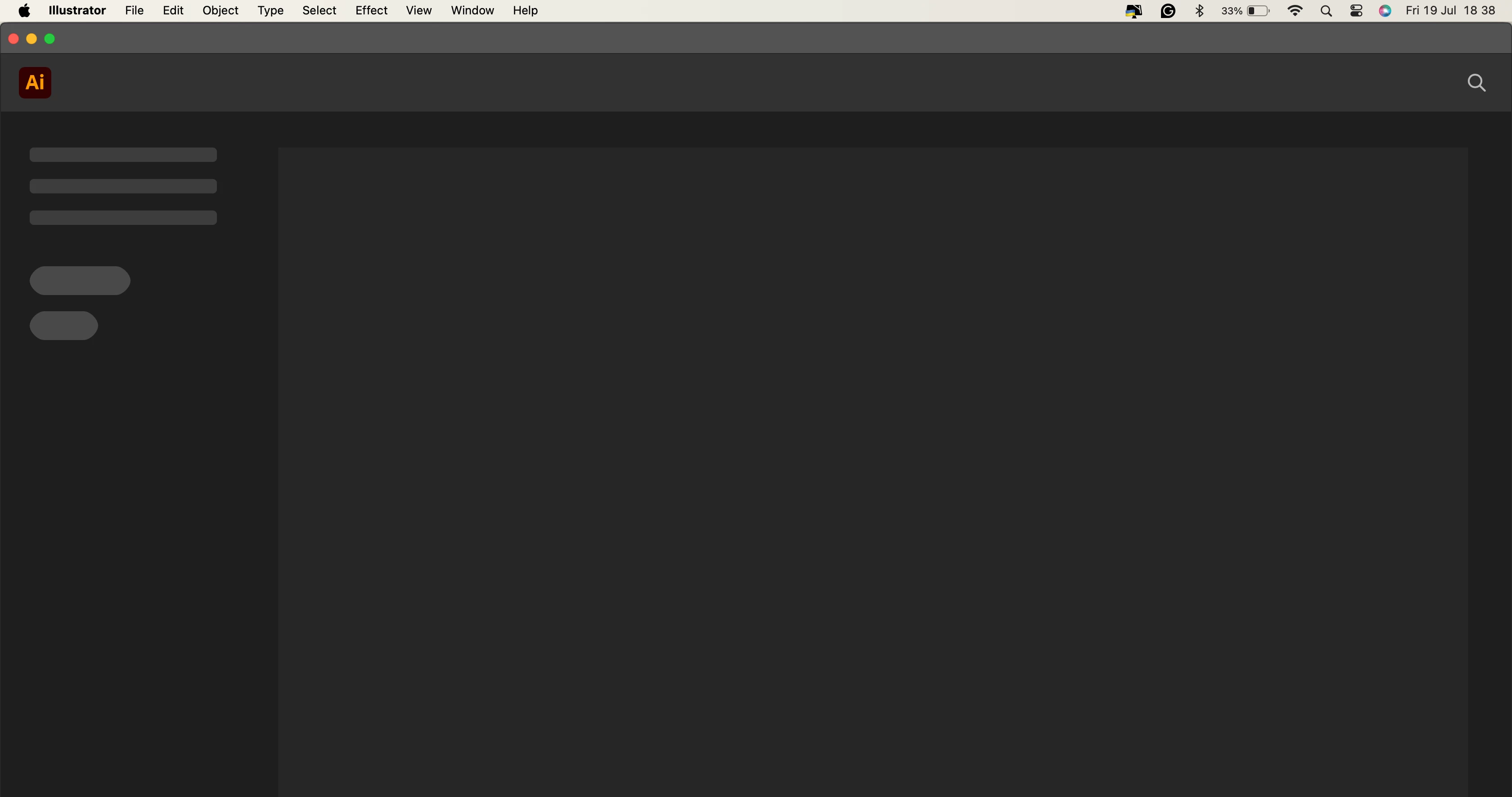

I can't seem to see the option to enable the Welcome Screen for Illustrator 28.0 I need to be able to see the preset and the recent files but what I get is this screen
I've tried that and I still have a blank Welcome Screen.
Hi @Ian Kiryowa,
I'm sorry to hear you're having trouble with the Welcome Screen in Illustrator 28.0. Could you please try updating to Illustrator 28.6 and see if that resolves the issue? If not, you can try installing version 27.7 to test if it's working on your end, as this issue has been reported by multiple users.
Also, please share your macOS version and Mac system details so we can better assist you.
Best,
Anshul Saini
Already have an account? Login
Enter your E-mail address. We'll send you an e-mail with instructions to reset your password.
 AdChoices