
How to 'expand' or 'flatten' a clipping mask and retain its transparency?
Hi there (:
I'm pretty new to Illustrator and I've been trying to create my own brush strokes for a school project, and I've managed to convert a raster of some white chalk on black paper into vector objects with the image trace tool. After removing the black background, there was still a quite a lot of black splotches remaining around the edges of the chalk, so I made a clipping mask to make these black areas transparent.
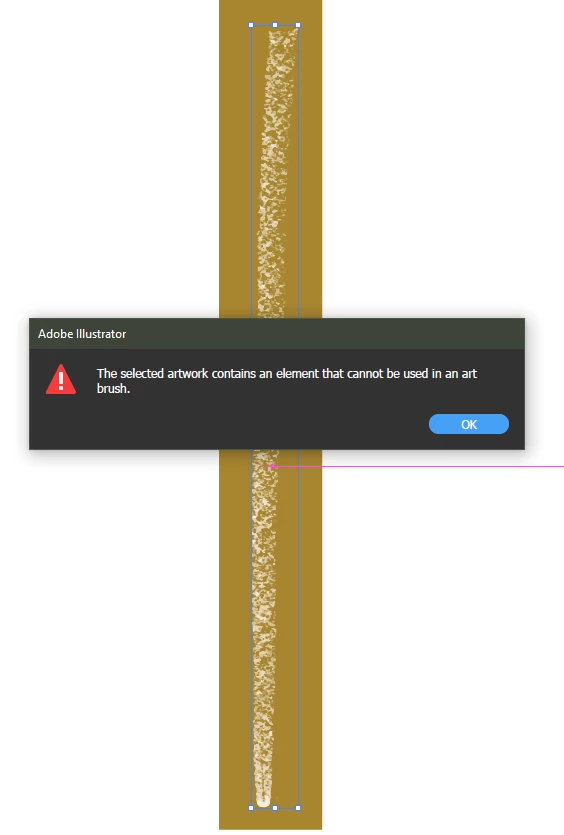
But now when I try to drag these objects into the brushes panel, it says that my 'artwork contains an element that cannot be used' as a brush stroke. I'm assuming this is referring to the clipping mask —
as I am able to create a brush stroke with the same object after I remove the clipping mask — but I can't seem to find a way to 'committ' or 'expand' it without losing my artwork's transparency. I've gotten close to what I want with the 'flatten transparency' tool, but it seems to remove my current 'screen' blending mode, which I'd also like to keep.
Hopefully that all made sense, any help would be very much appreciated (:
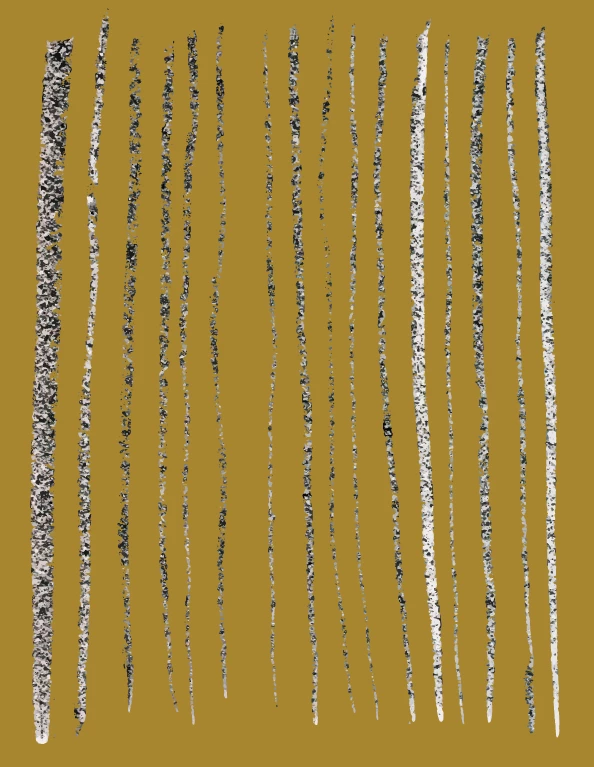
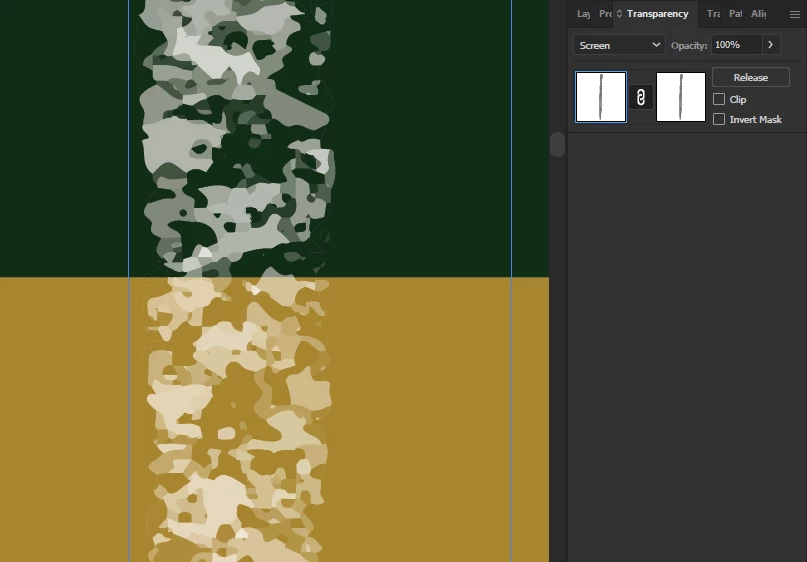
The first screenshot shows what the strokes look like without the clipping mask (and what a lot of the 'flatten transparency' attempts have left me with). The second shows my clipping mask settings and blending mode, and the third, the message I get when I try to drag one of the strokes into the brushes panel with the clipping mask applied.
 AdChoices