
Participant
October 28, 2020
Answered

How to expand the pattern in Illustrator

  • October 28, 2020
  • 2 replies
  • 10285 views

Hi, I am a completely newbie in Illustrator. I have bought some vector but I forgot how to expand the image. This is the image that I get from the vector file
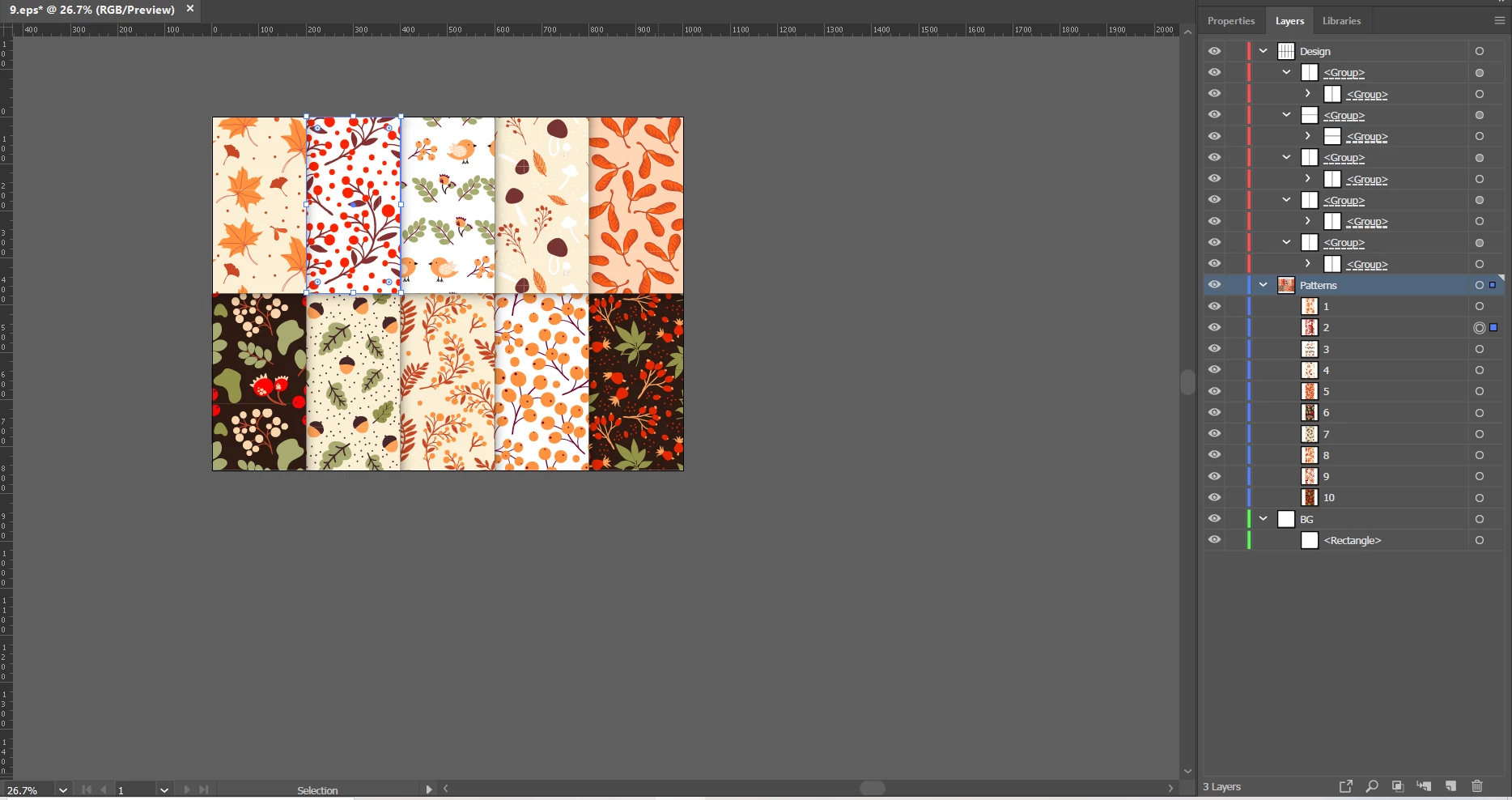
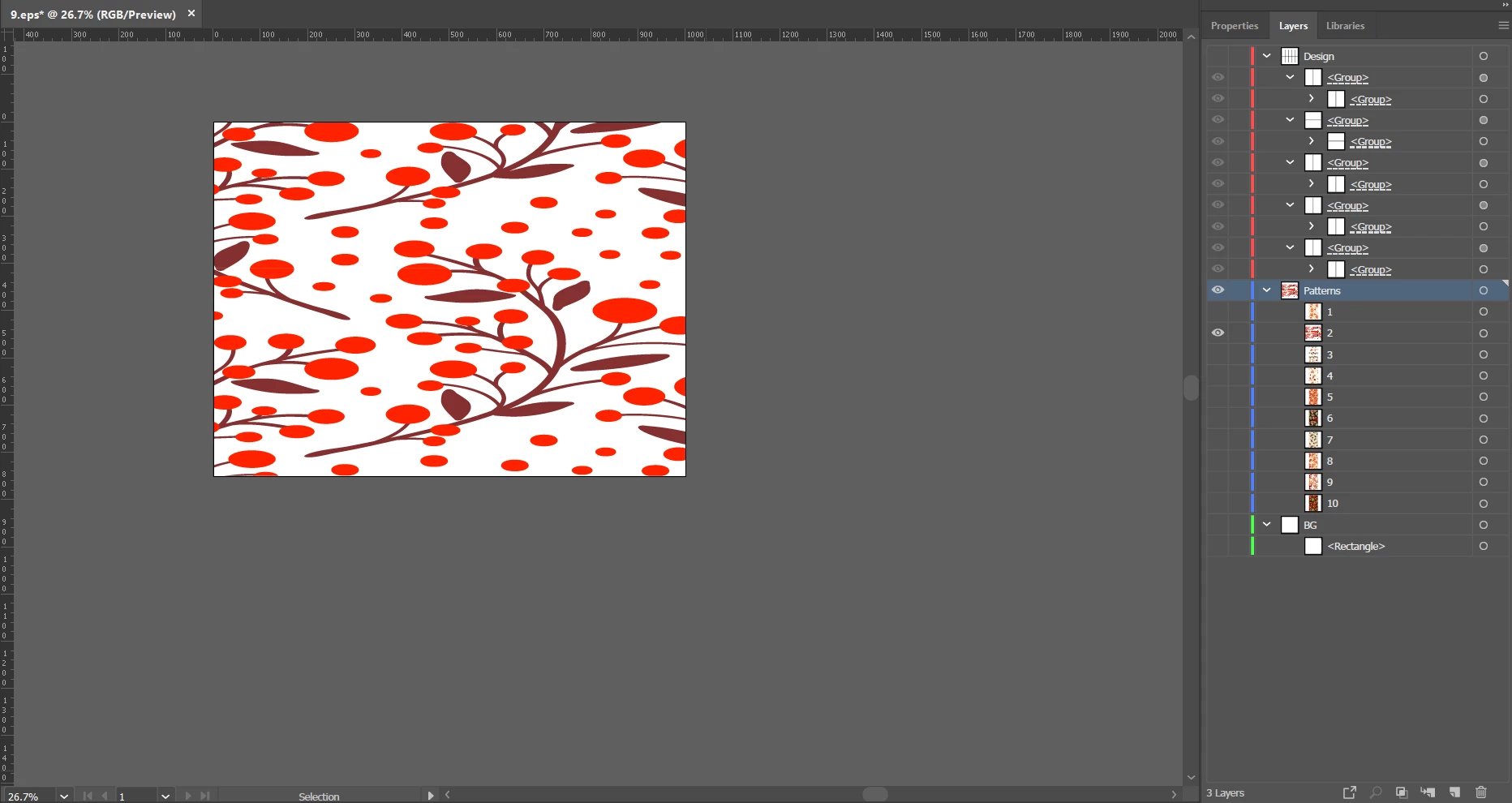
I try to scale it but the result become like this. Failed.And I want my picture end as below. Thank You
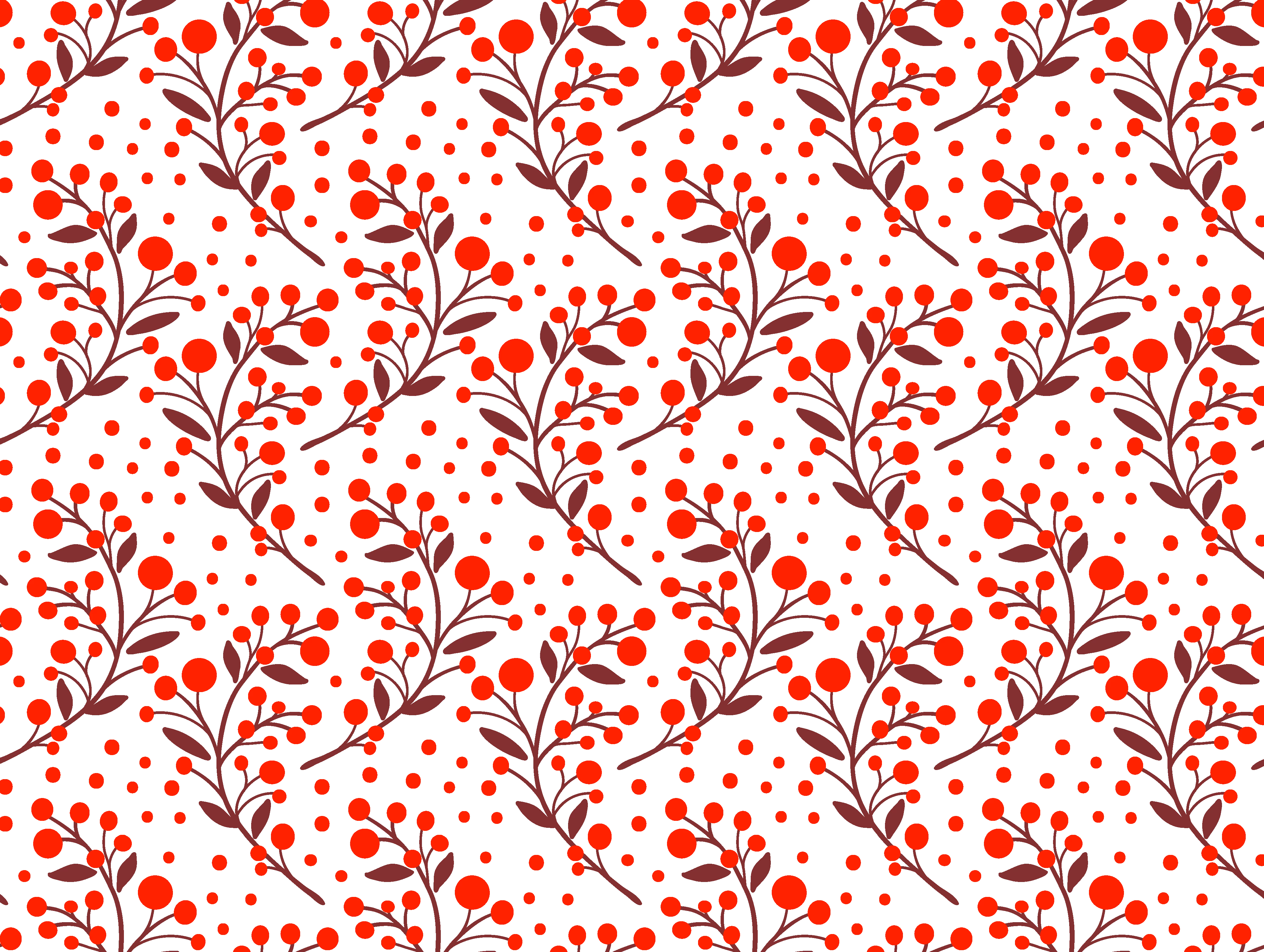
This topic has been closed for replies.
Correct answer Ton Frederiks

Double click the Scale tool.

You will see an option to scale the pattern or scale only the object (or both).

2 replies

Ton Frederiks
Community Expert
Ton FrederiksCommunity ExpertCorrect answer
Community Expert
October 28, 2020

Double click the Scale tool.

You will see an option to scale the pattern or scale only the object (or both).

Participant
October 28, 2020

Thank you very much everyone. Problem solved!! 🙂

Simmer1
Community Expert
Community Expert
October 28, 2020

Hi,


To Expand it Select the Object and go Object> Expand or Expand Appearence.


To make a pattern, select any pattern and go Object> Pattern> Make.

Here are some tips on creating patterns that may help you also:

https://helpx.adobe.com/uk/illustrator/using/create-edit-patterns.html  


Cheers,

Sim

Participant
October 28, 2020

Thank you for answering. I try to expand it and untick the rectangle. It become as the picture below.

And I try to enlarge it as the white rectangle above. It become as below the pic.

The result looks different. Thank you.

Simmer1
Community Expert
Community Expert
October 28, 2020

Hi,


Whislt your increasing the size hold down shift, this will keep everything in proportion.


Cheers,

Sim