
Answered
How to: flattening layers to eliminate overlap
Hello,
I am looking to see if there is a tool or hack to flatten overlapping shapes wihtout using the scissor or divide tool.
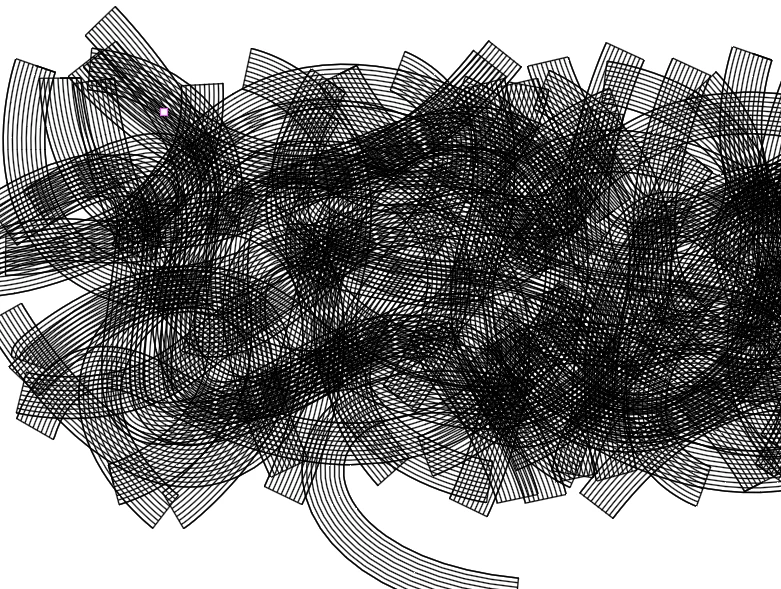
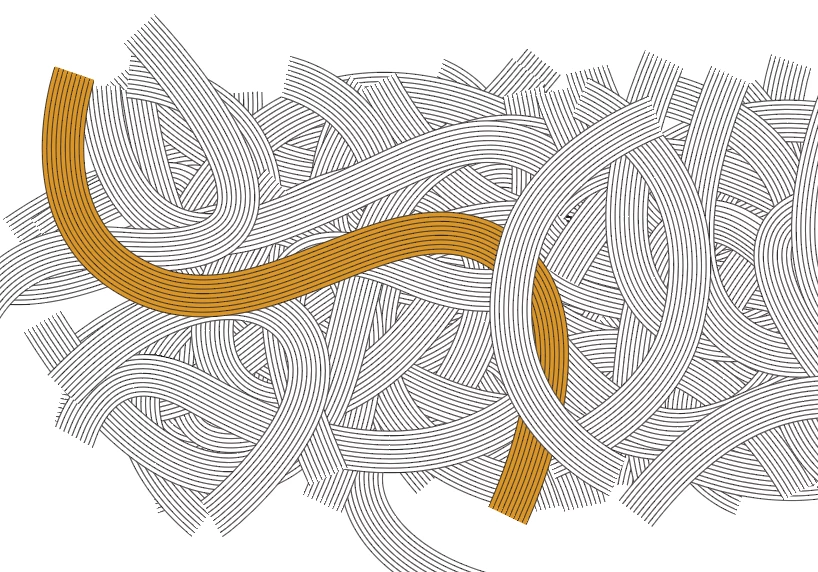
beelow i added screenshots of the view in normal and command+y to show the structure of the document. Each segment has the black lines and a white backer to hide the shapes below (one white backer in yellow to demonstrate)
is there a quick way to keep the strokes (prefer to not have to outline the strokes and get fills) and remove the hidden bits underneath?
 AdChoices