Exit
  • Global community
    • Language:
      • Deutsch
      • English
      • Español
      • Français
      • Português
  • 日本語コミュニティ
  • 한국 커뮤니티
0

How to make a fill over a transparent area while matching the existing artwork.

Explorer ,
Mar 04, 2024 Mar 04, 2024

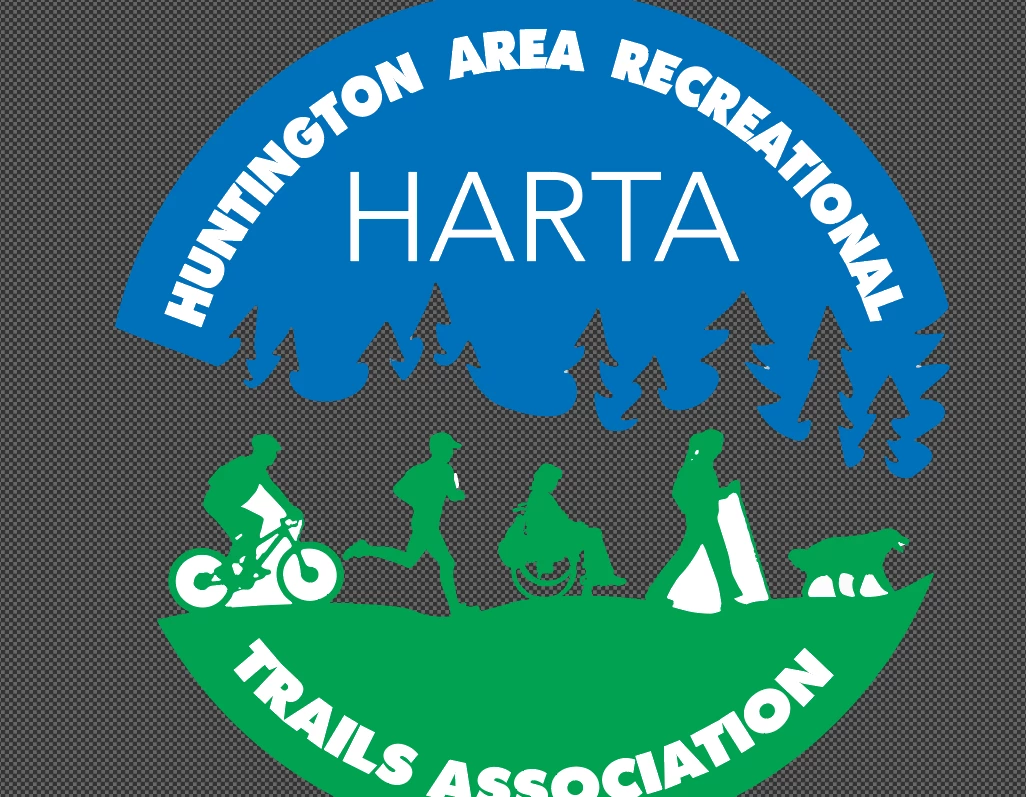
What is the best way to make a white fill in the transparent area? I've tried using the elipse tool to put a white circle behind the entire design and I cannot get the edges to line up.


2024-03-04 09_41_21-Window.png

TOPICS
Draw and design , How-to , Tools
379
Translate
Report
Community guidelines
Be kind and respectful, give credit to the original source of content, and search for duplicates before posting. Learn more
community guidelines

correct answers 1 Correct answer

Community Expert , Mar 04, 2024 Mar 04, 2024

Eric,


Unfortunately, the image fails to show the top and bottom.


Are you sure that the blue and green outer boundaries form part of a/one and the same circle?


You can (also) establish the total height, then create the white circle with that W = H, move it behind, and Align it with the existing artwork; and if it fails to have its boudary flush with the blue/green parts, you can adapt the boundaries of the latter (or the boundaries of the white circle if you must).


Edit: Hi Ton. Some of

...
Translate
Adobe
Community Expert ,
Mar 04, 2024 Mar 04, 2024

Draw guides that snap to the 4 sides.

Use Smart Guides to (Cmd/Ctrl U  to toggle them on/off).

Drag an Elipse from the top left guides intersection to bottom right.

Translate
Report
Community guidelines
Be kind and respectful, give credit to the original source of content, and search for duplicates before posting. Learn more
community guidelines
Community Expert ,
Mar 04, 2024 Mar 04, 2024

Eric,


Unfortunately, the image fails to show the top and bottom.


Are you sure that the blue and green outer boundaries form part of a/one and the same circle?


You can (also) establish the total height, then create the white circle with that W = H, move it behind, and Align it with the existing artwork; and if it fails to have its boudary flush with the blue/green parts, you can adapt the boundaries of the latter (or the boundaries of the white circle if you must).


Edit: Hi Ton. Some of the birds believe it is spring here, most other creatures are unconvinced.

 

Translate
Report
Community guidelines
Be kind and respectful, give credit to the original source of content, and search for duplicates before posting. Learn more
community guidelines
Explorer ,
Mar 04, 2024 Mar 04, 2024
LATEST

Here is the full image, i wanted to show the transparent area.  I was able to adjust the elipse to make it fit, was adjusting by hundreds of an inch. 


HARTA Logo.png

Translate
Report
Community guidelines
Be kind and respectful, give credit to the original source of content, and search for duplicates before posting. Learn more
community guidelines