
New Participant
January 31, 2021
Answered

HOW TO MAKE AN EPS VECTOR FILE TRANSPARENT IN ILLUSTRATOR

  • January 31, 2021
  • 1 reply
  • 611 views

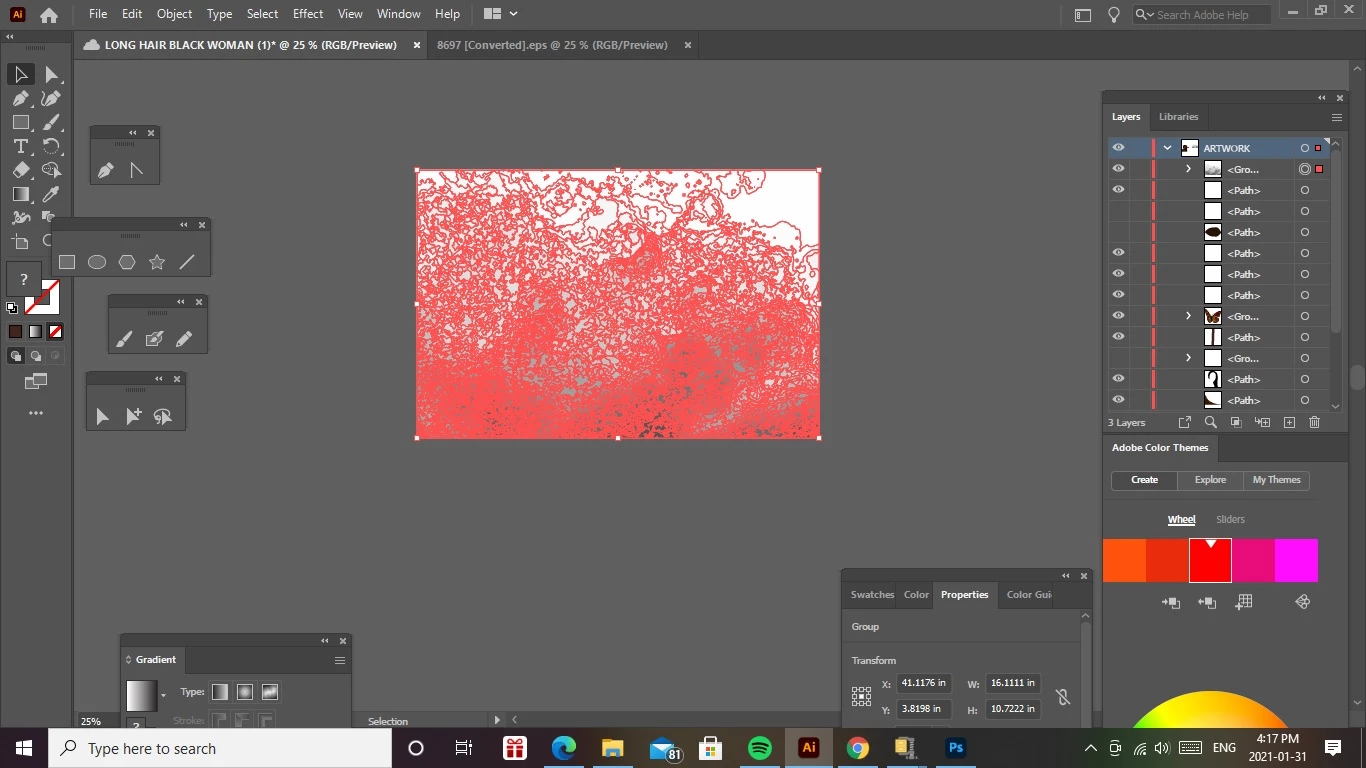
Hi , I have a vector texture file in eps format that i've opened in illustrator and i want to use it on a project, the eps vector has a white backround. How do i make the eps file transparent ?  thanks in advance for all your help 🙂
This topic has been closed for replies.
Correct answer Larry G. Schneider

And resave the file as an .ai or PDF as EPS does not support transparency.

1 reply

Community Expert
January 31, 2021

Select an object that's filled with White then choose Select > Same > Fill Color.

While that multi-object selection is active, change the Fill Color to None by pressing "/".

Save your document.

Larry G. Schneider
Larry G. SchneiderCorrect answer
Community Expert
February 1, 2021

And resave the file as an .ai or PDF as EPS does not support transparency.