Answered
how to make good teeth
Greetings! I have an outline of a smile w/o teeth. How would I go about making teeth that will fit within the contour of the smile?


Greetings! I have an outline of a smile w/o teeth. How would I go about making teeth that will fit within the contour of the smile?
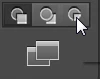
To get lines to fit inside a shape, like the smile in your example, one way is to use draw inside mode as Jacob suggested. First select the object (the smile in this case), then click on the draw inside icon at the bottom of the Tools panel.
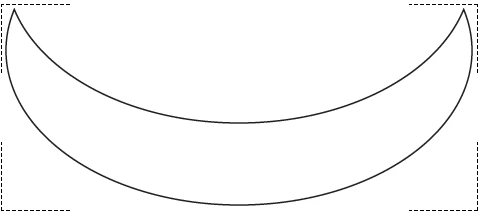
The shape will get dashed lines in the corners, indicating that draw inside mode is turned on for that shape.
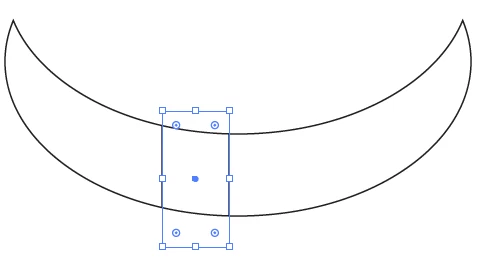
Now when you draw additional shapes, like the teeth, they will automatically be masked by the shape.
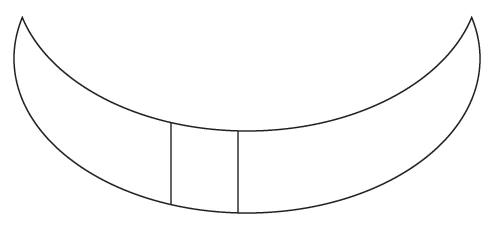
Remember to click the draw normal mode icon when when you no longer want to use draw inside mode.

Already have an account? Login
Enter your E-mail address. We'll send you an e-mail with instructions to reset your password.
 AdChoices