Participant
January 5, 2023
質問

How to: making multiple paths one

  • January 5, 2023
  • 返信数 4.
  • 819 ビュー

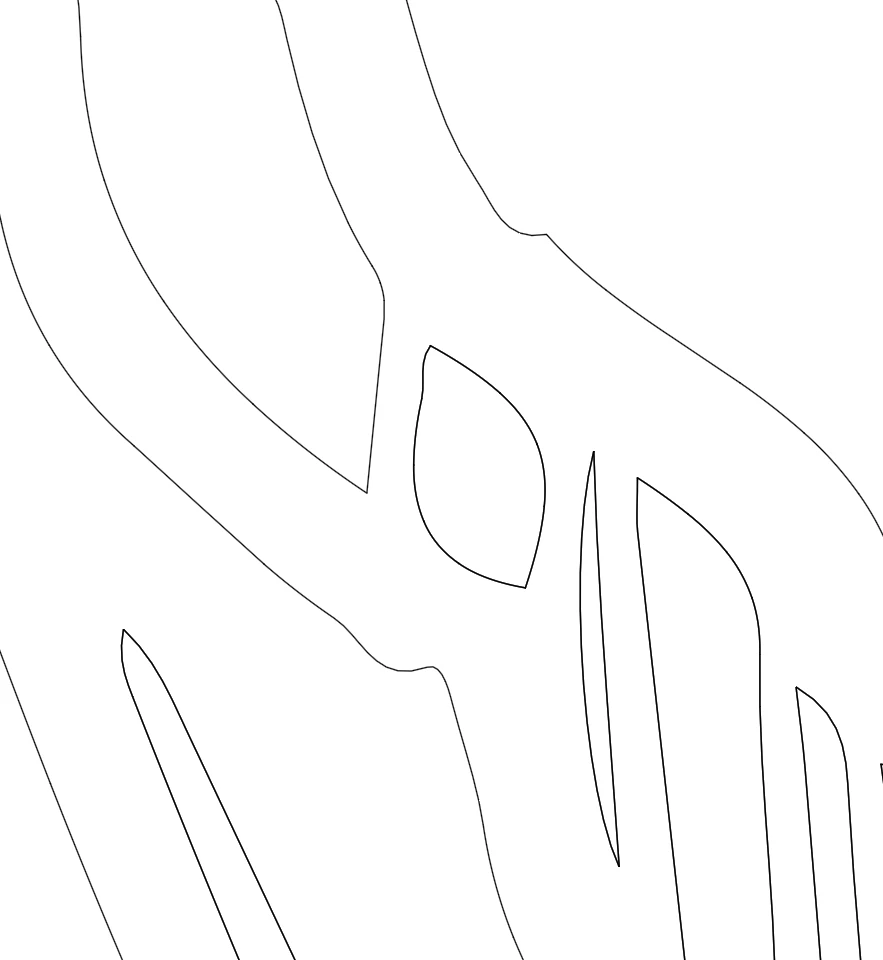
Hi there, I found an illustration of a plant and before completing I made it a compound path. After this I gave it a fill colour. What happen when making a compound path of the illustration, is that an extra copy of inside path/s is made which should allow it to be transparent. This fills up so this path (inside) shows up filled even though you made it compound.


I can delete the path and then in attributes (Reverse Path Direction On or Off) to make the inside of the path transparent. However, if you have a detailed illustration it’s very labourious. Is there a quick way to remove the extra path/s without individually removing them one by one? Please let me know. Thank you
Alan King

このトピックへの返信は締め切られました。

返信数 4

RvdT
Inspiring
January 5, 2023

Or use the Lasso tool to select a few of the points from the shapes you want deleted and press the delete key twice.


Edit:

Release compound path > send outer shape to back > select all shapes > r-click - create compound path.


Participant
January 13, 2023

Hi Rvd`t, I have tried this and sometimes this works. It was a complicated pattern and was quite troublesome. Anyway, thanks for your replying to my post and have a nice weekend.

Jacob Bugge
Community Expert
Community Expert
January 5, 2023

Alan,


As I (mis)understand it, you can:


1) Release the Compound Path,

2) Pathfinder>Minus front/Subtract from shape area.


2) is a/the failsafe way of creating a Compound Path with holes.


Participant
January 13, 2023

Hi Jacob,
Thank you for replying to my post. It appears that sometimes this works and sometimes not. I may have to look a bit more at this as I work in packaging and patterns is something I work with a lot at work. Thanks again and have a nice weekend.


Jacob Bugge
Community Expert
Community Expert
January 13, 2023

For my part you are welcome, Alan.


Can you share (a) case(s) where it fails to work?


Provided, of course, that all the hole paths are above the large path and everything is selected.


Monika Gause
Community Expert
Community Expert
January 5, 2023

If you want a hole in your shape, then you need a compound path.

Deleting the paths will make the holes vanish. Is that what you want?

In that case you could release the compound path via Object > Compound path > Release and then unite the result with the Pathfinder Unite

Participant
January 13, 2023

Thanks for your response, Monika. As it was a complicated pattern, this sometimes worked and didn't. For now, thanks again and have a nice weekend.

Monika Gause
Community Expert
Community Expert
January 13, 2023

Glad you could solve it. Have a nice weekend!

Legend
January 5, 2023

If I understand what you need, Live Paint might work better for you in this instance. 

Participant
January 13, 2023

SJRiegel,

I did try it but it didnt seem like what I needed for now. However, I will may come back to do and try again. Thank you for giving the time to respond. Have a nice weekend.