
How to open dxf file keeping original size?
I want to open a dxf file in Illustrator keeping the original size and scaling. The dxf file can be found here. It is important for me to keep the scale, so no changes in the size. I use Illustrator 2017. When I load the dxf I get an options-popup:

I can select keep original size, scale to drawing size, scale and other options. My problem now is: It only works when I select "scale to drawing size". Then it opens and displays something. When I click keep original size it does not work. I played around with the options (select mm), but it simply does not work, the file is openend however a blank page is shown.
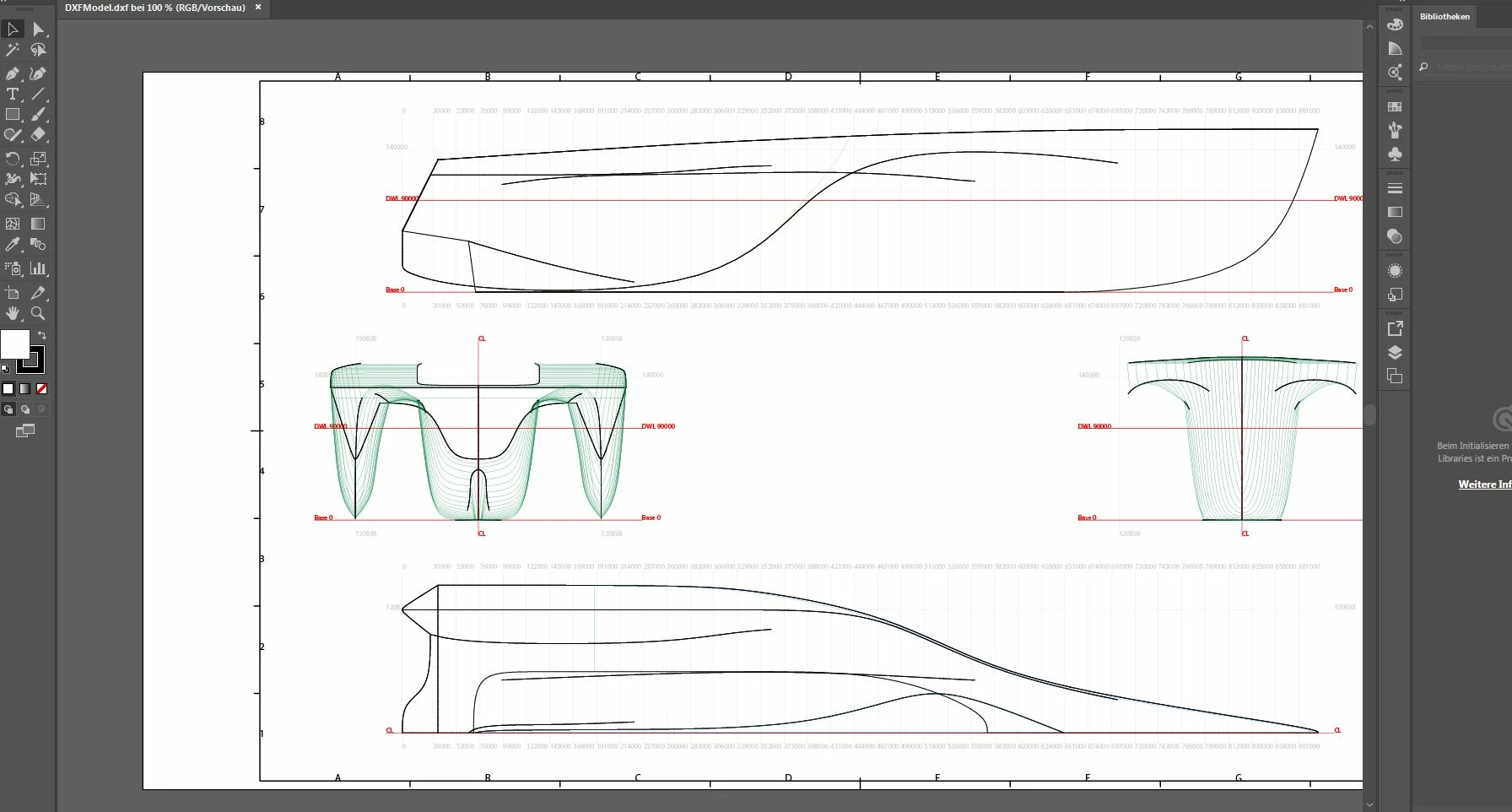
So when I choose scale to drawing size I get an output:
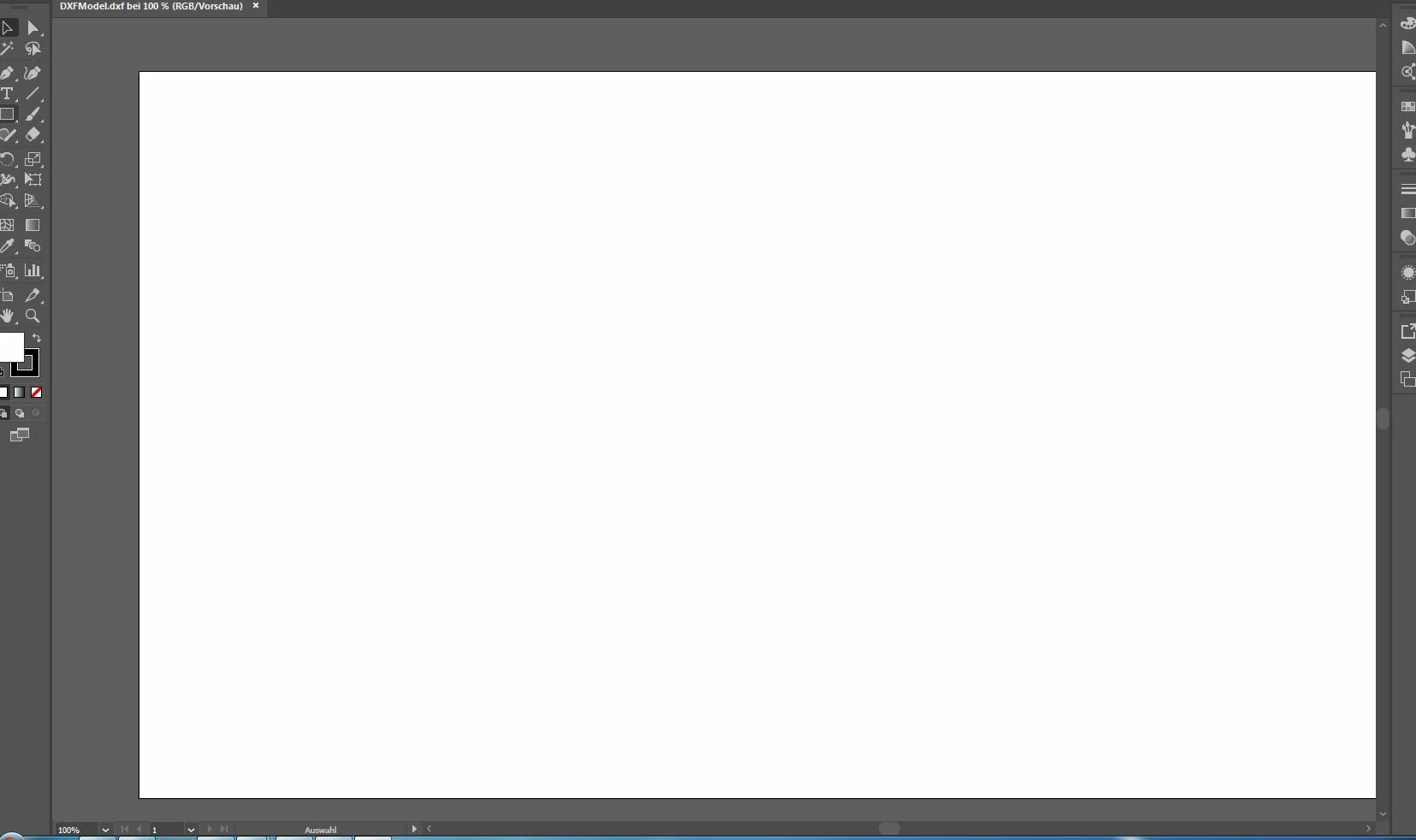
When I choose Original size (no matter what I specify for units) I get an blank output (also when I zoom out nothing appears):
Where is the problem? How can I open it keeping the original size?
 AdChoices