
Participant
November 27, 2016
質問

How to remove offset path

  • November 27, 2016
  • 返信数 3.
  • 12905 ビュー

Hi

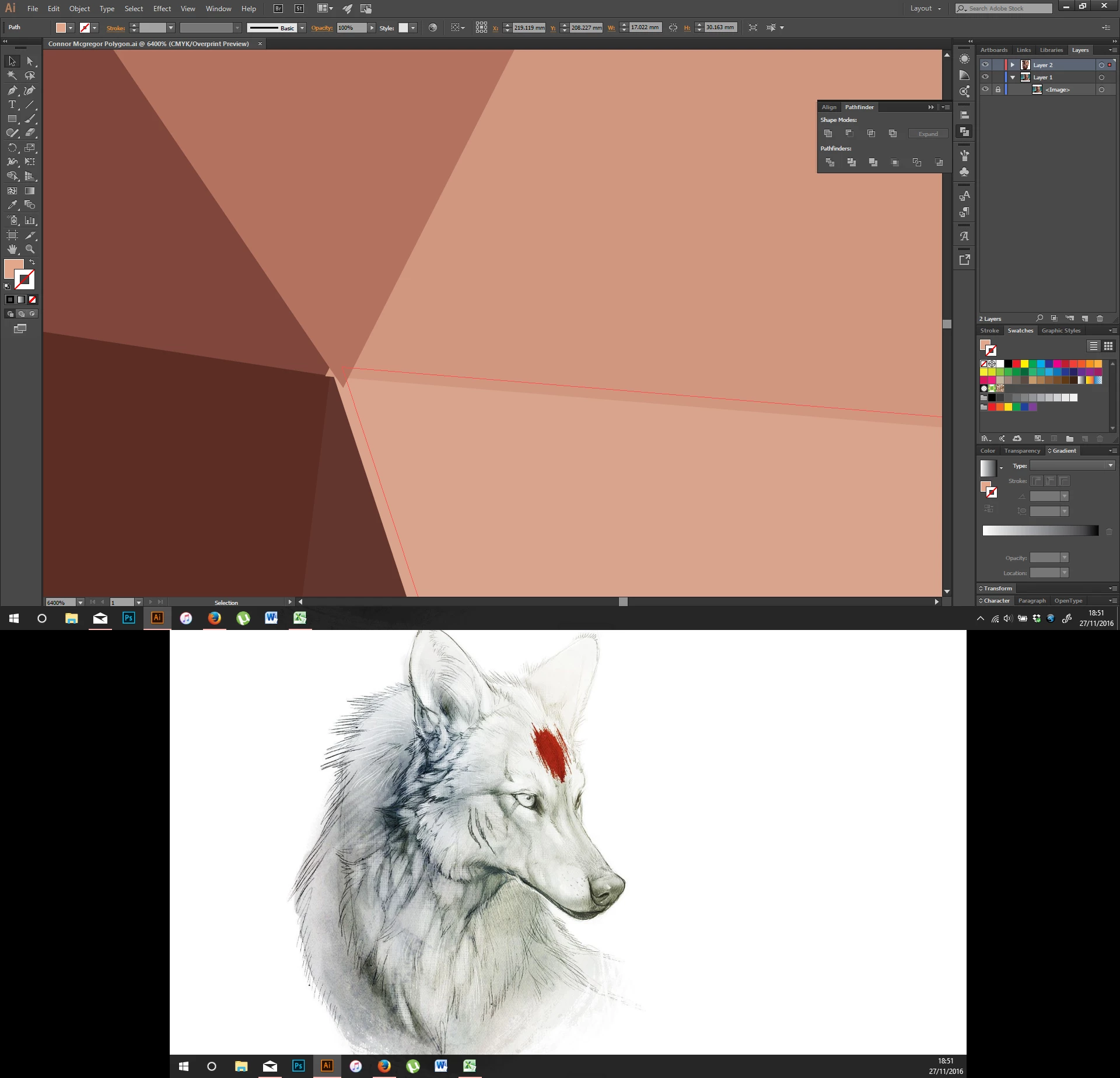
I am creating a low polygon piece. I adjusted the path (Object>Path>offsetpath) to 0.1mm to remove lines between shapes however it has caused the shapes to move out of their postion, or at least not look correct i.e The triangles should meet and not overlap. I cant press undo as I have already saved and quit the program and have no previous versions. Is there a way to undo offset path?
このトピックへの返信は締め切られました。

返信数 3

Ray Yorkshire
Participating Frequently
January 9, 2017

I'd be interested to learn how to do low poly properly.

Are you following a tutorial?

Mohammad.Harb
Community Expert
Community Expert
November 27, 2016

whenever you use ( object -> path - > offset path ) the original objects will still there as Jacob Mentioned,

to see the duplicated objects   view -> outline ( ctrl + Y )

to apply offset path as a Live Effect   :  Effects -> path -> offset path

and to edit , delete the offset path  window -> appearance

RalphusJ作成者
Participant
January 9, 2017

Firstly sorry I did not reply to this thread, Ive been involved in other projects since and simply forgot.

I decided to return to this piece to try and finish it.

The problem I'm having is that I made the offset path however now I would have to go throughout the layer individually deleting EVERY OTHER  shape 9I cant just press undo as I have lost the ability to do so). Is there a way I can select every other shape in a layer then I could just press the delete key and theyd go. I am quite new to illustrator so Id be grateful If you could explain things.

Pressing ctrl Y allows me to see the outline yes but Id still have to go through deleting each one

Participating Frequently
January 9, 2017

I don't know if this would help but how about selecting the end points, and using Path-Average.

Jacob Bugge
Community Expert
Community Expert
November 27, 2016

Ralphus,

How about just deleting the offset path? You should still have the original (unless you have deleted it).

Or you may use the reverse offset (a minus in front of the (same) distance).