- Home
- Illustrator
- Discussions
- how to remove the checkered background to leave im...
- how to remove the checkered background to leave im...

Copy link to clipboard
Copied
Hi I am brand new to Adobe Illustrator,
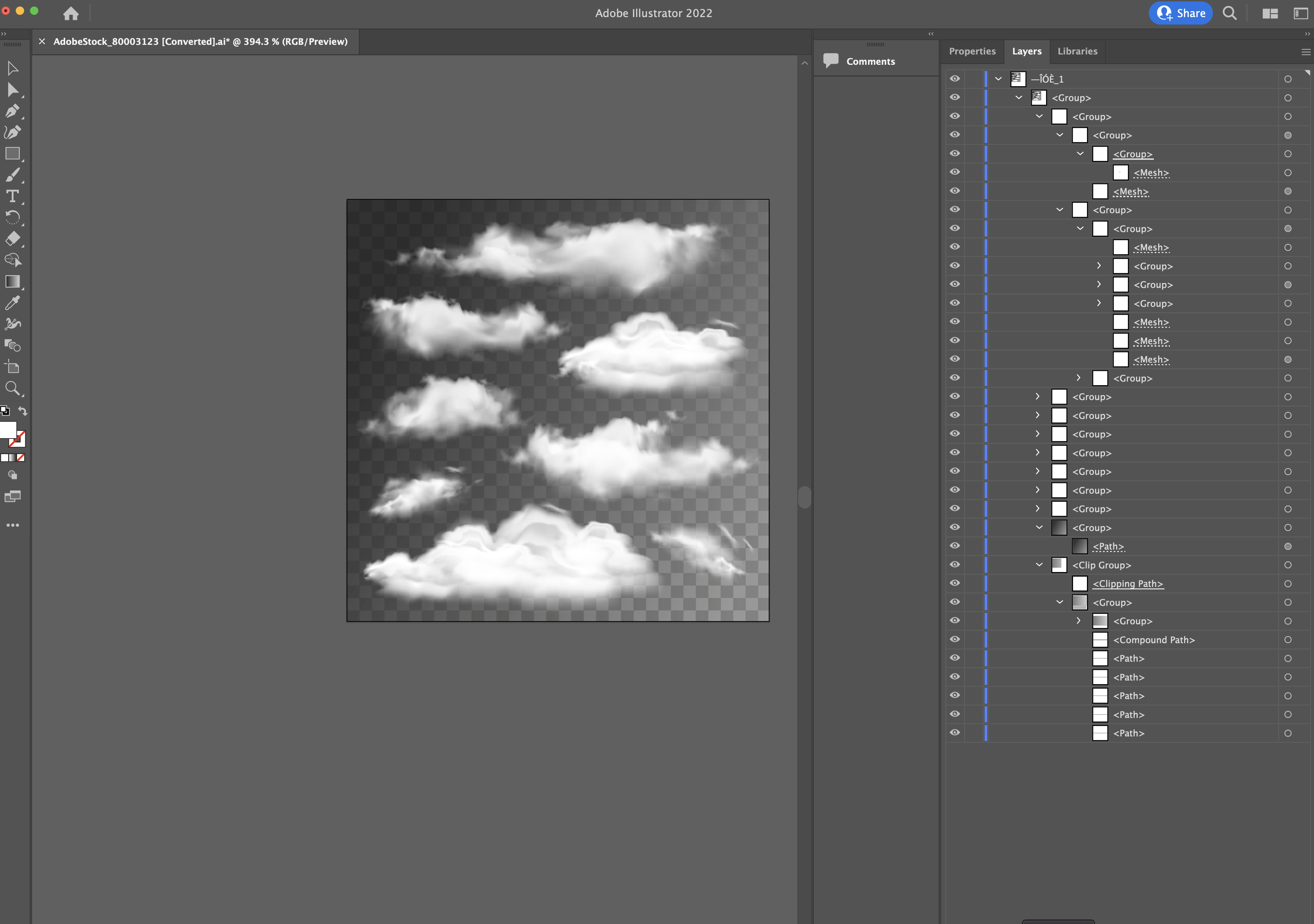
Hence a newbie question. I have purchased an .ai file from Adobe stock and want to know if I can remove the checkered background to leave the clouds transparent ? Is this possible and if so could it be explained in baby steps super easy to follow for me.
Thanks so much to all.
Rob


 2 Correct answers


Looks good!
The square is the artboard.
Take the artboard tool and enlarge it, so that it covers all the clouds you want to use. That is important for importing the artwork into a different application or for printing.
The artboard looks white, but in fact is transparent.
Since you won't be able to see the clouds on a white artboard, you can turn on the transparency grid.

You could export this as a transparent PNG (PNG 24)
Or you could even export it as a PSD (keeping main layers - which might or might not work, depending on the details)
Alternatively: Place the AI file in Photoshop as a Smart Object.
Whichever seems most appropriate for your workflow.

Explore related tutorials & articles
 13
Replies
13
13
Replies
13


Copy link to clipboard
Copied
Rob,
You can try to expand the Layer(s) in the Layers panel and see whether it shows the chequered background at the bottom of the same Layer as the clouds or in a lower Layer.
You may very well need a background (colour), or the artwork may look funny.
Copy link to clipboard
Copied
Thank you for replying Jacob, Monika shared a really easy Youtube video to follow for newbies like me. But thank you for your willingness to try and help me.
Copy link to clipboard
Copied
Please check out this video I made about this kin d of files. https://www.youtube.com/watch?v=Tiqm5hdQA5A

Copy link to clipboard
Copied
Your video is very helpful Monika, thank you so much for sharing. I am working on a project in Photoshop, is it possible to do the same thing from within Photoshop or must it be done in Illustrator?
Copy link to clipboard
Copied
That depends on whether there are blend modes (Multiply or the like) used in the graphic. If that ios not the case, then you could try and delete the checkerboard in Illustrator (this must be done in Illustrator).
Also it might be the case that your artwork is rather small (or let's better call that tiny). So you would need to enlarge it in Illustrator - I would use Illustrator for that, because you cannot know how they built this. Inside Illustrator that artwork is scalable, outside of Illustrator maybe not.
Then save as AI file (with PDF compatibility). Then open in Photoshop. It should be transparent then and you can put something behind it.
But this will all fail, when they used blend modes in the file.
Copy link to clipboard
Copied
Perfect Help Monika, I've just signed up to Adobe Cloud with all apps so I should be able to go into Illustrator shortly and work using your advice.

Copy link to clipboard
Copied
Can we see a screenshot of your layers palette. Please zoom in also on your art. You may be able to trash a background layer if they put it on its own layer.
Copy link to clipboard
Copied
Ive downloaded an ai file from Adobe Stock, its in isolation and not in a project yet. As part of my enquiry I was looking to see which Adobe platform I need to open the .ai file in. So I am downloading Illustrator I will import the file and get back to you here. Brb shortly
Copy link to clipboard
Copied
Copy link to clipboard
Copied
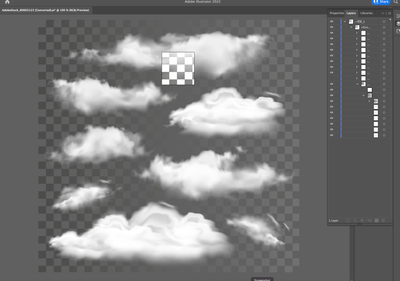

So I think I managed to remove the squares although now I have one large white square now !? which I cannot seem to remove. Im still trying to fathom how to remove the grey background now so I end up with a transparent layer of clouds and nothing behind them
Copy link to clipboard
Copied
Looks good!
The square is the artboard.
Take the artboard tool and enlarge it, so that it covers all the clouds you want to use. That is important for importing the artwork into a different application or for printing.
The artboard looks white, but in fact is transparent.
Since you won't be able to see the clouds on a white artboard, you can turn on the transparency grid.
Copy link to clipboard
Copied
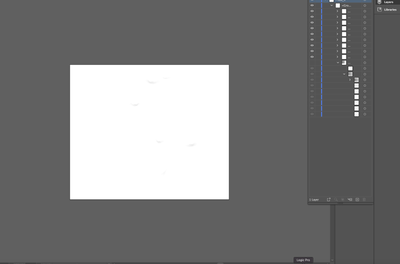
OK so I resized the white artboard as you said, and I can just about make out the clouds due to the subtle shadows. So am I now able to export this as a transparent PNG file to be able to reimport into photoshop are are there more stages to go ?
Copy link to clipboard
Copied
You could export this as a transparent PNG (PNG 24)
Or you could even export it as a PSD (keeping main layers - which might or might not work, depending on the details)
Alternatively: Place the AI file in Photoshop as a Smart Object.
Whichever seems most appropriate for your workflow.


Find more inspiration, events, and resources on the new Adobe Community
Explore Now
 AdChoices