
rehana36276218
Known Participant
January 8, 2023
Question

[how to search/find] shapes in illustrator

  • January 8, 2023
  • 2 replies
  • 2241 views

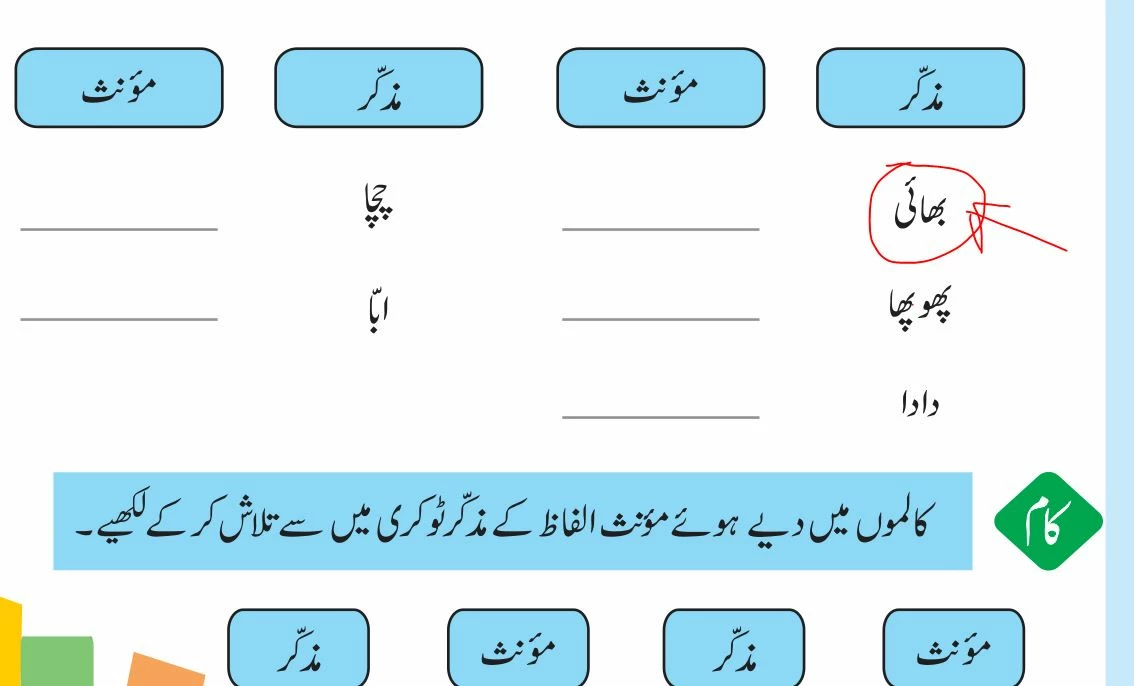
Hi all guys, hope you all are fine , my question is that how do we search/ find  any specific vector shape in illustrator if i have 90 pages in a document , i am tired while looking a word in every line , and may be i miss somewhere , so any way to find in a single click , the text is outline means curved , now how i can find in all places ..? image is attached for reference


Thanks in advance
This topic has been closed for replies.

2 replies

m1b
Community Expert
Community Expert
January 8, 2023

Hi @rehana36276218, I don't know how to do this either, but I have an idea that may make the job *slightly* easier—IF it works in your case. It is a long shot.


Can you try the following:

1. Select just the shape you are looking for.

2. Choose menu Select > Start Global Edit.

If this works it will show you every instance of that shape. Sure, then you can edit it, but in your case the point is that it might just help to have a visual indication of all the other instances. If Global Edit didn't find anything, use the direct selection tool and select just one of the paths of the shape you want. Might need to experiment.

- Mark


rehana36276218
Known Participant
January 8, 2023

hi, its work what you shown in your sample work, but in my case this word is break a apart , its not complete compound path , the issue is that , otherwise globat edit works in your giving example , any way this also challenging work, that adobe didn't give us magic selection

Ares Hovhannesyan
Community Expert
Community Expert
January 8, 2023
Mylenium
Legend
January 8, 2023

There is no magic search function that can detect complex intrinsic shapes. Since apparently you are talking about text it would probably be most efficient to search your words in Acrobat/ Adobe Reader based on a PDF of the document.


Mylenium

rehana36276218
Known Participant
January 8, 2023

ok mylenium , but when adobe starts us giving magic selections..still adobe is missing very simpel things in this vector program, and i am expecting big things from adobe , how it would be possible yea......

Monika Gause
Community Expert
Community Expert
January 8, 2023
quote

ok mylenium , but when adobe starts us giving magic selections..still adobe is missing very simpel things in this vector program,


By @rehana36276218


This is a public forum and unless someone is marked "Staff" they are not staff. Everyone who has commented in this thread is a normal  user just like you.


Selecting objects by their shape is not "simple". And the functionality would do exactly what you need, but it can only work with one object (or group) at a time.


When setting up a workflow it is crucial that you take into account every possiblity (having to change something is one of those possiblities) and then structure the document accordingly. This means that you group objects, set up artboards with names that make sense and create layers that allow you to find and isolate objects for editing.