Participant
August 24, 2021
Question

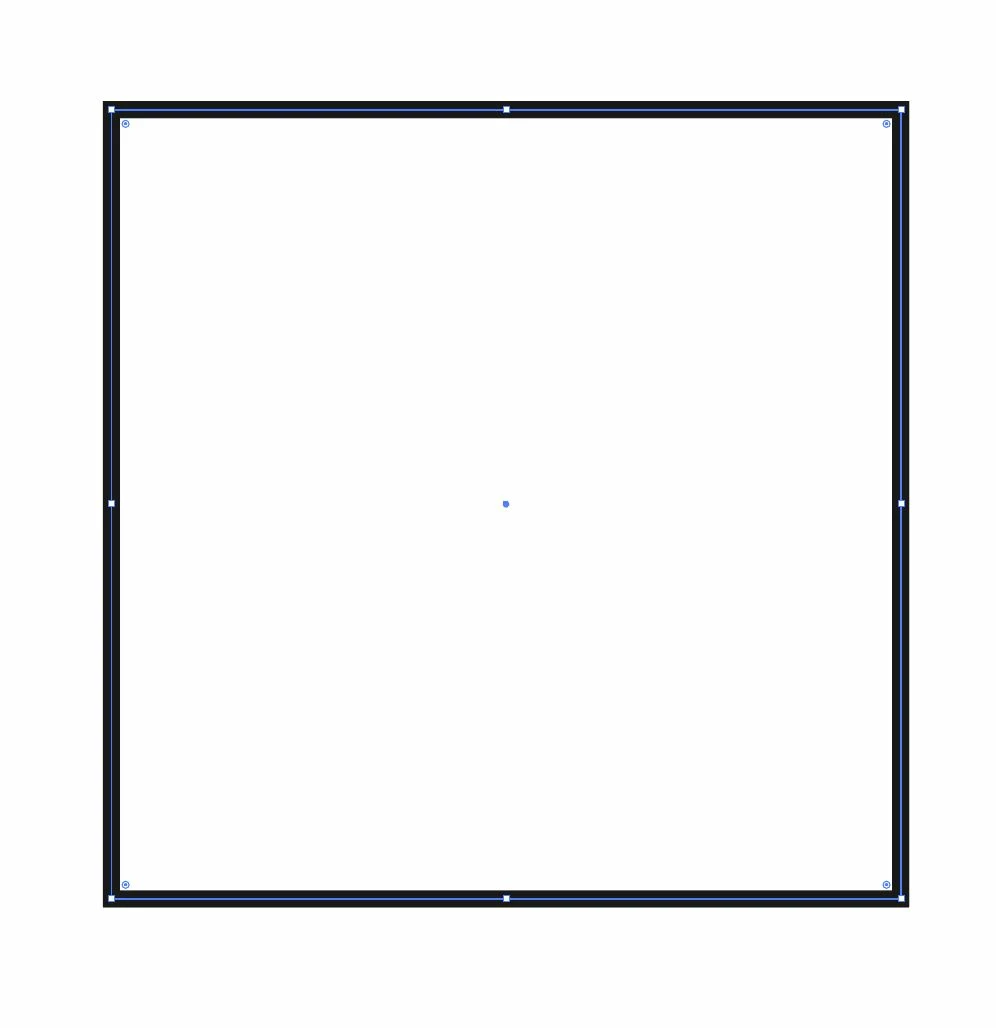
How to see edges (blue lines) of all the objects all time in Illustrator while edit a single object?

  • August 24, 2021
  • 3 replies
  • 3780 views


Can I make Illustrator show the blue lines of all objects present in the artboard, at all times?


{Renamed by MOD}

This topic has been closed for replies.

3 replies

Mike_Gondek10189183
Community Expert
Community Expert
August 25, 2021

Try view outlines mode. You can toogle the mode on or off using Command Y (Mac)  CTRL Y (Win). I a really efficient way to work, and complex drawings refresh quickly.

Kurt Gold
Community Expert
Community Expert
August 24, 2021

Anshul may have understood your request a bit better than me, but frankly speaking I'm not quite sure what you are looking for.


Perhaps you may want to clarify a bit?


Participant
August 24, 2021

Sorry, I should have been more specific, not really sure what I was talking about since im relatively new to Illustrator.


I am doing a project which requires me to connect shapes, and I was wondering if there was a way to have the blue selection lines constantly on, so I could allign the shapes. Now I realise I should have just found a way to connect the shapes automatically.


Anshul_Saini
Community Manager
Community Manager
August 24, 2021

Thank you for sharing the details as asked by @Kurt Gold. You should be able to align the shapes without needing the blue lines. Could you please tell us what you are trying to create so we will be able to help you accordingly?


Regards,

Anshul Saini

Anshul_Saini
Community Manager
Community Manager
August 24, 2021

Hi there,


Thanks for reaching out. I am afraid this is not possible as of now; the blue line only appears when the object is selected. I will forward this feedback to the Product team. I would suggest if you could also post it here (https://illustrator.uservoice.com/). This way, you will keep getting all the updates related to this feature, and other users can also upvote.

Thanks & regards

Anshul Saini