Participant
November 19, 2021
Question

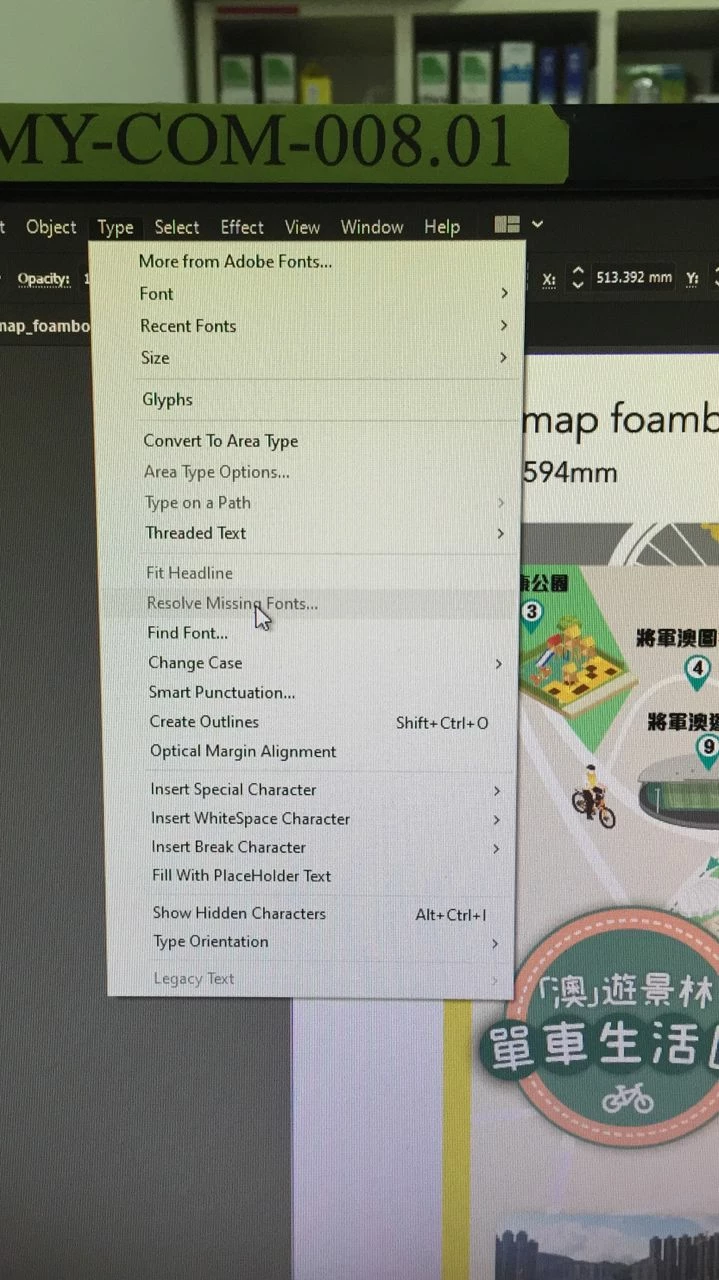
How to set resolve missing font

  • November 19, 2021
  • 2 replies
  • 669 views

AI missing fonts no warning, how to enable this function?

This topic has been closed for replies.

2 replies

Ton Frederiks
Community Expert
Community Expert
November 19, 2021

If there are missing fonts and you get no warning, maybe you have turned it off by selecting the don't show again checkbox when a warning appeared in the past.

In Preferences > General you can Reset All Warning Dialogs.

Brad @ Roaring Mouse
Community Expert
Community Expert
November 19, 2021

"Resolve Missing Fonts" will only become active if there is an issue. If you look under "Find/Replace Font" just below, it should show you the list of used fonts. Based on the greyed out item, there shouldn't be any errors/warning in that list