Participant
July 7, 2018
Answered

How to sharpen my brush stroke edges when erasing?

  • July 7, 2018
  • 2 replies
  • 1726 views

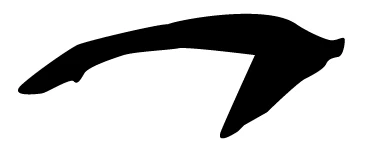
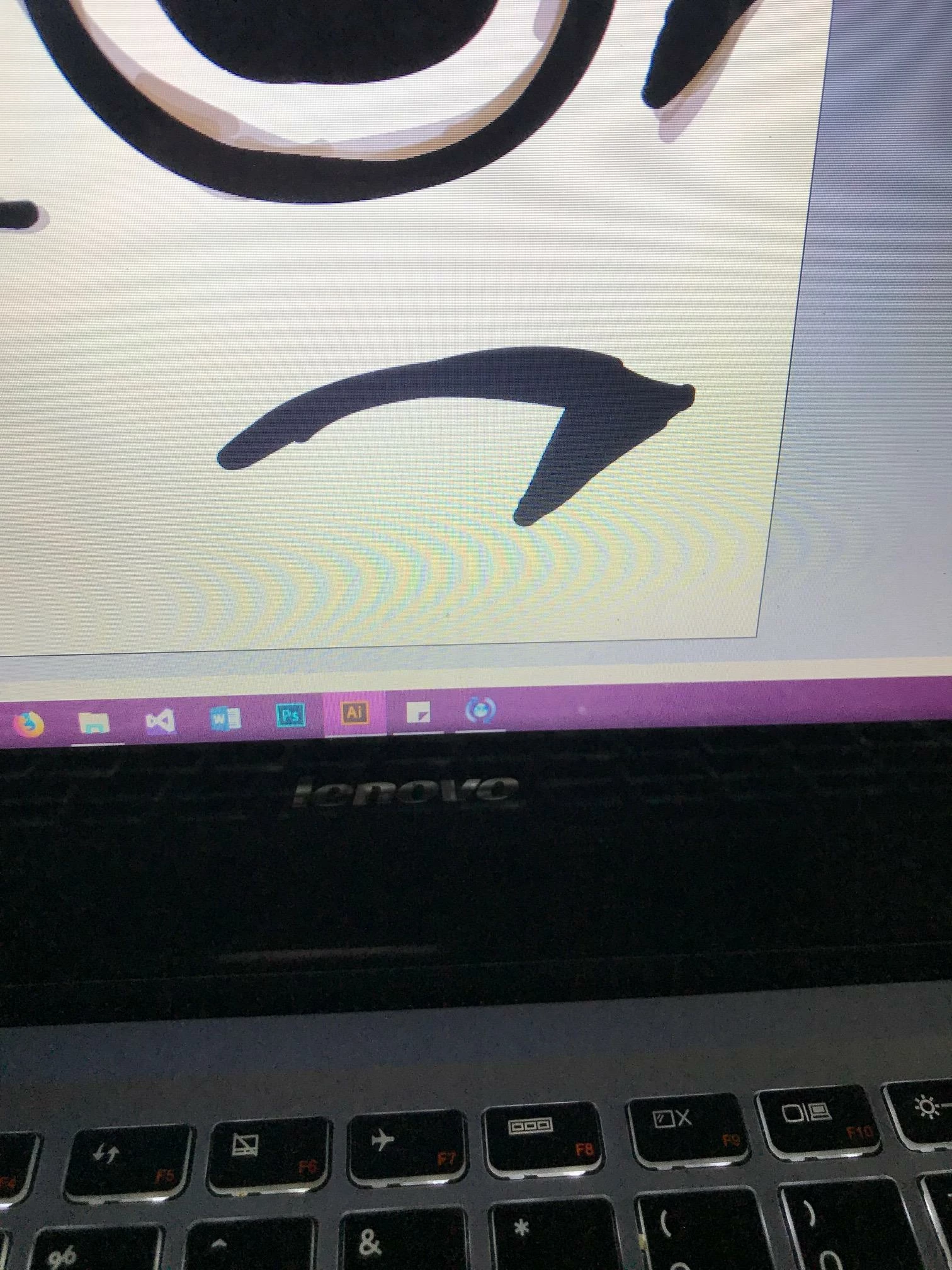
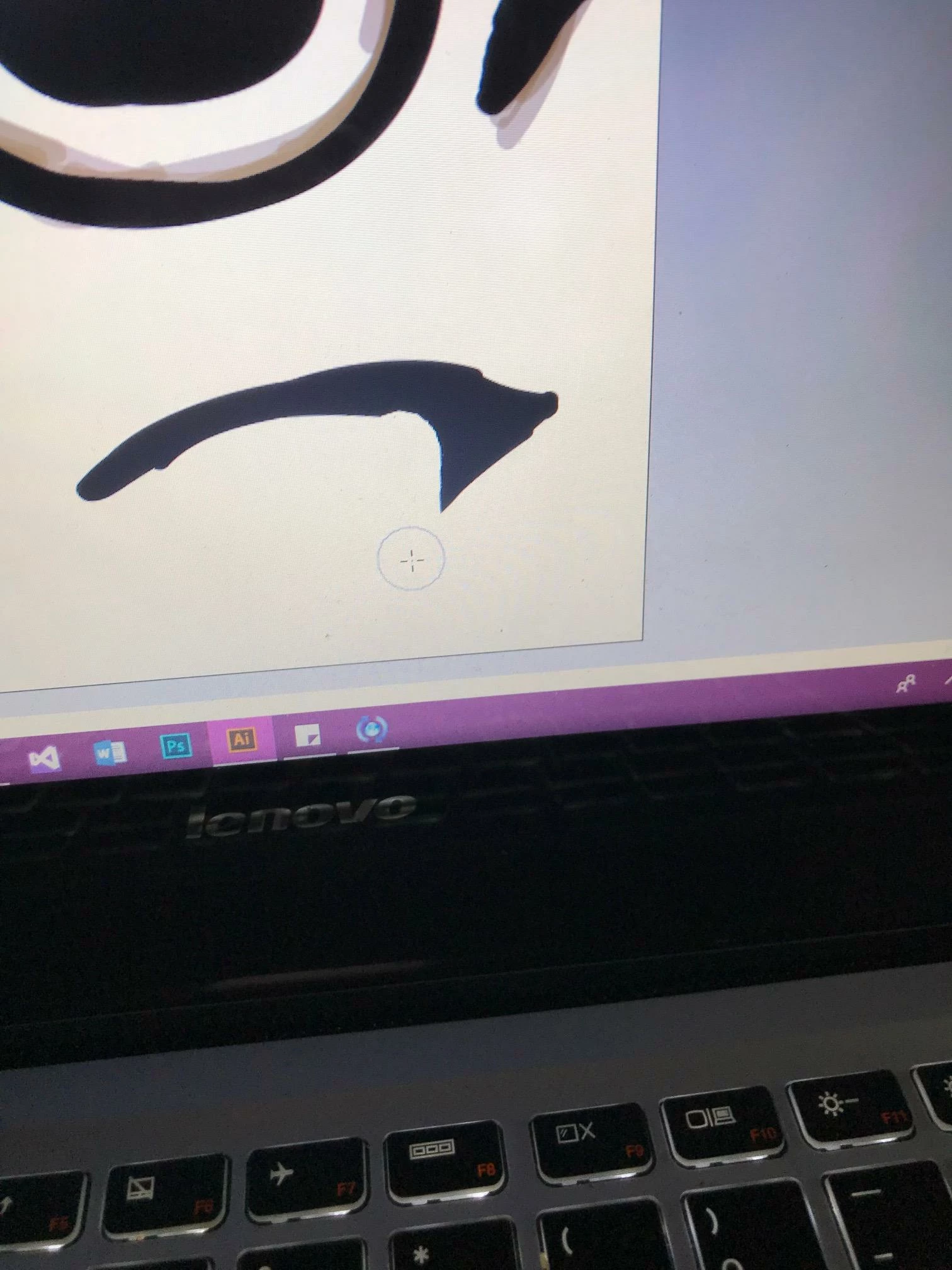
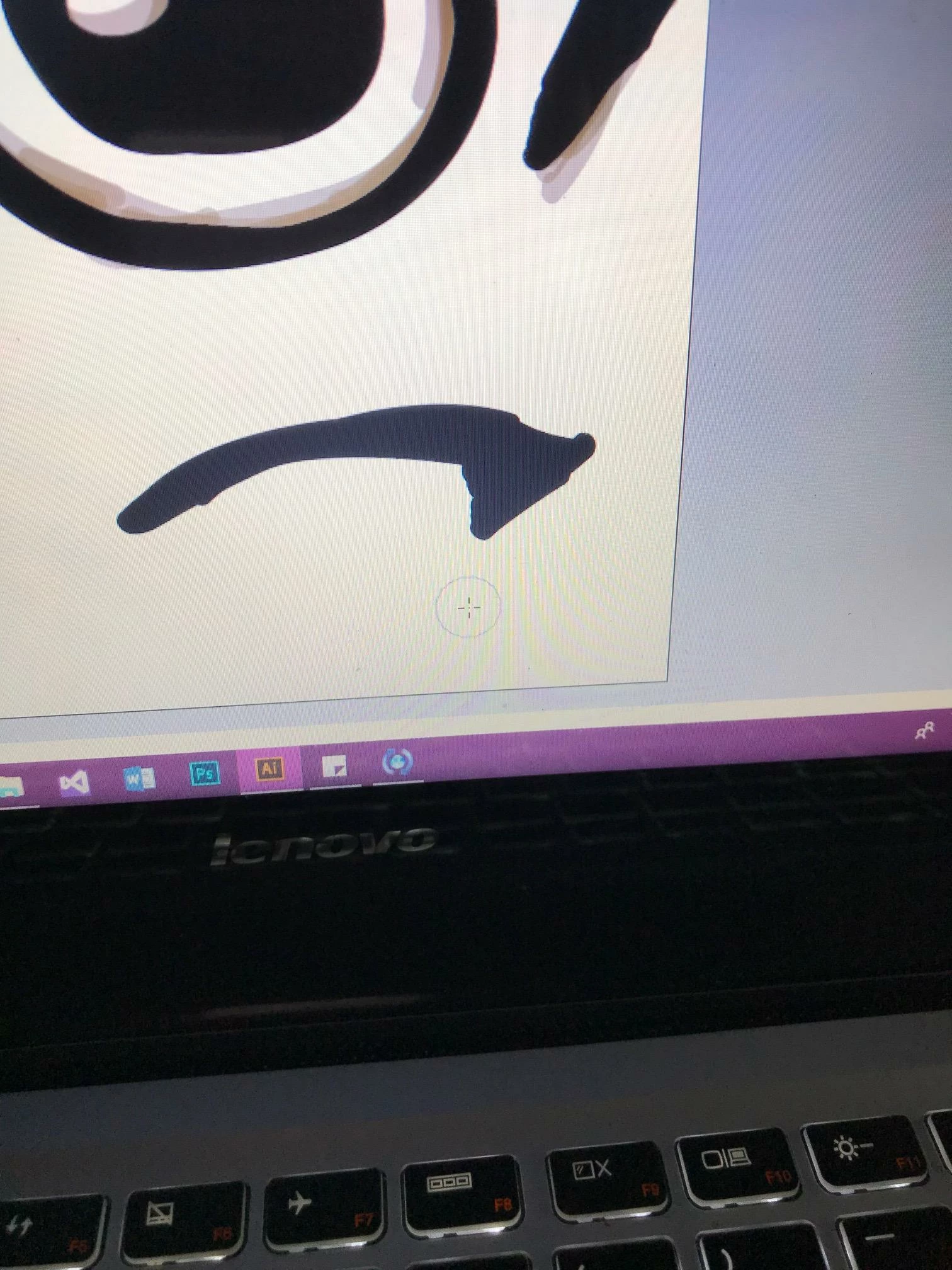
I started drawing recently with Illustrator (I don't know if there is a better program for that) and I use the brush tool. Whenever I erase some edges it seems to reform the path and make it still round. I will attach some photos to explain better what I am looking for. The photos I attached show the process of me erasing and wanting it to be sharp, but instead get it rounded. Is there someone who can help? Thanks!
This topic has been closed for replies.
Correct answer barbara_a7746676

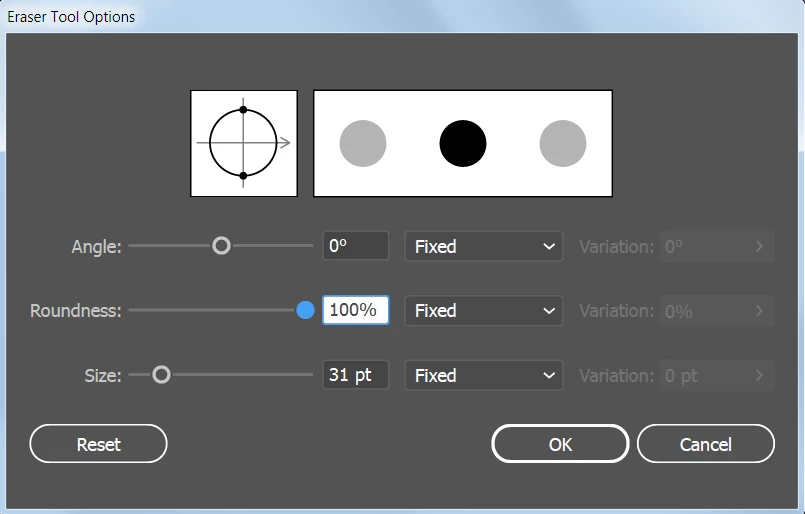
If you double-click on the Eraser tool in the Tools panel, you'll see a few options that can be adjusted. There will always be some smoothing with that tool, but you could try changing the roundness and angle to better suit your needs.

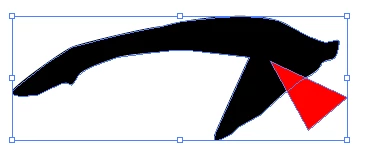
For precision, the Pen tool is the way to go, and could be used in conjunction with Pathfinder. For example:

Pen drawn object in red. Select both.

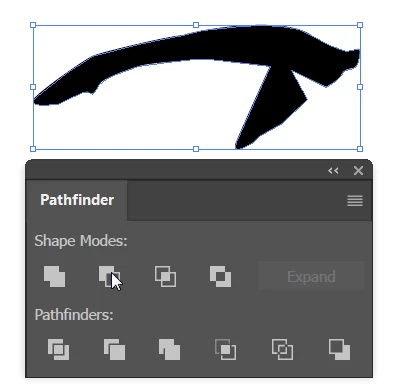
Pathfinder minus front.

2 replies

barbara_a7746676
Community Expert
barbara_a7746676Community ExpertCorrect answer
Community Expert
July 8, 2018

If you double-click on the Eraser tool in the Tools panel, you'll see a few options that can be adjusted. There will always be some smoothing with that tool, but you could try changing the roundness and angle to better suit your needs.

For precision, the Pen tool is the way to go, and could be used in conjunction with Pathfinder. For example:

Pen drawn object in red. Select both.

Pathfinder minus front.

Monika Gause
Community Expert
Community Expert
July 7, 2018

Can you select that object and show the Appearance panel?

Also: to just apply a sharp corner it might be easier to edit the path with direct selection tool and/or anchorpoint tool