
How to trace a .png image only without including the transparent frame?
So, apparently I successfully removed a background of some pictures in photoshop, and I saved them as .png files.
The next step is that I want to convert the pictures into vector images in illustrator.
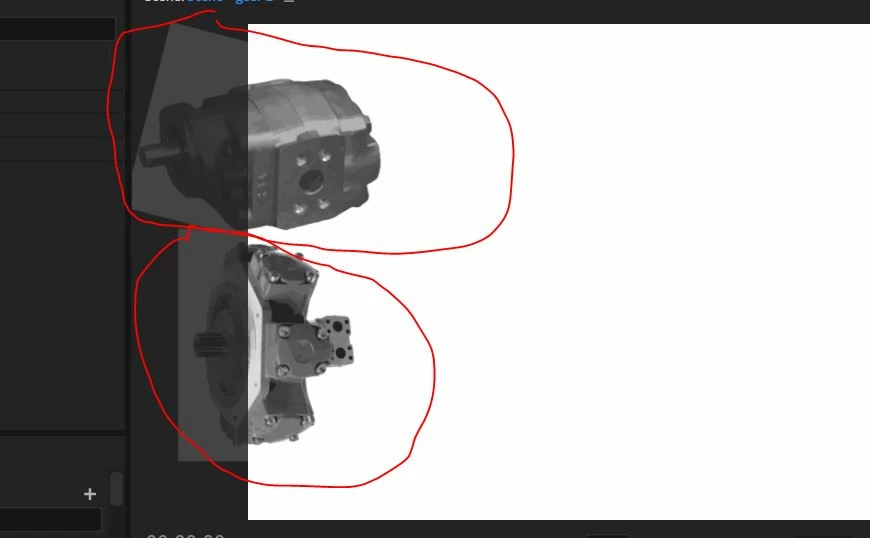
I take the .png file into illustrator and I trace it to convert it into a vector, BUT..... the vector keeps taking the old frame in which the background used to be and converting it into a white background on the vector image.
How can I just get an image without any background and get that image and trace it into a vector?
This is a sample of how the pictures look in photoshop after removing background.

This is a sample of how the pictures look as an Illustrator file still holding a background frame. This is a snip of an Illustrator file when I send it to Character Animator and I found still has a background instead of just an image. ... BTW.. the .png file works fine, but I want to make it a vector to size it and make the pictures look more uniform.
 AdChoices